EN
26
Functions Description, OLED Display
6.4.2. Mode
The weQube display is equipped with various display modes which can be used as default settings for the run
mode.
Mode
Selection of the display for the “Run” mode
O Network
O Text
O Status
O Numeric
O Match code
O I/O
Back
Run
Network: The statuses of the various networks are displayed in the “Run”
mode (TCP/IP, FTP, Profinet). Possible status displays:
online: The sensor is connected via the network.
offline: The sensor is not connected to the network. Check sensor
connection.
Error: There are problems with network connection.
Text: In addition to the sensor name, any desired sensor values can be
displayed in the “Run” mode. Refer to section 11.22.3.1 regarding
configuration of the test display in the software.
Status: The statuses of the 6 different Boolean parameters are displayed in
the “Run” mode. The following symbols may appear (see section
11.22.3.2):
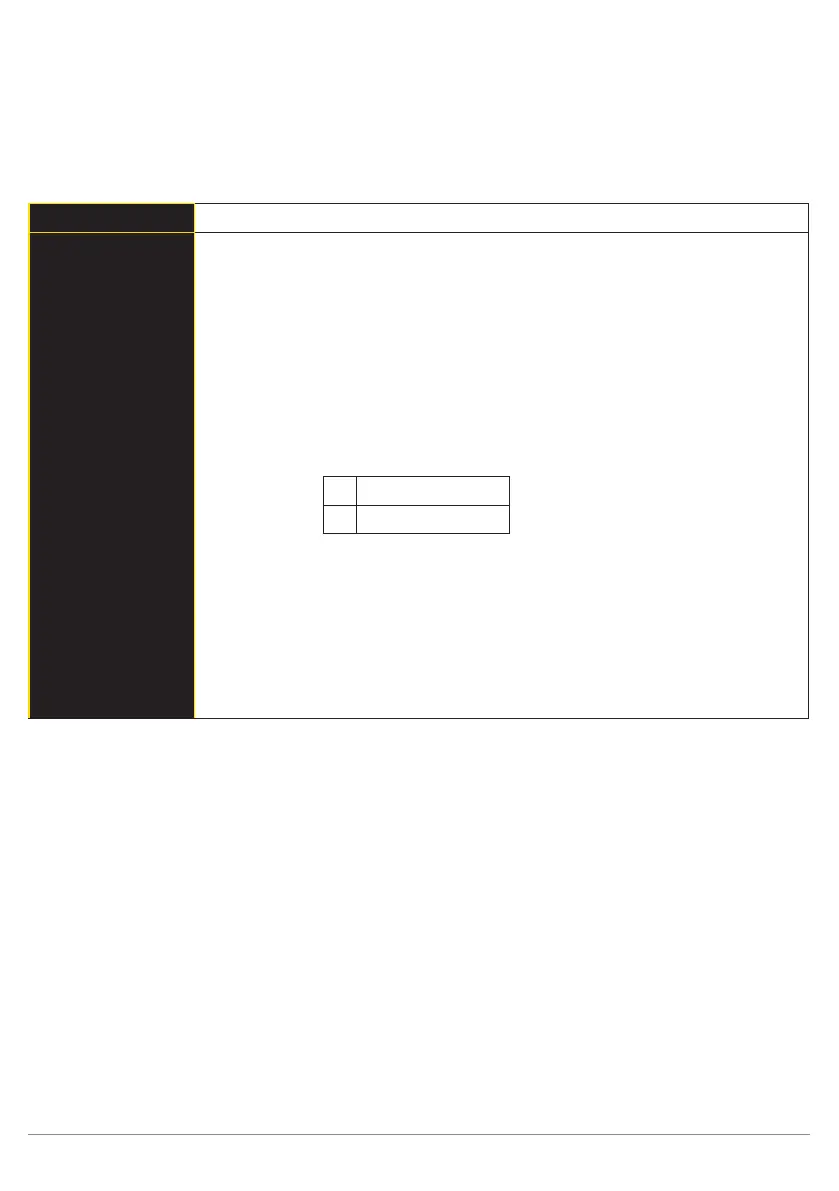
Switched
Not switched
Numeric: Display of the selected value, as well as the upper and lower
thresholds in bar graph format (see section 11.22.3.1).
Match code: The saved parameter, e.g. a barcode with which scanned codes
are compared, is displayed in the “Run” mode. Refer to section
11.22.3.4 on how to save a match code.
I/O: The statuses of the 6 outputs are displayed in the “Run” mode. E1
to E6 for input 1 to 6 and A1 to A6 for outputs 1 to 6.
O = not specified.



 To Next Page