EN
190
Web-Based Configuration
2. Network Reset
In the event of a network reset, the network settings are returned to their default values (see section 5.6). The
network settings become effective after the sensor is restarted. The sensor settings remain unchanged.
3. Display Settings
Refer to section 6.4.2 for a description of the display settings.
4. Configuration
Refer to section 6.7 for a description of the sensor configuration.
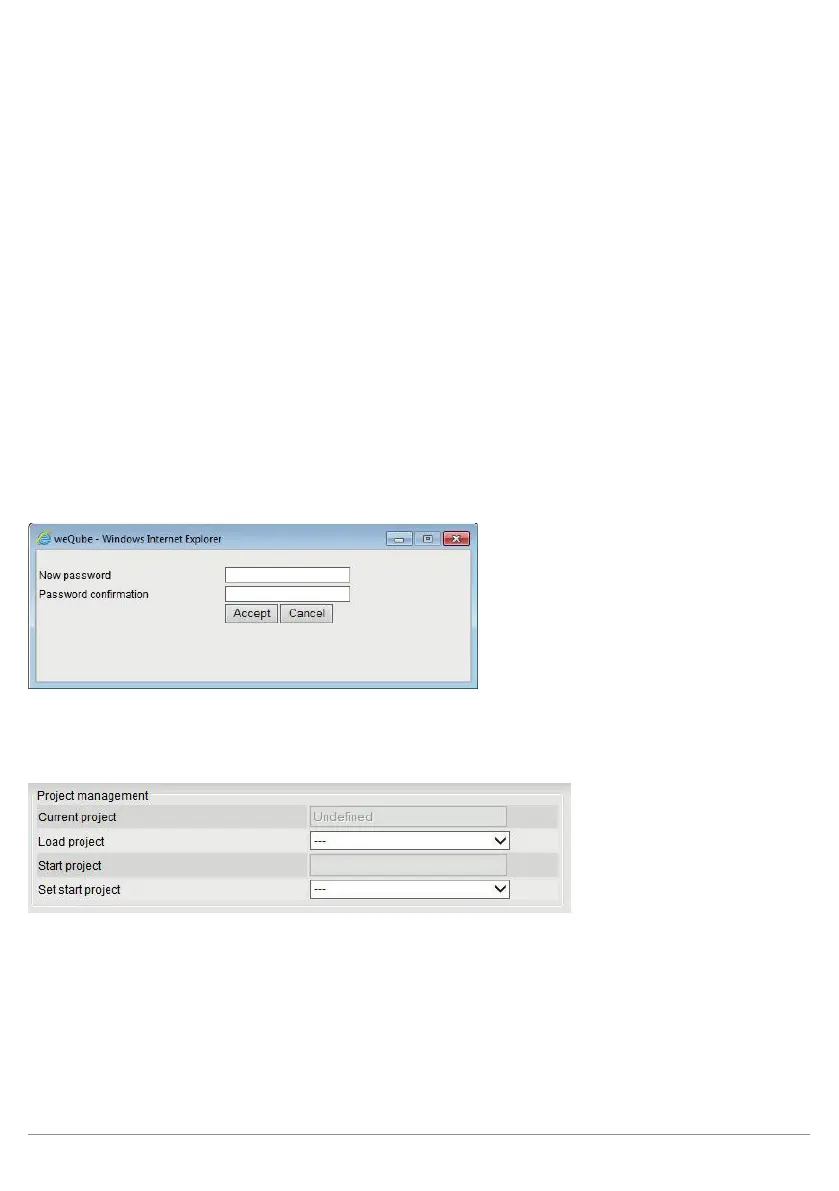
5. Password
The password for the website can be changed here. An additional window appears at which a new password
can be entered after the existing password has been successfully entered.
14.5. Projects
Projects saved to the SD card can be loaded, or can be selected as a start project.



 To Next Page