149
Smart Camera / Vision-Sensor / 1D-/2D-Code-Scanner / OCR Reader
Set
The following patterns have already been specified:
N 0123456789
A ABCDEFGHIJKLMNOPQRSTUVWXYZ (uppercase letters)
a abcdefghijklmnopqrstuvwxyz (lowercase letters)
H 0123456789ABCDEF (hexadecimal, uppercase)
h 0123456789abcdef (hexadecimal, lowercase)
O 1234567 (octal numbers only)
N A set of characters can be defined by the user. An explicit
letter must be assigned to the subset as a characteristic.
11.14.3.9. Teaching Characters In
Goal
If characters from the fonts OCR-A or OCR-B need to be read, the included OCR-A and
OCR-B fonts can be used. If the characters are from any other font, they first have to be
taught in.
Function field
New characters can be taught in to the toolbar module. Taught-in characters can be ma-
naged with the help of a character editor.
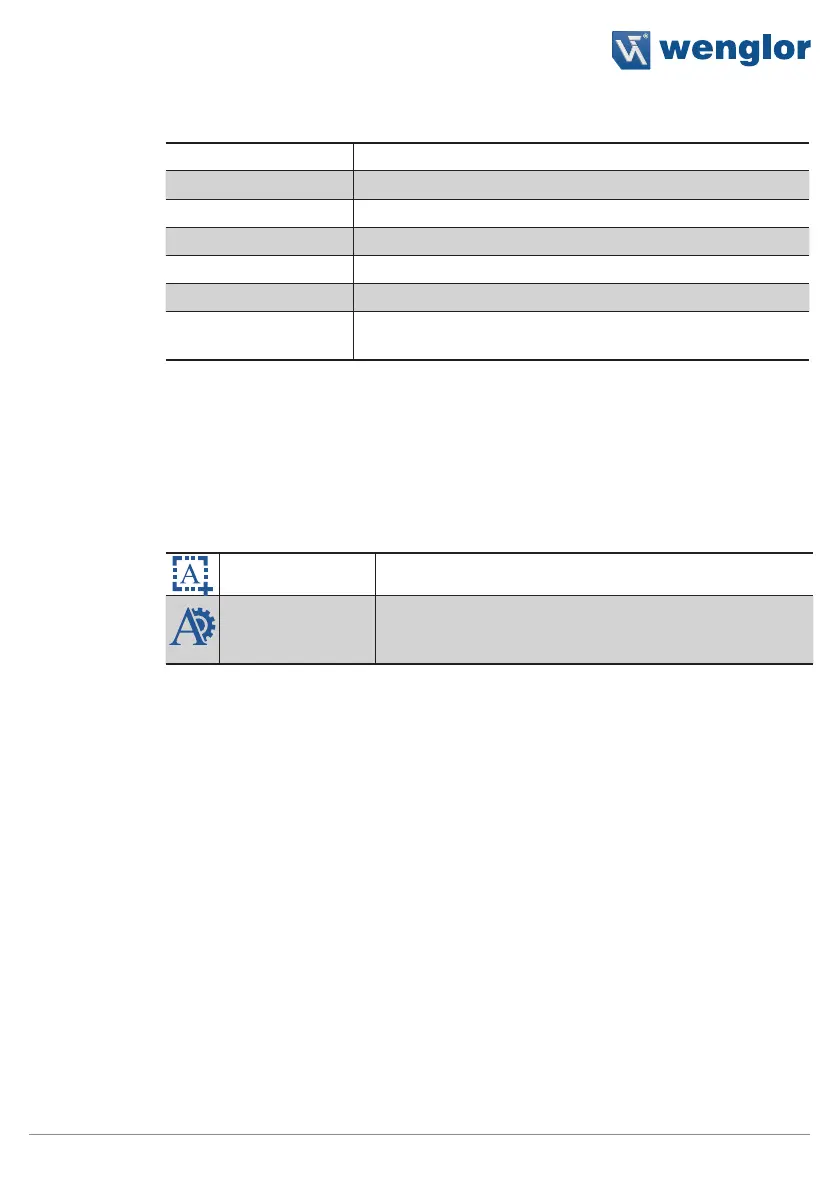
Teach line in All of the characters within the search region are taught in.
Character editor The character editor is a separate window which makes
it possible to manage taught-in characters, as well as to
save and load fonts.
The character editor manages the currently used character set. Additional information is
available for each character, such as height and width. The number of hits indicates how
frequently the character has been used since the program was last started. If the same
character has been taught in more than once, information concerning the number of hits
is helpful for finding out whether or not a character is actually necessary for the current
application. After clicking the small image, a larger image of the taught-in character is
displayed.
Each character can be individually removed from the character set by clicking the X in the
respective column.
Note: The smaller the character set, the higher the evaluation speed.



 To Next Page