EN
108
Software Module
11.8.2. Settings
Image Area
A preview of the HSV threshold analysis appears in the image area. The preview is for
the selected region only.
Property
The following settings/results appear:
Process Time [ms] Sensor processing time for the process steps
Module State Error codes to give support in error diagnosis (see section
18.5)
Pixel Count Display of the number of white pixels counted in the region
of interest
Input Region Selection of the region for the threshold process
Input Image Selection of the channel for the image input
Teach The currently selected settings for the HSV channels are
taught in and are applied to all other images.
Function Field
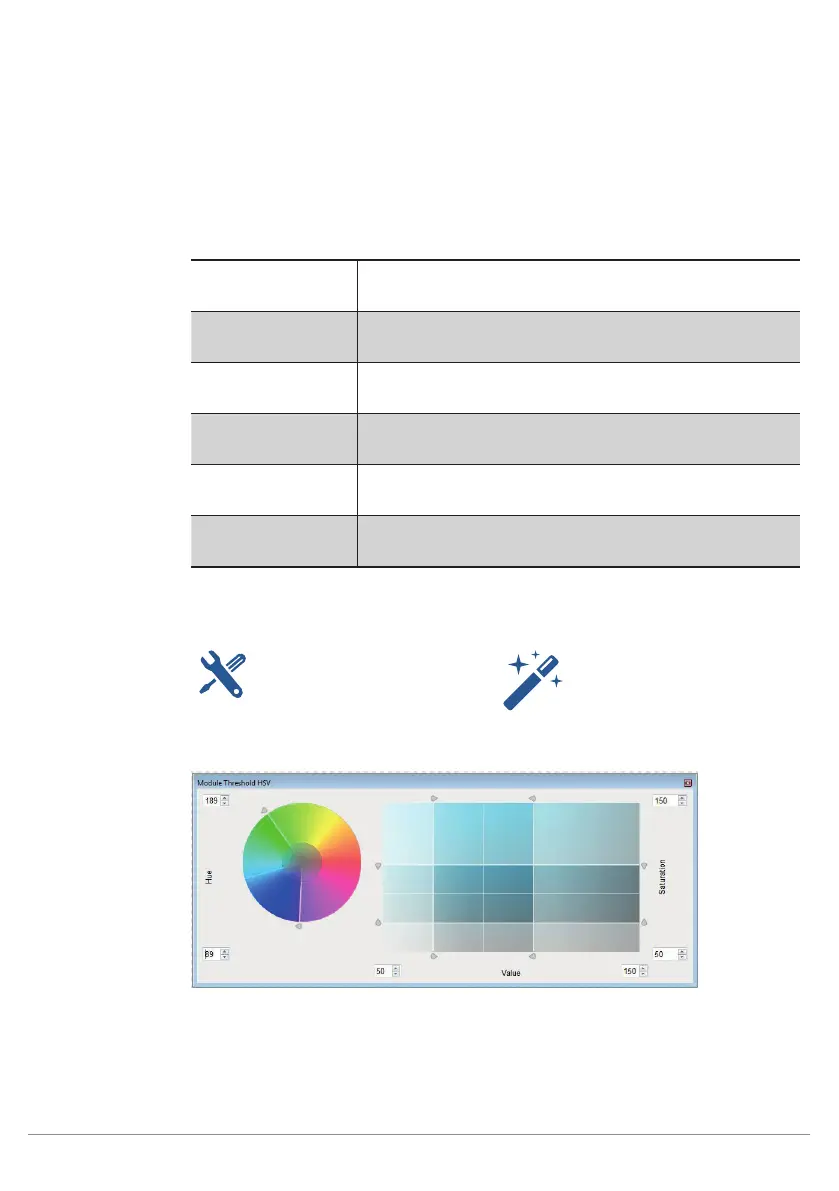
A window can be opened in the function field which serves as an adjustment tool for
the HSV threshold module.
Opening the adjustment tool Opening the Magic Wand tool
(see Section 11.7.2.1)
Graphic Shifting of Thresholds



 To Next Page