EN
56
General Layout of weQube Software
10.2.3. Modifiable Windows and Areas
The following windows and areas can be shown or hidden.
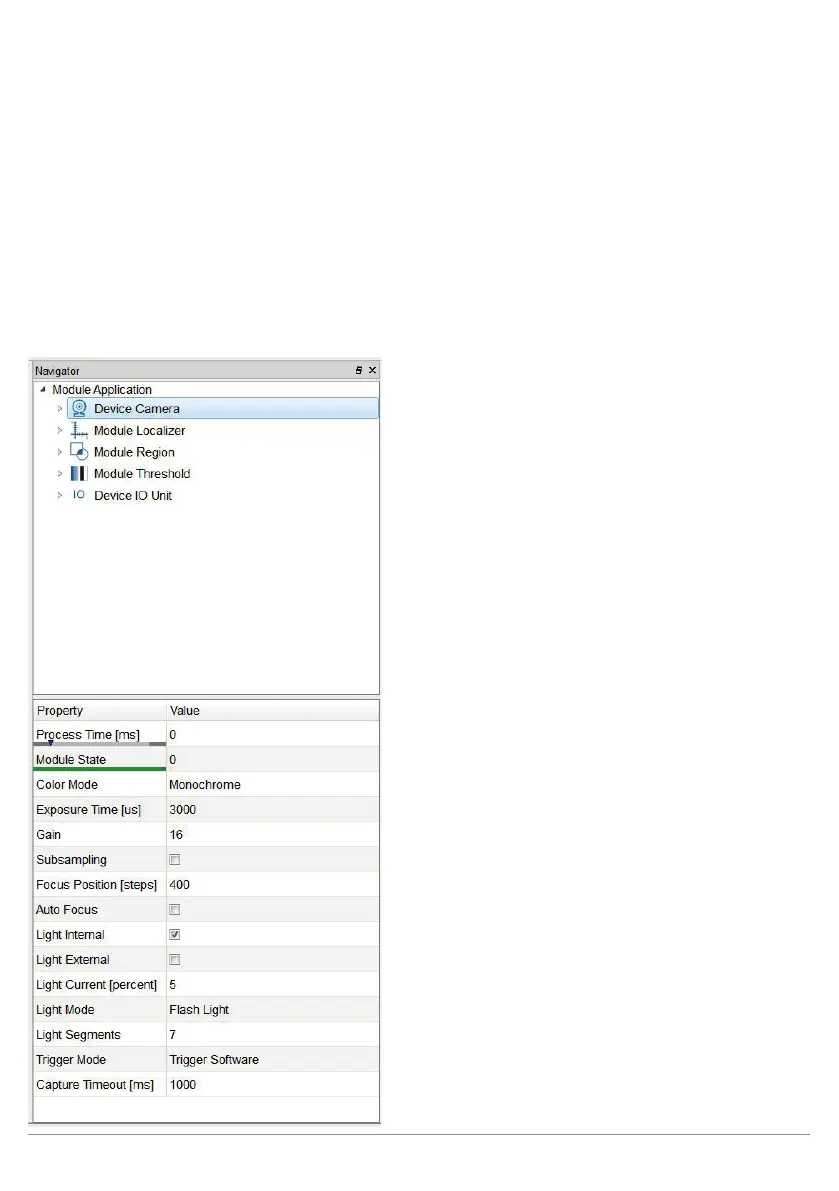
10.2.3.1. Navigation Area, Settings/Results, Function Field
All available modules are listed in the navigation area. Additional modules can be added with the help of the
“Module Toolbox” area (see section “10.2.3.5. Toolbox” on page 60).
Settings and results for the selected module appear in the “Property” area. Furthermore, available functions are
changed in the “Module Toolbar” according to the selected module.



 To Next Page