197
Smart Camera / Vision-Sensor / 1D-/2D-Code-Scanner / OCR Reader
18.3.4. Input coordinate system
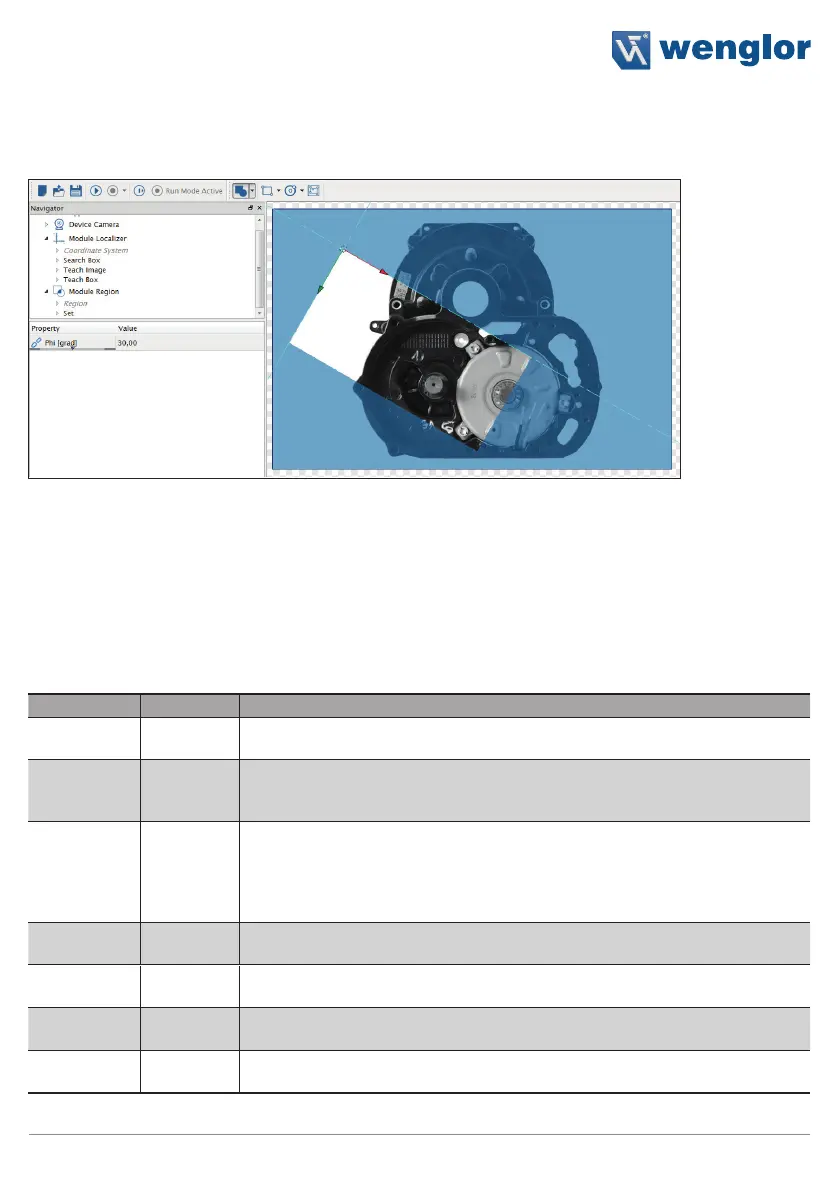
The input coordinate system is related to the image origin and can be placed and rotated individually.
• The coordinate origin is initially placed in the top left of the image
• X-axis (positive counting to the right)
• Y-axis (positive counting to the bottom)
Note: In case where an input coordinate system is linked against an output coordinate system it, behaves as an
output coordinate system only. Output coordinates systems can not be edited, and follow the calculated values
(e.g. tracking of regions and other tools).
18.4. Network Settings
Protocol Port Description
TCP/IP 32001 This port is used for Communication with weQube by the LIMA-Protocol. This
port is selectable. It is not allowed to use the ports mentioned below.
UDP 32002 This port is used to send the device state as a subnet broadcast. Process data
configured in Module Communication is sent out in the same way. It is not al-
lowed to change this port.
UDP 32003 This port is used to send LIMA commands to the weQube. Attention: UDP can
transfer a maximum of 65535 byte. It is easier to send commands with more
data by TCP/IP. This port is used to send short commands like <T/> to the
weQube in cases where trigger mode is used. It is not allowed to change this
port.
UDP 32004 This port is used by the weQube to reply to commands that are received by
port 32003. It is not allowed to change this port.
FTP 21 This port is reserved for the integrated ftp server. It is not allowed to change
this port.
TELNET 23 This port is reserved for the built in telnet access. This access is reserved for
internal purpose. It is not allowed to change this port.
HTTP 80 This port is reserved for the built in HTTP webserver. It is not allowed to change
this port.



 To Next Page