23
Smart Camera / Vision-Sensor / 1D-/2D-Code-Scanner / OCR Reader
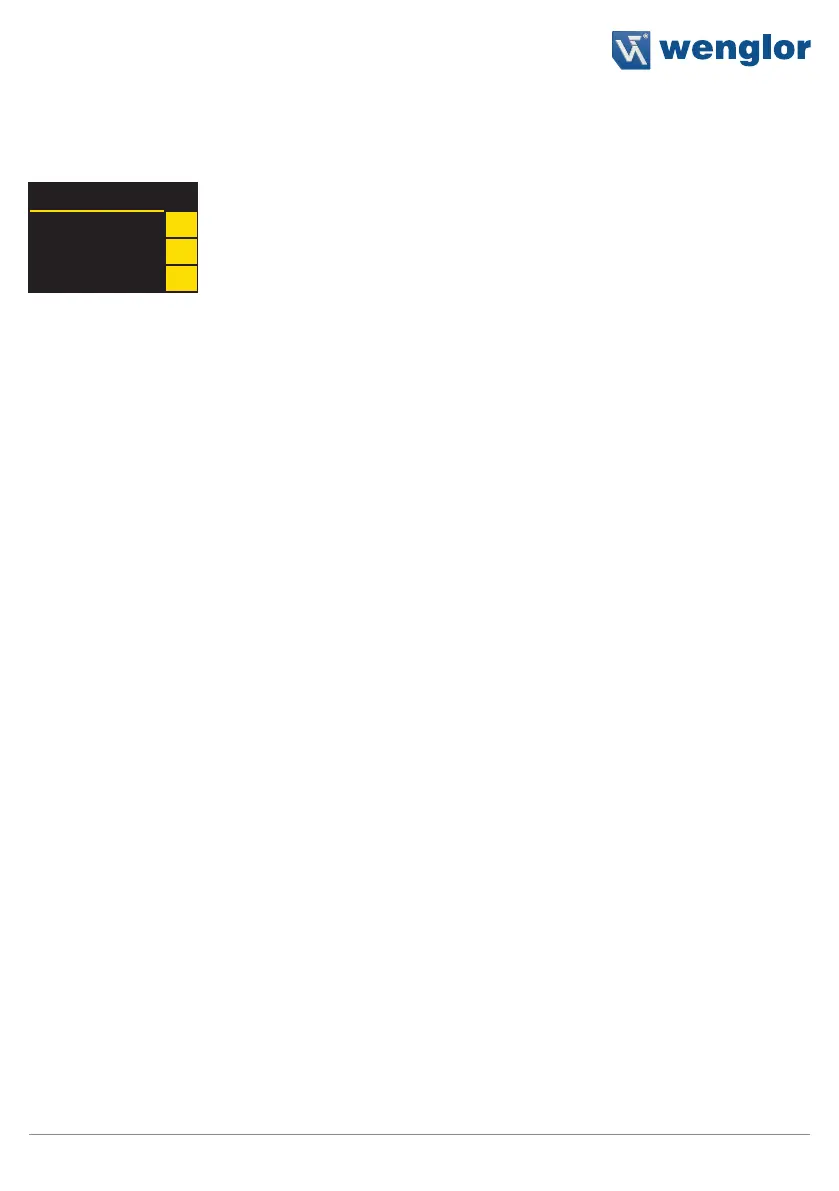
The first time the sensor is started and after each reset, language selection and the assistant appear at first (see
section 6.9).
Language
English
Deutsch
Français
p
8
q
Navigation with the keys:
p : Navigate up
q : Navigate down.
8 : Enter key
You can switch to the configuration menu by pressing any key.
Meanings of menu items:
t Back: Move up one level within the menu.
tt Run: Switch to the display mode.
You can switch to the configuration menu by pressing any key.
Note: If no settings are adjusted in the configuration menu for a period of 30 seconds, the sensor is automati-
cally returned to the display mode. The sensor accesses the last used menu view when a key is once again
activated. If a setting is configured, it becomes active when the configuration menu is exited.
Caution: Do not use any sharp objects to press the keys when configuring settings, because they might oth-
erwise be damaged.
6.1. Run
The sensor is switched to the display mode.
The text mode is the default setting for the display mode. The display mode can be changed to the network
mode, the status mode, the numeric mode or the match code mode in the display menu (see section 6.4.2).



 To Next Page