EN
36
Updating the Firmware
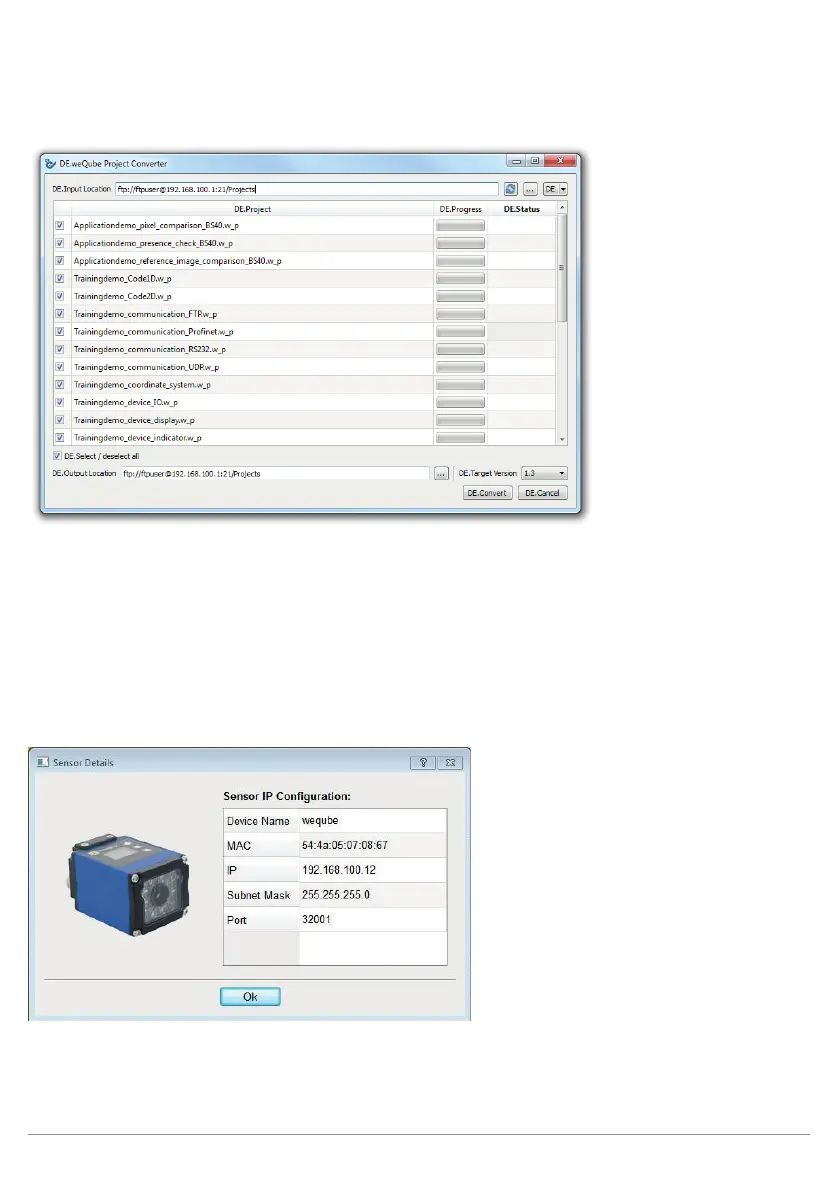
All selected projects are converted to the target version. The version designation is added to the previous pro-
ject name for the converted projects. And thus Trainingsdemo.w_p becomes Trainingsdemo_V1.3.w_p. The
status display for the individual projects indicates the current conversion status.
The conversion tool can also be accessed independent of the update procedure by selecting “Project Conver-
ter” from the help menu. The conversion function works for older, right on up to new project versions in both
directions.
After the process has been successfully completed, a window appears with detailed information regarding the
sensor.



 To Next Page