EN
42
General Layout of weQube Software
The following options can be selected from the drop down menu under “Broadcast”:
Broadcast Sensors in another subnet can be found.
IP & Port You can search for a certain IP address and a certain port after clicking “IP & Port”.
The sensors must be located in the same subnet.
The respective search is executed by clicking the “Search” button and all of the sensors which match the
search terms are displayed in the combination field under the button along with their corresponding settings.
The search can be aborted by clicking the “Stop” button. After clicking the icon, a selected sensor can be
added to the device list. Alternatively, all sensors which appear in the combination field can be added to the
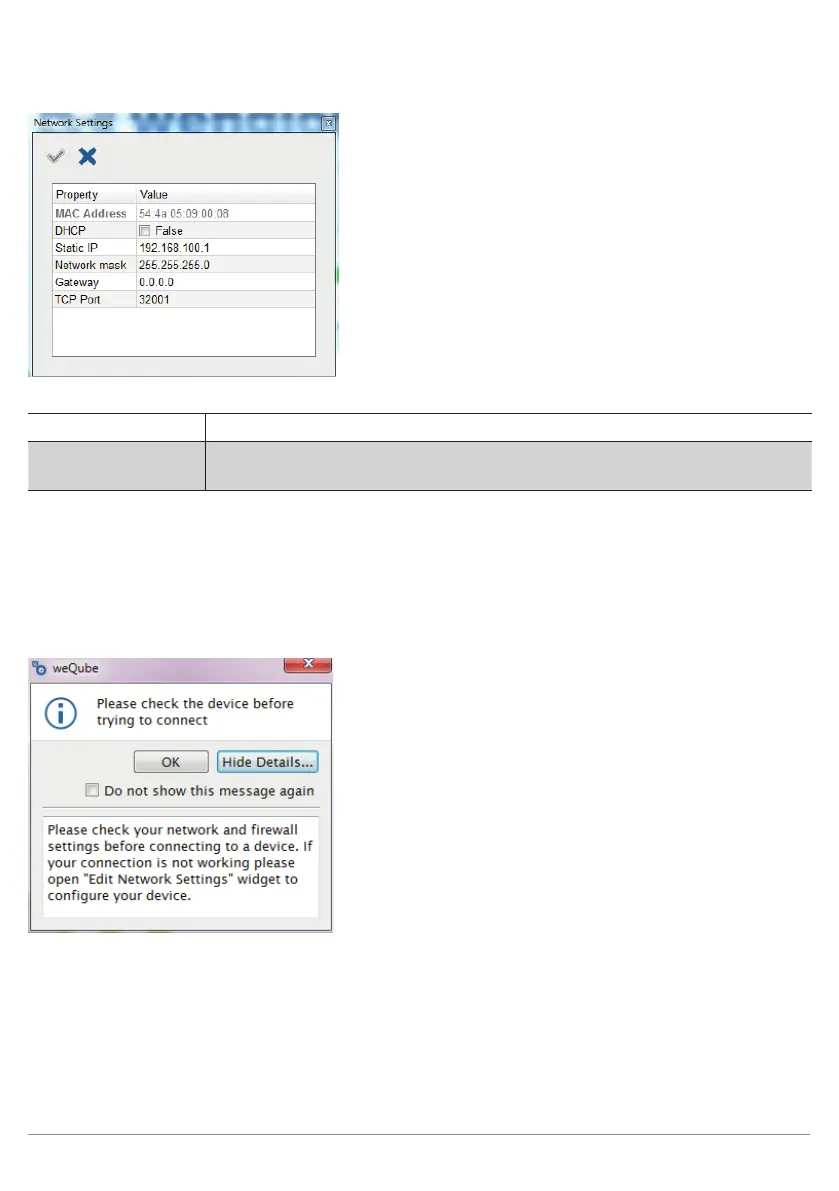
device list by clicking the icon. By adding a sensor to the device list you get warned to double check the
IP configuration.



 To Next Page