51
Smart Camera / Vision-Sensor / 1D-/2D-Code-Scanner / OCR Reader
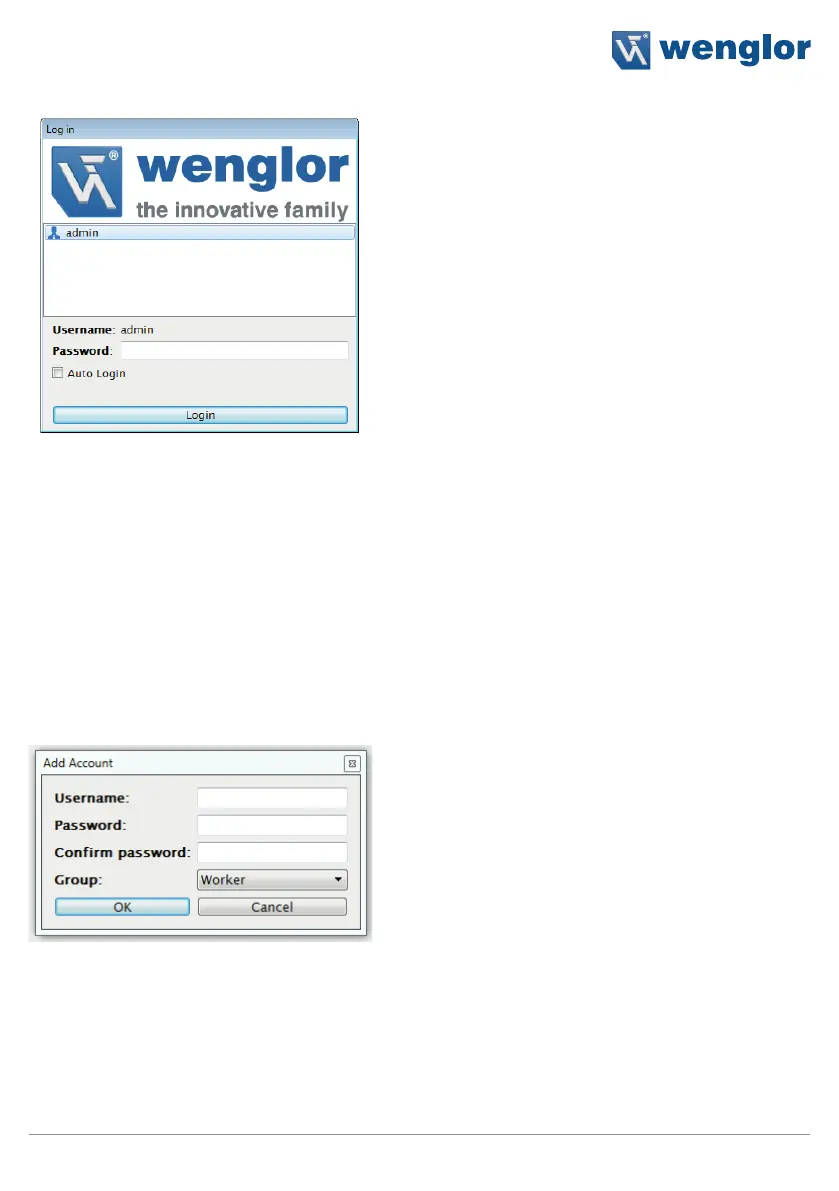
The following user account is included as a standard feature after installation:
User name: admin
Password: admin
Click the “Add” button in order to set up a new user account.
If several user accounts are set up, wenglor recommends changing the password for the user name “admin”.
If the administrator password is lost, please contact wenglor’s support department.
A new user account can be set up in the following window. The password must have a length at least 5 char-
acters.



 To Next Page