EN
70
Software Module
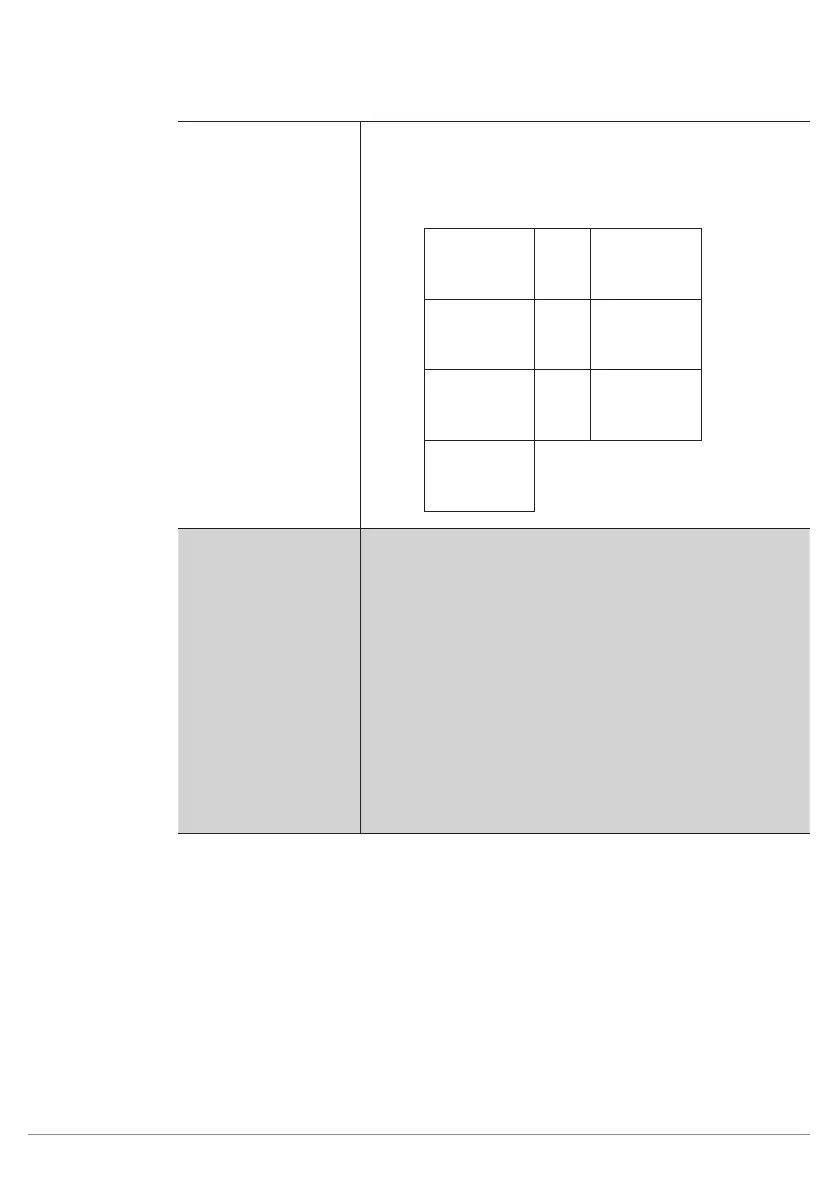
Light Segments If reflection or a shadow impairs the image, individual LEDs
can be switched off if necessary.
The following table shows the assignment of numbers to
active (white dot) and inactive (black dot) LEDs (front view
facing the LEDs).
1
5
2
6
3
7
4
Trigger Mode Selection can be made between three different trigger vari-
ants.
Continuous
Images are recorded and evaluated
continuously and as quickly as pos-
sible.
Trigger
Trigger pulses are generated by the ap-
plication with the help of a trigger input.
One input has to be set up as a trigger
input in the digital I/O module (see sec-
tion 11.21). An image can be recorded
manually by pressing the “T” key.
Stop
Only one trigger pulse is processed, af-
ter which all following trigger pulses are
ignored.



 To Next Page