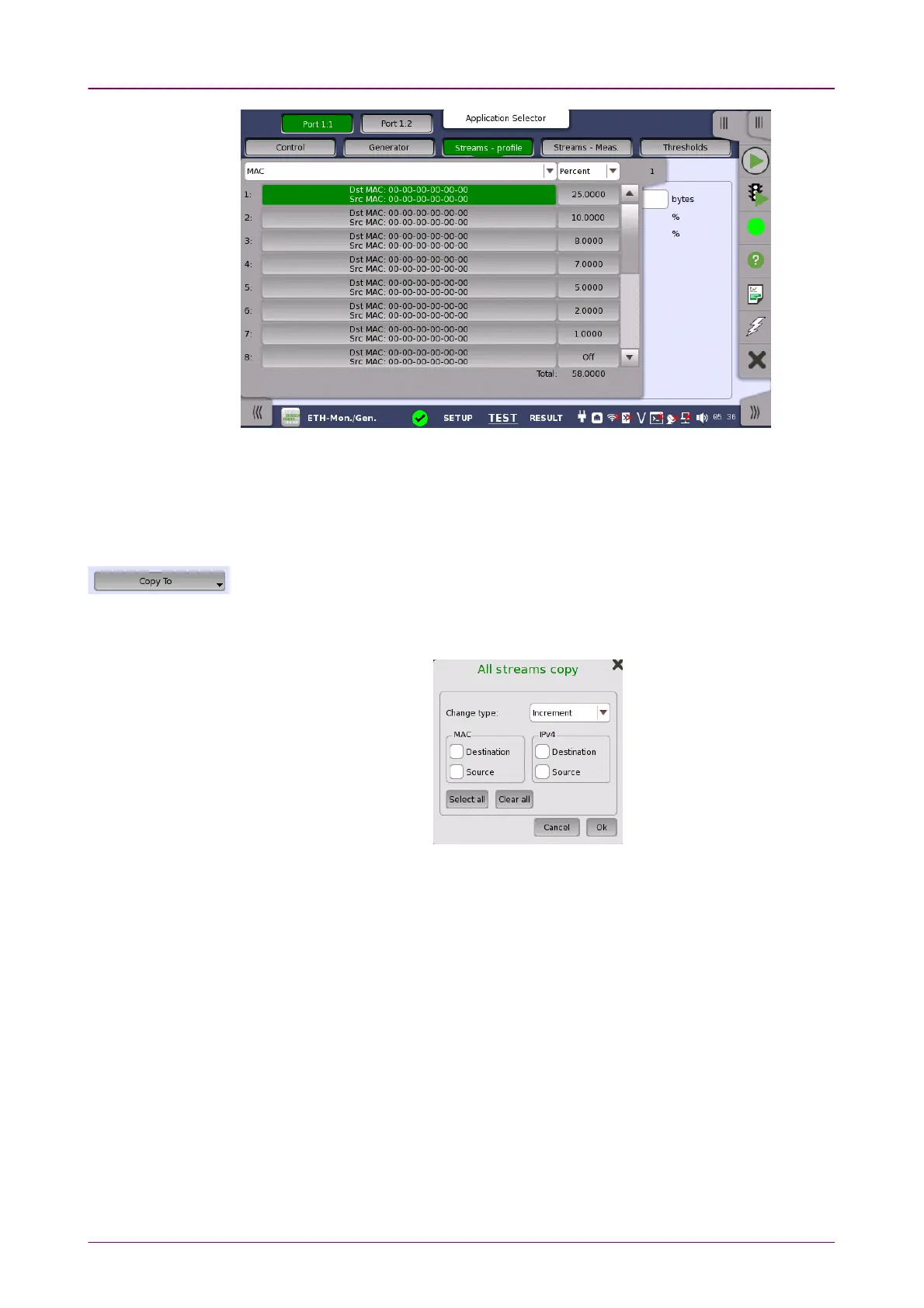
Copy frame content toCopy frame content to
other stream(s)other stream(s)
At the top of the slide-out list you can switch between MAC, IP, and VLAN
information as stream identification.
This feature allows you to copy the frame content of the stream that you are
currently configuring to all streams in another port or to a single stream.
Touching the Copy ToCopy To button opens a drop-down menu from which you can select the
relevant port and all or a specific stream.
If selecting All streamsAll streams, All streams copy dialog box appears.
When copying settings to all streams, it is available to change MAC or IP
address with specifying Change typeChange type and selecting check boxes. If the check
box is not selected, same address is copied to all streams.
It takes a few moments to copy settings to all streams.
Change range is:
LSB 8 bits for MAC address and IPv4 address
LSB 16 bits for IPv6 address
Example is shown below:














 To Next Page