MPLSMPLS
The !! button is an
instant
button which when touched will perform an ARP or
NDP lookup immediately, instead of waiting until the transmitter starts.
BroadcastBroadcast
The
Broadcast Share
control is used to set the ratio between Unicast and
Broadcast frames transmitting.
Src MACSrc MAC
The
Source MAC address
can be specified manually, but the instrument comes
with a default unique MAC address for each port.
If the DefaultDefault check box is selected, the default unique MAC address is used.
EthertypeEthertype
When IPv4IPv4 or IPv6IPv6 is set to Layer 3, the Ethertype is automatically defined,
based on the next protocol element. When NoneNone is set to Layer 3, it can be set
between 0x05DD to 0xFFFF.
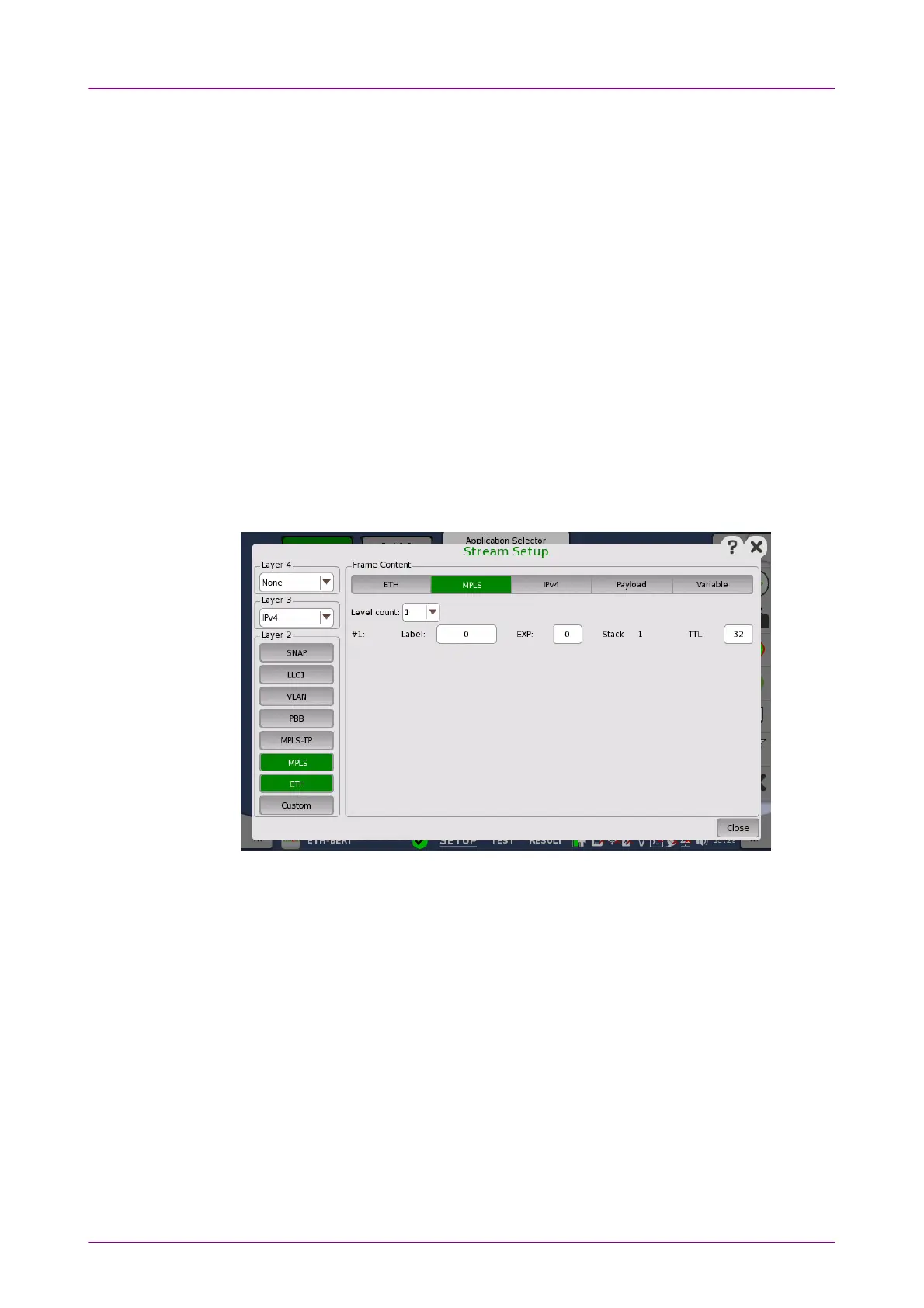
Touching the MPLSMPLS layer button displays the parameters available for the
MPLS protocol layer.
Level countLevel count
Up to eight levels of MPLS fields can be inserted in the frame. The number of
MPLS fields is selected through the Level countLevel count drop-down menu, and each
level is set up individually.
LabelLabel
Allows you to set up a denoting of the MPLS.
EXPEXP
Allows you to set up the 3 bit value EXP (Experimental - used in MPLS to
support differentiated services (priority)).
TTLTTL
Allows you to set up the 8 bit value TTL (Time To Live).














 To Next Page