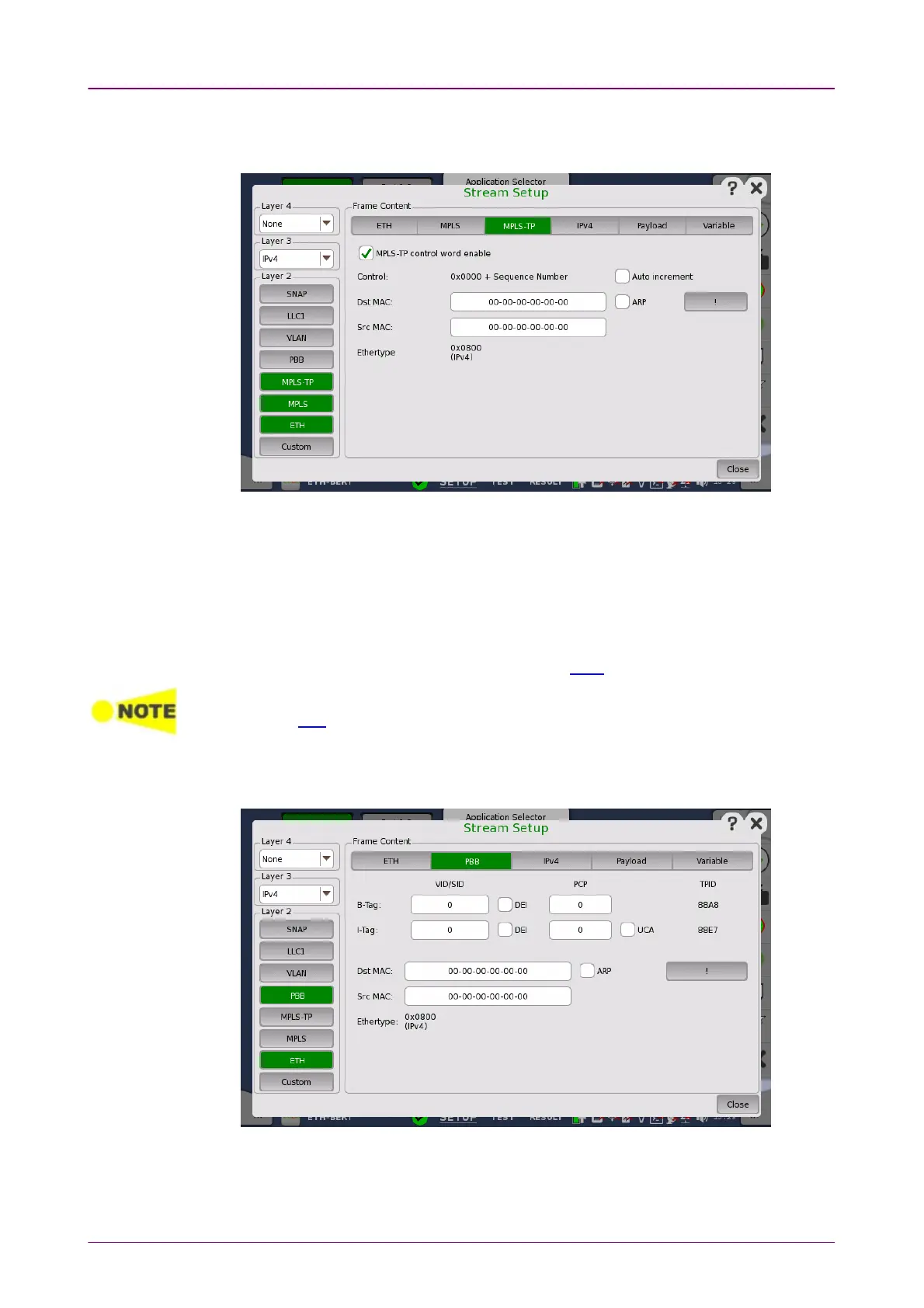
MPLS-TPMPLS-TP
PBBPBB
Touching the MPLS-TPMPLS-TP layer button displays the parameters available for the
MPLS-TP
protocol layer.
MPLS-TP control word enableMPLS-TP control word enable
When selecting the check box, a control word will be inserted in the frame.
Auto incrementAuto increment
Selecting the Auto incrementAuto increment check box makes the sequence number in the
RFC4448 control word increment automatically instead of being fixed to zero.
The remaining fields are described under the ETH layer.
When MPLS-TP is active the ARPARP button and NDP(NS/NA)NDP(NS/NA) button will be moved away
from the ETH layer.
Touching the
PBB
layer button displays the parameters available for the
Provider Backbone Bridges (
MAC-in-MAC
) header.
B-TagB-Tag














 To Next Page