802.3ah protocol802.3ah protocol
setupsetup
MPLS, MPLS-TP layerMPLS, MPLS-TP layer
Refer to MPLS in "Stream" subsection.
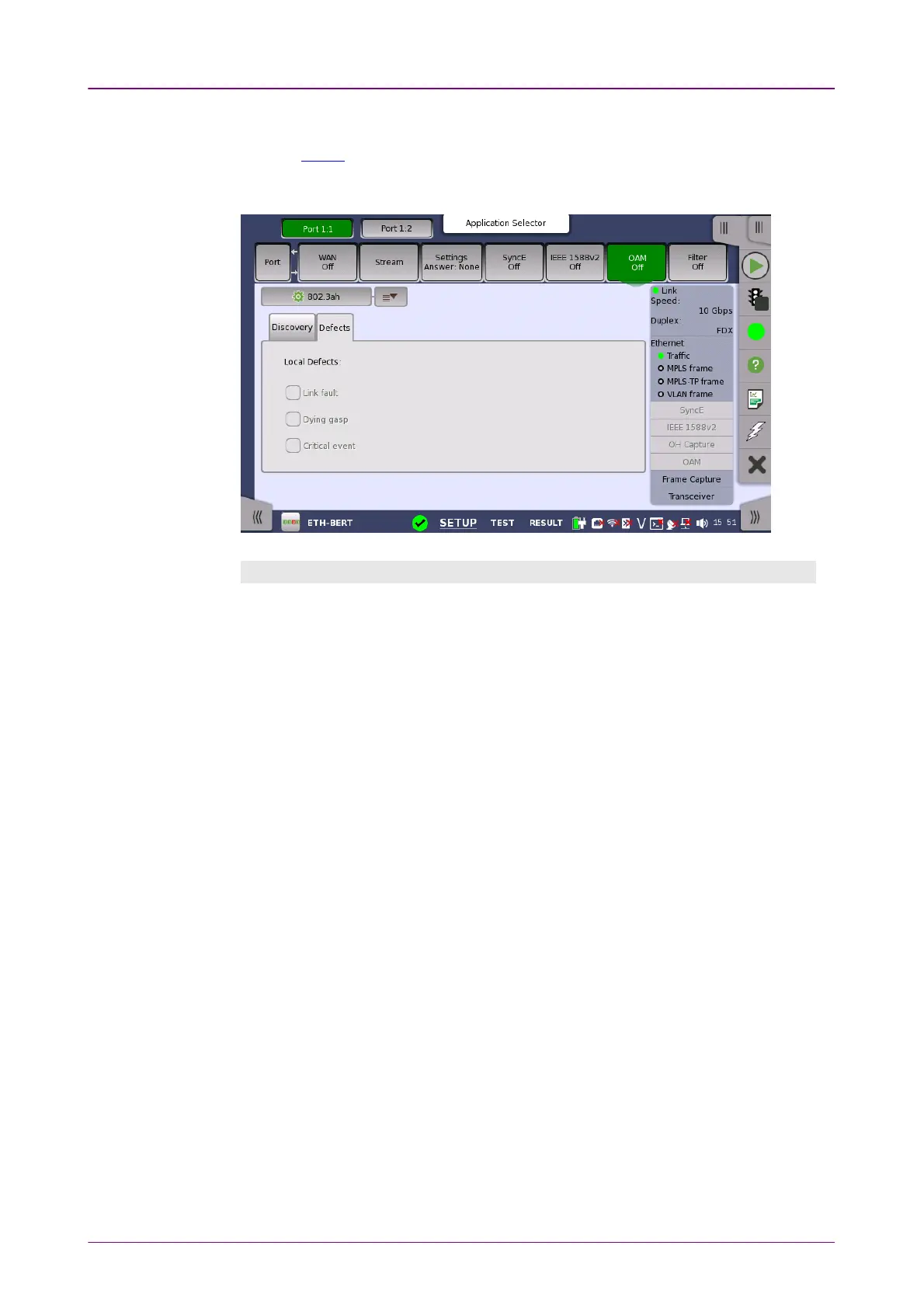
Selecting the 802.3ah802.3ah protocol will display the screen shown below.
Discovery tab pageDiscovery tab page
The DiscoveryDiscovery tab page contains the following parameters:
StateState
Allows you to set the state of the protocol to either OnOn or OffOff. Note that when
StateState is set to OnOn, the
Link mode
,
Vendor OUI
and
Vendor specific info
parameters are disabled.
Link modeLink mode
Allows you to set the DTEs to ActiveActive or PassivePassive mode.
Active
DTEs initiate the
exchange of information, while
passive
DTEs react to the initiation by the
remote DTE. Note that active DTEs operate in a limited respect if the remote
OAM entity is in passive mode.
Vendor OUIVendor OUI
Allows you to specify the 24-bit Organizationally Unique Identifier of the
vendor. Touch the field to launch an editor dialog box.
Vendor specific infoVendor specific info
Allows you to specify a 28-bit identifier that may be used to differentiate a
vendor's product models/versions. Touch the field to launch an editor dialog
box.
UnidirectionalUnidirectional
Select this check box to make the device operate in unidirectional transmission
mode.
Link eventLink event
This setting is reserved for future use and cannot be set.














 To Next Page