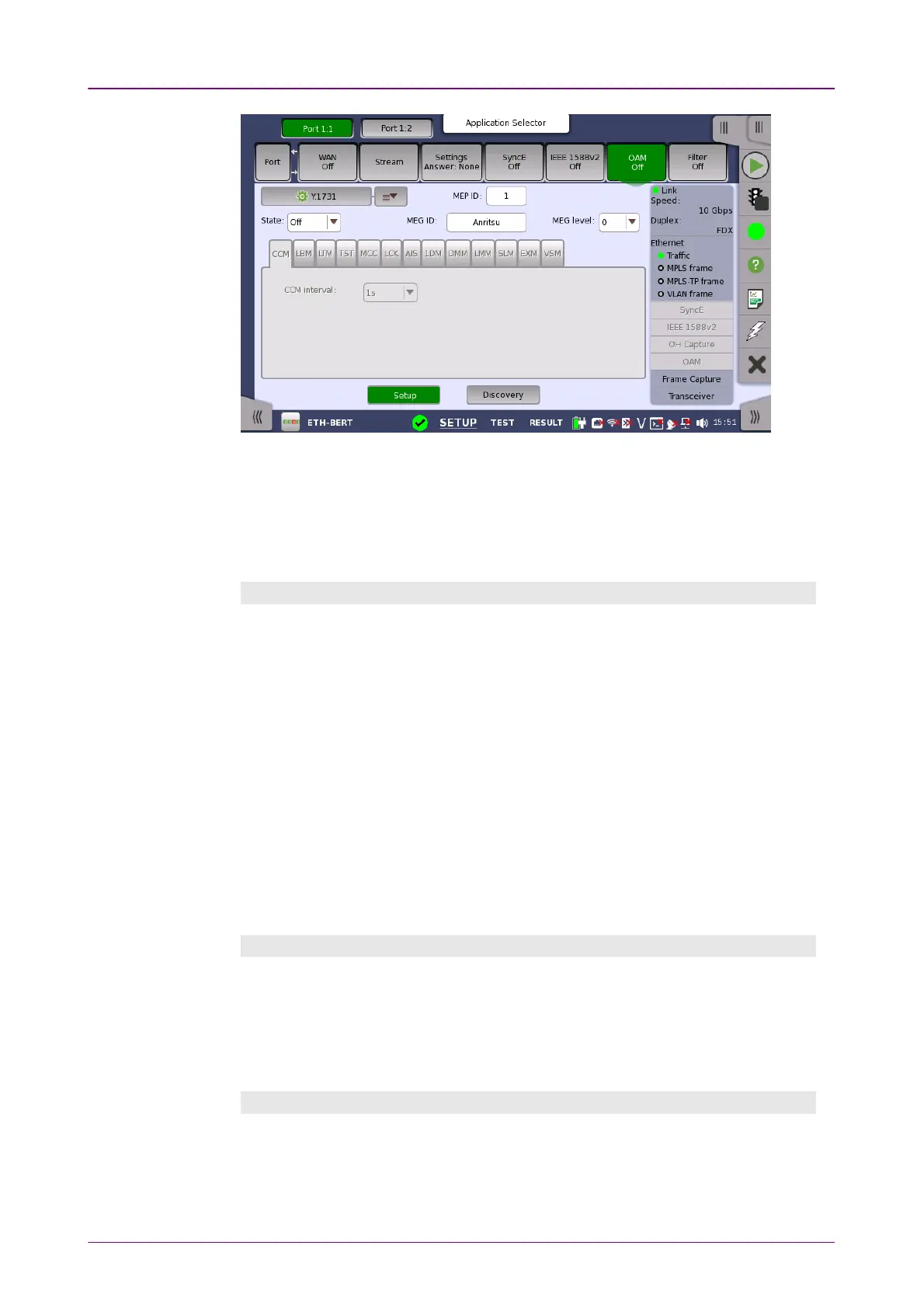
The screen contains two views: the default Setup view and the Discovery view.
Use the SetupSetup and DiscoveryDiscovery buttons at the bottom of the screen to switch
between the two views.
The Setup view is described below. The Discovery view is described in a
separate section.
General parametersGeneral parameters
StateState
Allows you to set the state of the protocol to either OnOn or OffOff. Note that when
StateState is set to OnOn, the other general parameters are disabled, but the tab pages
and their contents are enabled.
MEP IDMEP ID
Allows you to specify the Local Maintenance Point ID, which will identify the
unit in the MEG.
MEG IDMEG ID
Allows you to identify the MEG to which the MEP belongs.
MEG levelMEG level
Use the drop-down menu to specify the MEG level at which the MEP exists.
CCM tab pageCCM tab page
The CCMCCM tab page contains the following parameter:
CCM intervalCCM interval
Use the drop-down menu to specify the frequency at which CCMs are
transmitted and expected to be received.
LBM tab pageLBM tab page
The LBMLBM tab page contains the following parameters:
Optional TLVOptional TLV














 To Next Page