Traffic DurationTraffic Duration
Only show BER Alarms when measuringOnly show BER Alarms when measuring
BER alarms in Interface status dialog box is enabled only when the
measurement is running. This function allows to avoid the BER alarms
occurrence when no data is input.
Ignore the Frame loss secs on BERT statisticsIgnore the Frame loss secs on BERT statistics
The"Frame loss secs." on BERT statistics will not be used for judging the Status
Summary. This function allows to avoid the Status Summary alarms occurrence
when no frames are input.
66..22..22..22 GeneratorGenerator
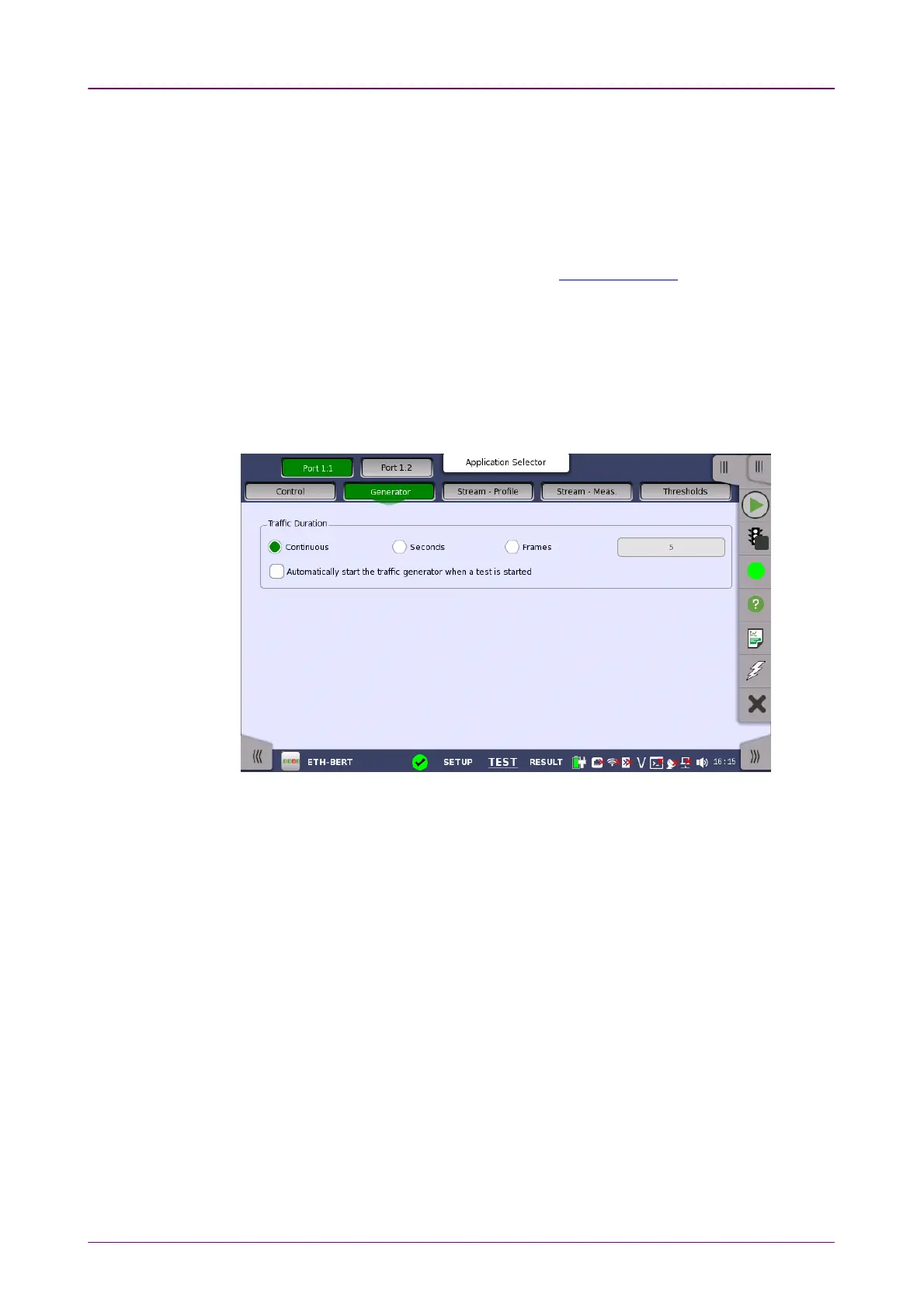
Touching the GeneratorGenerator button in the navigation area displays the following
screen.
The FollowFollow button appears when the Port 2 settings can follow Port 1.
This screen contains the traffic-related parameters.
Allows you to set conditions concerning frames transmission. Choosing
ContinuousContinuous will make a continual test sequence. Alternatively, the duration can
be set manually in either SecondsSeconds or FramesFrames, coupled with a specification of
the number of seconds/frames in the adjacent field.
Automatically start the traffic generator when a test is startedAutomatically start the traffic generator when a test is started
In case of ContinuousContinuous, you can select this check box to make the traffic
generator start synchronously with the test starting.
66..22..22..33 Stream - ProfileStream - Profile
Touching the Stream - ProfileStream - Profile button in the navigation area displays the
following screen.
The FollowFollow button appears when the Port 2 settings can follow Port 1.














 To Next Page