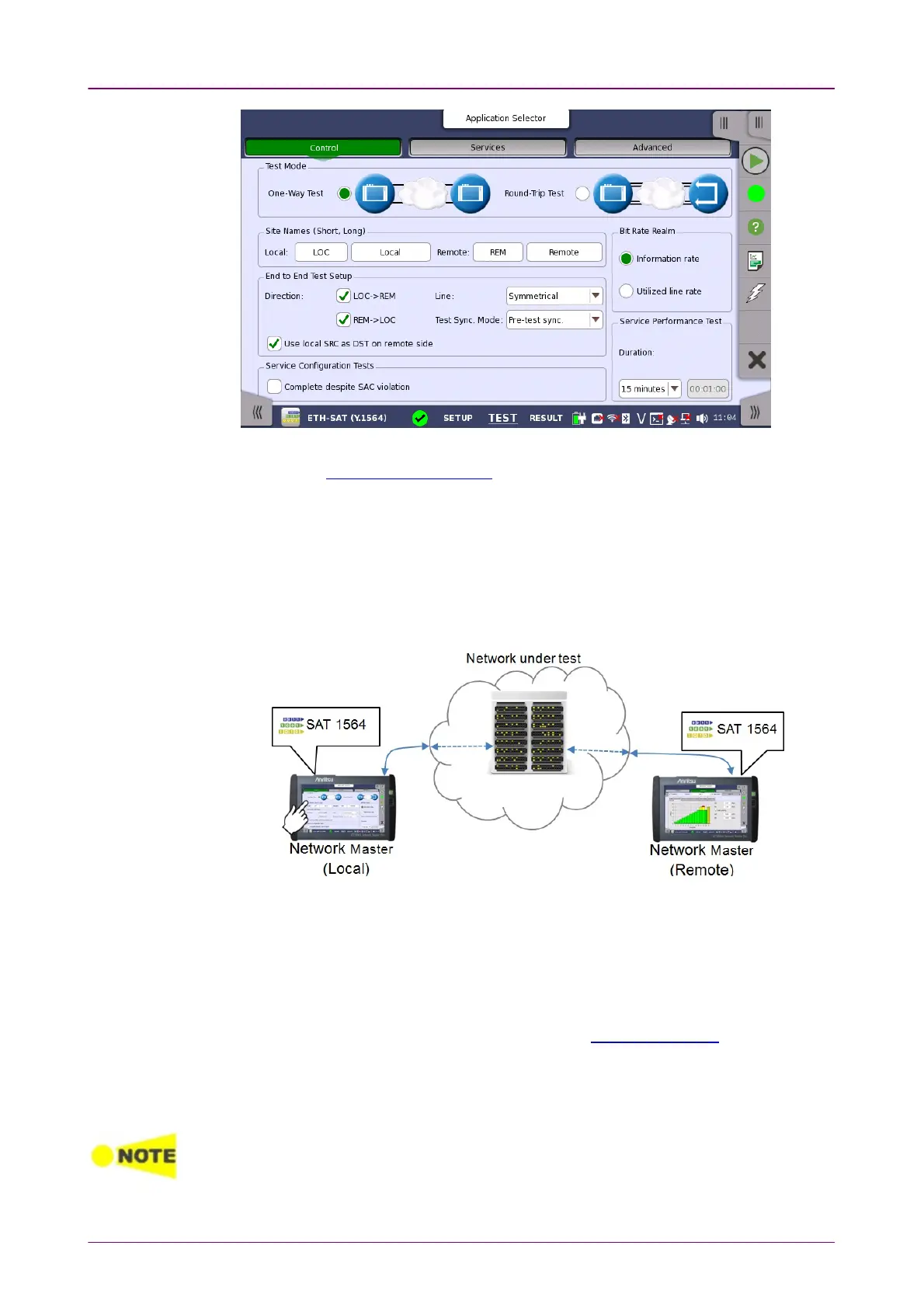
Test ModeTest Mode
This screen allows you to configure the test mode and other general parameters
related to a Service Activation Test.
Use the radio buttons to select the relevant test mode.
One-Way TestOne-Way Test
In this test mode, two Network Master units will work together performing the
test (End to End Test). The Network Master which users actually operate to
perform SAT Y.1564 test is the
Local
and the other Network Master which
sends and receives Ethernet frames via the network under test is the
Remote
.
After starting SAT Y.1564 test, the 'local' Network Master tries to control the
'remote' Network Master via the network under test. To control the 'remote'
Network Master, the 'local' Network Master starts communication using Dest.
MAC address and Dest. IP address set on the Stream screen. Therefore,
destination addresses of the 'local' Network Master and source addresses of the
'remote' Network Master should be set to the same. Also, enable AcceptAccept
Network Master Configuration framesNetwork Master Configuration frames option on Incoming Frames tab of the
Setting screen on the 'remote' Network Master.
The required setup to perform SAT Y.1564 test is transferred from the 'local'
Network Master to the 'remote' Network Master when the test is started.
Enable "Compatible configuration frames with CMA3000 and V2.X or older" to support
communication with CMA3000 and Network Master V2.X or older. The setting is locate
under Ports Setup screen > Ethernet > Settings.














 To Next Page