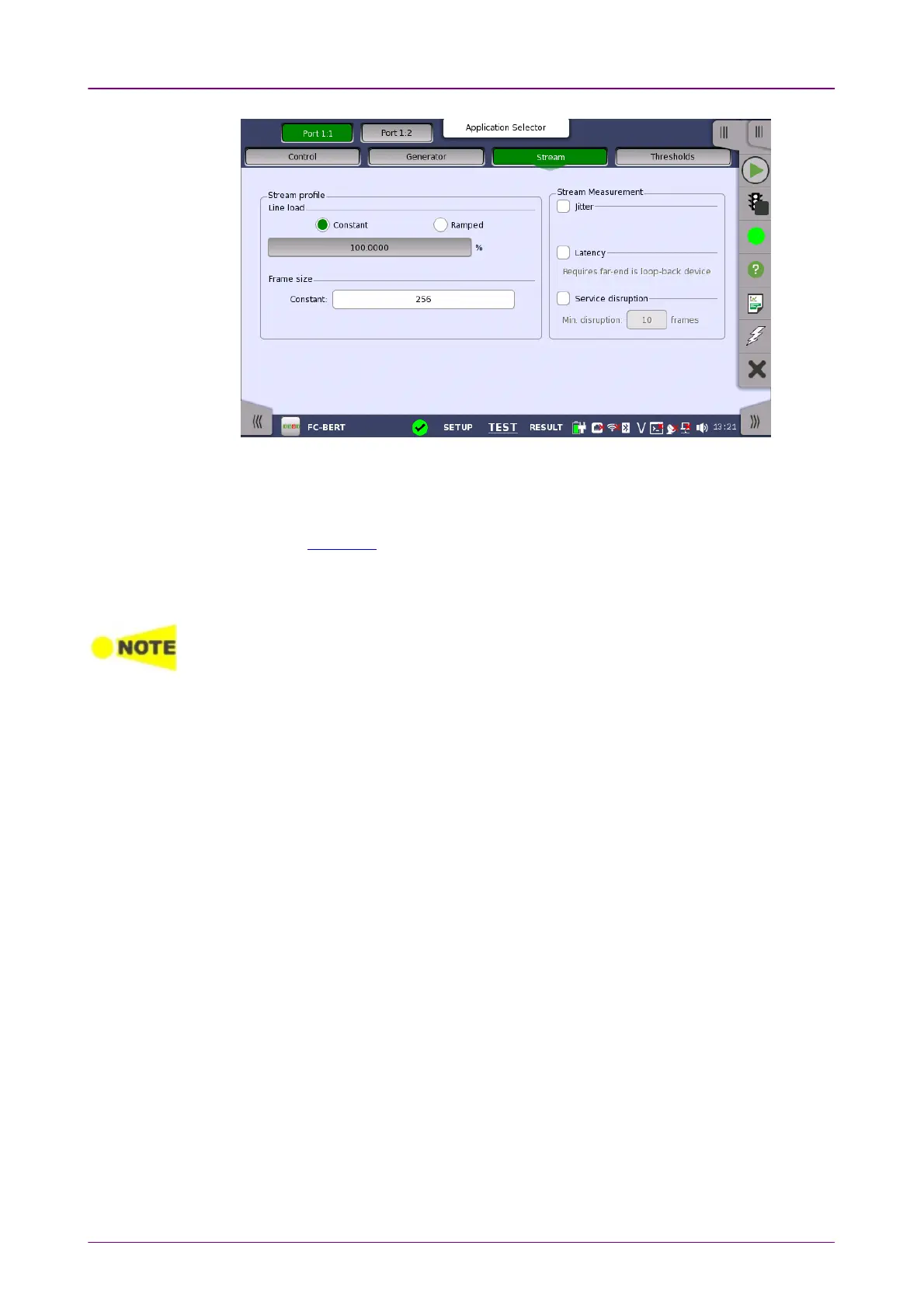
Stream profileStream profile
Stream MeasurementStream Measurement
This screen contains the parameters for specifying a profile and pattern for
each stream and for specifying which measurements are made.
Line loadLine load
Refer to "Line load in "Ethernet Applications" for the operation.
Frame sizeFrame size
Touch ConstantConstant field to set the fixed frame size for the duration of the test.
Frame size does not include byte counts of SOF and EOF.
Set the Frame size to a multiple of 4.
Select one or more of the measurements (JitterJitter, LatencyLatency and ServiceService
disruptiondisruption) on both of transmitter and receiver and then specify a threshold
value for each.
If selecting Service disruption, specify the threshold frame count by touching
Min. disruptionMin. disruption field.
99..22..22..44 ThresholdsThresholds
Touching the ThresholdsThresholds button in the navigation area displays the following
screen.














 To Next Page