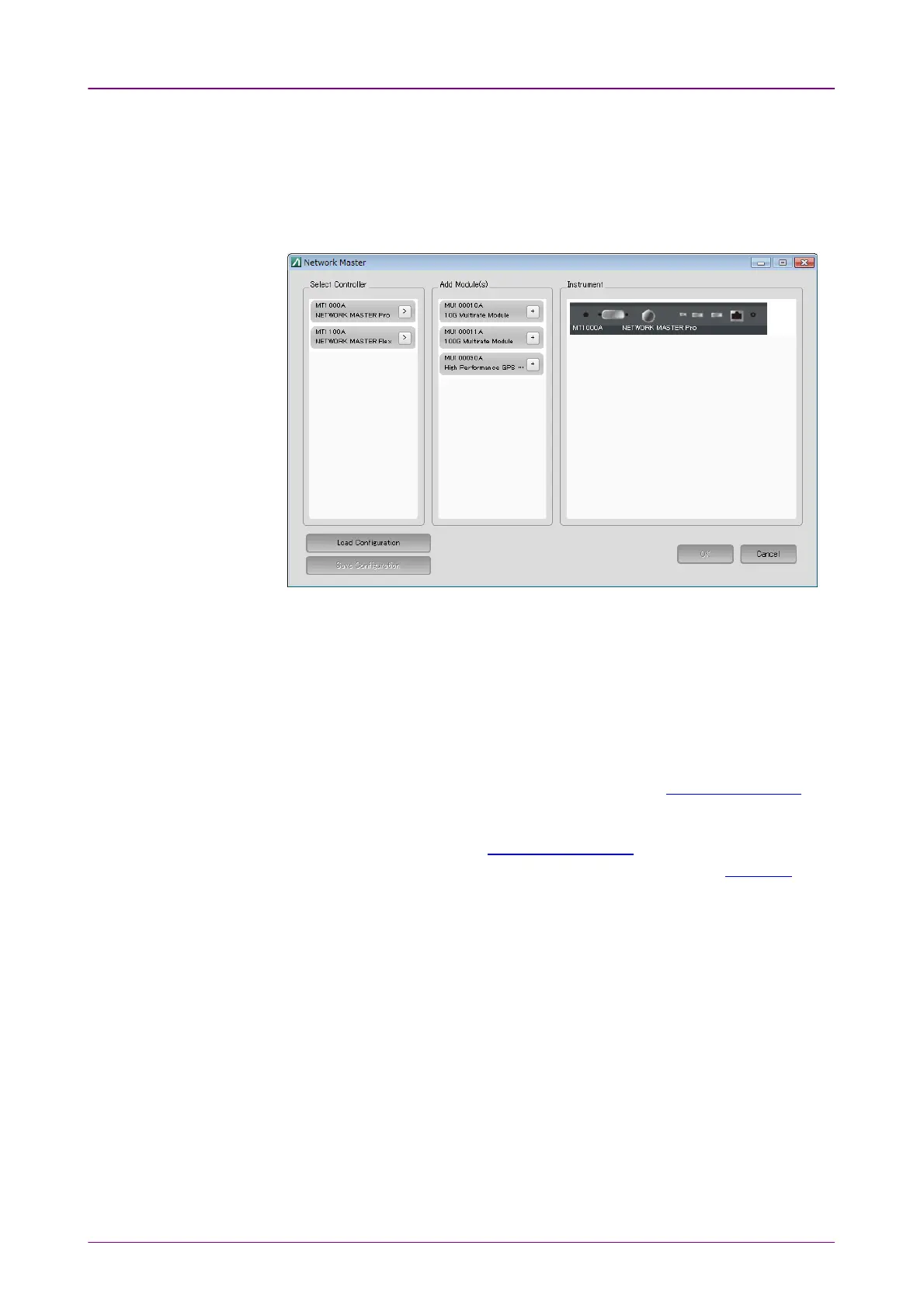
MX100001A Editor allows users to load, edit, and save Setup files of any
possible Network Master configuration, without connecting to an actual
instrument.
1. Click StartStart > All Programs > Anritsu > MX100001A folder.
2. Click MX100001A-V*.**-EditorMX100001A-V*.**-Editor.
3. Set configuration of Network Master by clicking options in Select ControllerSelect Controller,
and Add Module(s)Add Module(s).
To save the configuration, click Save ConfigurationSave Configuration.
4. Click OKOK. After a while, the GUI of the selected Network Master configuration
appears.
5. Select an application, select port resources, and configure settings and
measurement parameters.
6. Once done, save the setup file by clicking Load/SaveLoad/Save on Application Toolbar.
Load the Setup File saved by the MX100001A Editor on the Network Master by
clicking Load/SaveLoad/Save button on the Application Toolbar. Alternatively, import the
settings file as a Favorite, and launch the new application from the Favorites
screen on the Application SelectorApplication Selector.














 To Next Page