33..66 Command-Based Remote ControlCommand-Based Remote Control
Using command-based scripts makes the Network Master a fully automated
measurement instrument.
The Network Master remote control communication functions support the
built-in Ethernet service interface.
Software specifications are in conformity with the IEEE488.2 standard and
SCPI version 1999 (Standard Commands for Programmable Instruments).
All commands are described in a separate document:
MT1000A Network Master Pro MT1100A Network Master Flex Remote
Scripting Operation Manual (M-W3736AE).
This icon on Status bar indicates whether the Network Master is controlled by
the command-based scripts or not. If touching this icon, buttons appear.
Touching the Turn OffTurn Off button will disconnect the SCPI connection. Use this
button if disconnecting the Ethernet cable.
Touching the Enable Local ControlEnable Local Control button will allow the panel operation with
keeping SCPI connection. This function is useful for debugging the control
software.
33..77 In-band ControlIn-band Control
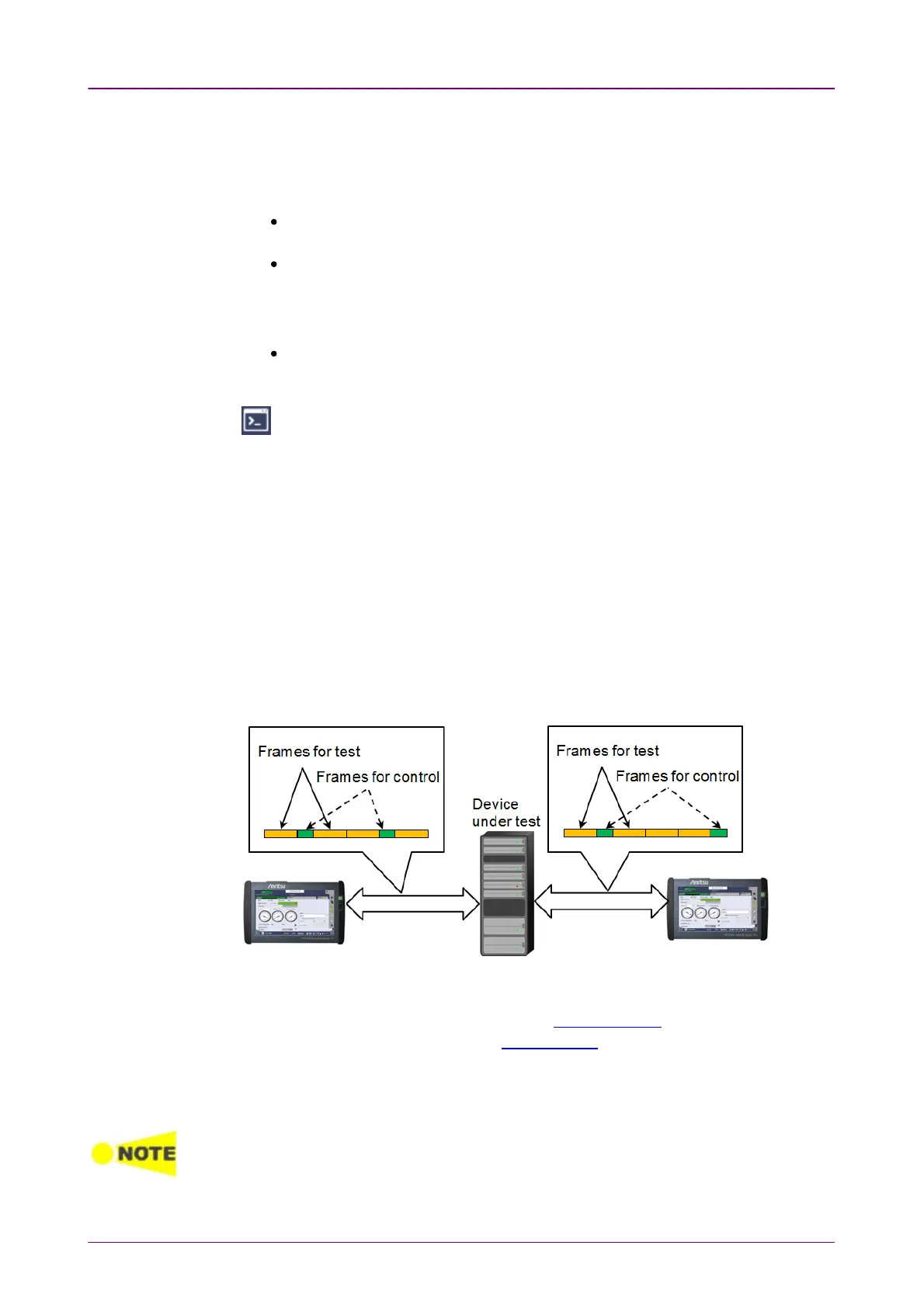
In-band Control remotely controls Network Master via a port. This control
method is available when Ethernet application is running in the Network
Master. This allows users to control Network Masters via a device under test or
a network under test, etc.
1. Start Ethernet application except Pass Through and Cable Test without the
OTN layer in Network Master.
2. Set NicknameNickname and In-band TCP portIn-band TCP port in Remote Control.
3. Select Allow In-band controlAllow In-band control in In-band Setup, and set an IP address, etc.
4. Start the Discovery application in Network Master used as a controller.
5. Search for other Network Masters using the Discovery application, and control
them.
In-band Control only switches the application of Network Master.














 To Next Page