Section 4 Basic Operation
4-26
4.6.10 Tag selection menu
By pressing the function key for tag selection menu, the selected tag is activated and
displayed at the top of the screen or window. Operations are similar to the execu-
tion menu.
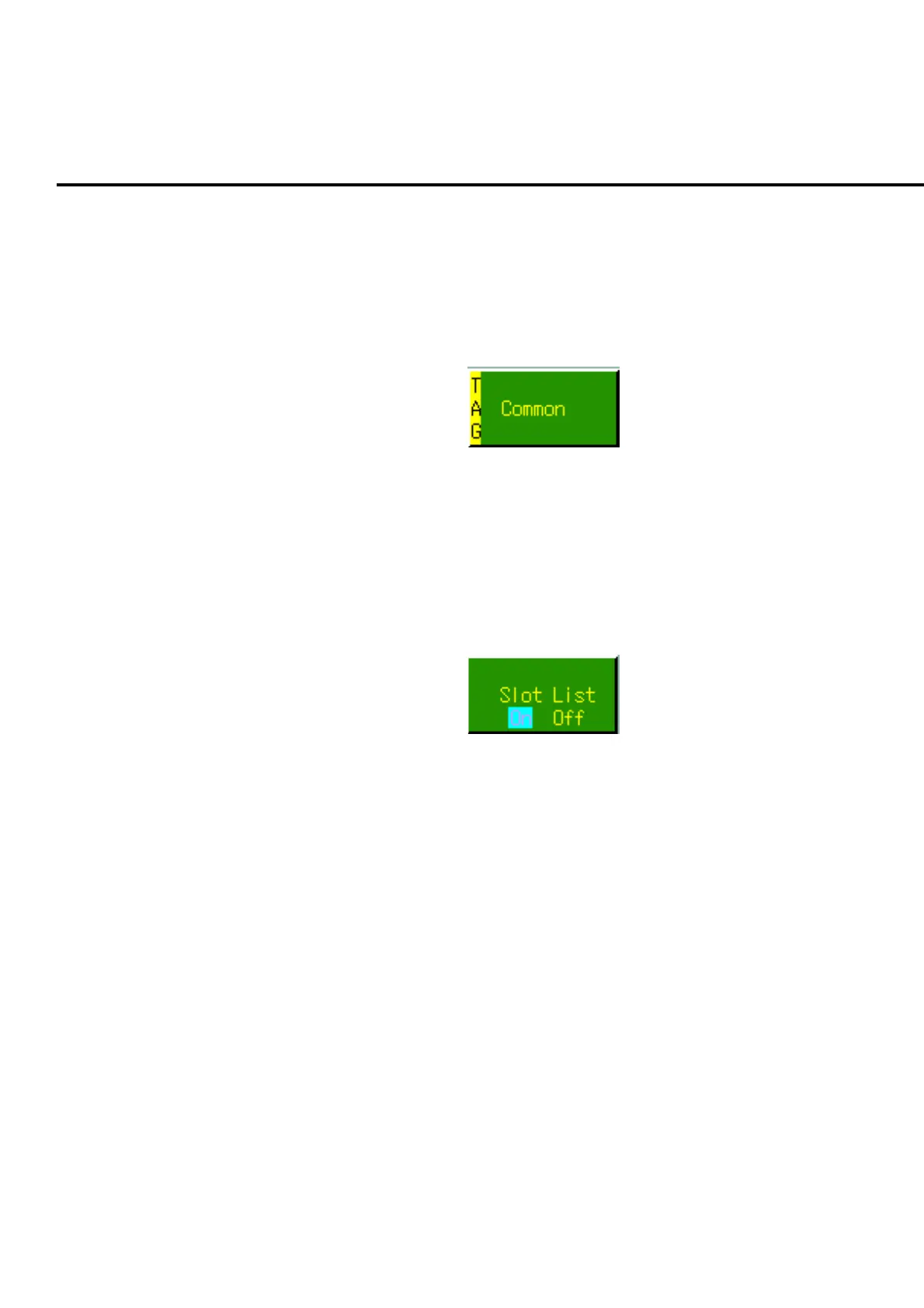
TAG mark is displayed on the left of the tag selection menu.
Fig. 4-6-10-1 Example of a tag selection menu
4.6.11 Toggle menu
Toggle menu displays two options. Cursor is displayed on one item, indicating the
selected status. Cursor moves alternatively by pressing the function key for toggle
menu. Parameter is determined to the value displayed in the toggle menu every
time the cursor moves.
Fig. 4-6-11-1 Example of a Toggle menu













 To Next Page