Section 7 Remote Control Using PC
7-8
7.3 Setup
This section explains how to set up the GPIB for remote control. The setup proce-
dures are as follows:
[Procedure]
1. Set up the computer and GPIB board.
Refer to the manual for your GPIB board and computer.
2. Connect MT8820A to the computer by using GPIB cable
Refer to “2.3.5 Connecting a GPIB cable.”
3. Set the GPIB address of MT8820A.
Select the System Configuration screen and set GPIB-1 Address for phone-1 tag
Refer to “6.1.11 Setting the GPIB address.”
4. Activate the GPIB communication program of the computer and set GPIB ad-
dress in conformance with the MT8820A.
Refer to the operation manual for your software.
7.3.1 Network configuration
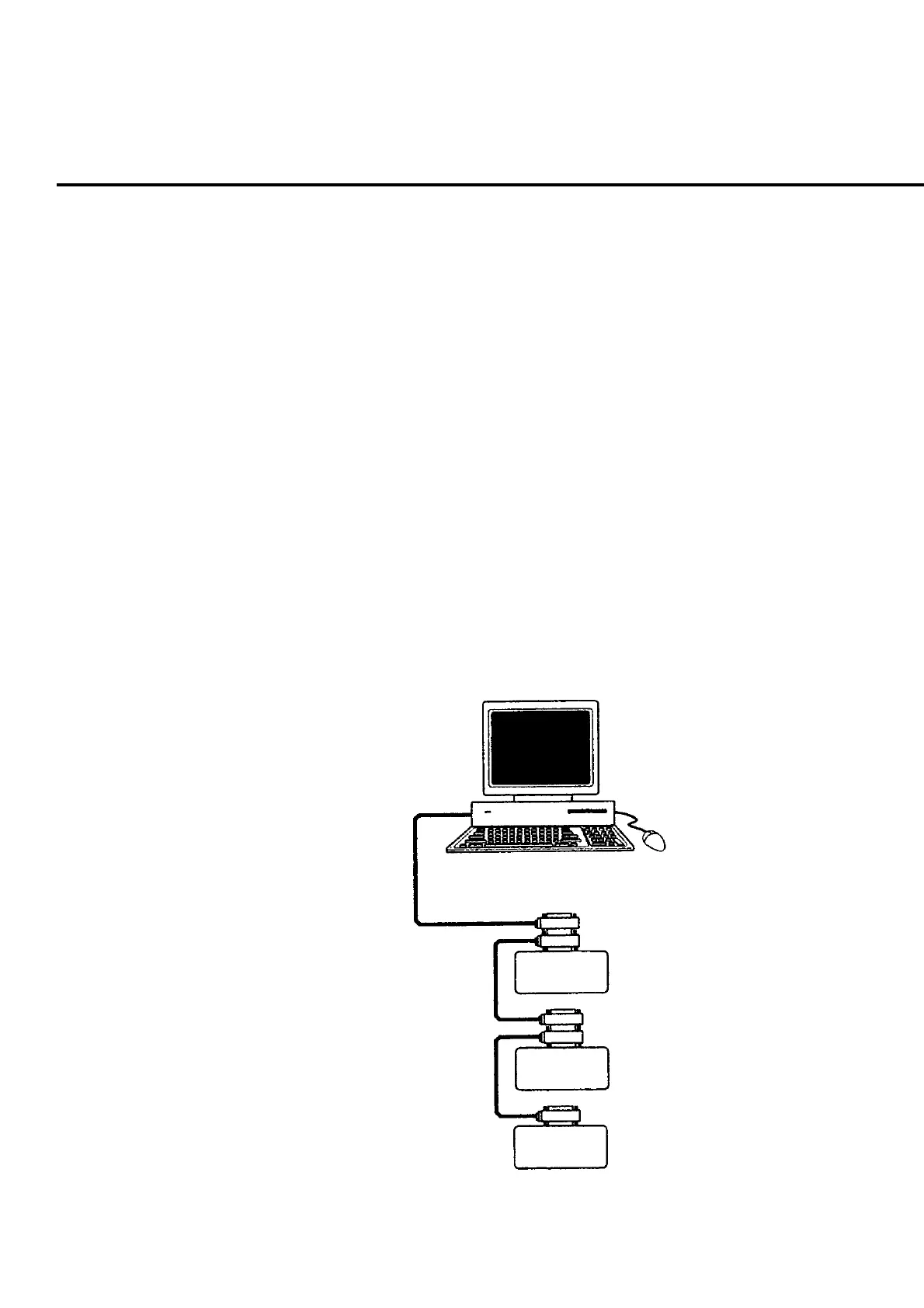
Devices connected with the GPIB interface may have the network configuration of
serial connection or star connection as shown in the figure below.
Device A
Device B
Device C
Fig. 7-3-1-1 Serial connection













 To Next Page