Section 3 Getting Started
3-12
3.8 Reading Measurement Results
When the measurement has been completed, read the measurement results. The
measurement results are displayed in the measurement results window of the meas-
urement screen.
Example:
To read measurement results for Occupied Bandwidth in W-CDMA meas-
urement software.
[Procedure]
1. Occupied Bandwidth measurement is performed on the Fundamental Measure-
ment screen. Select Fundamental Measurement screen and start measurement.
2. Check that the measurement completes. If an error message is displayed,
check the setting and perform the measurement again.
Fig. 3-8-1 Checking measurement completion
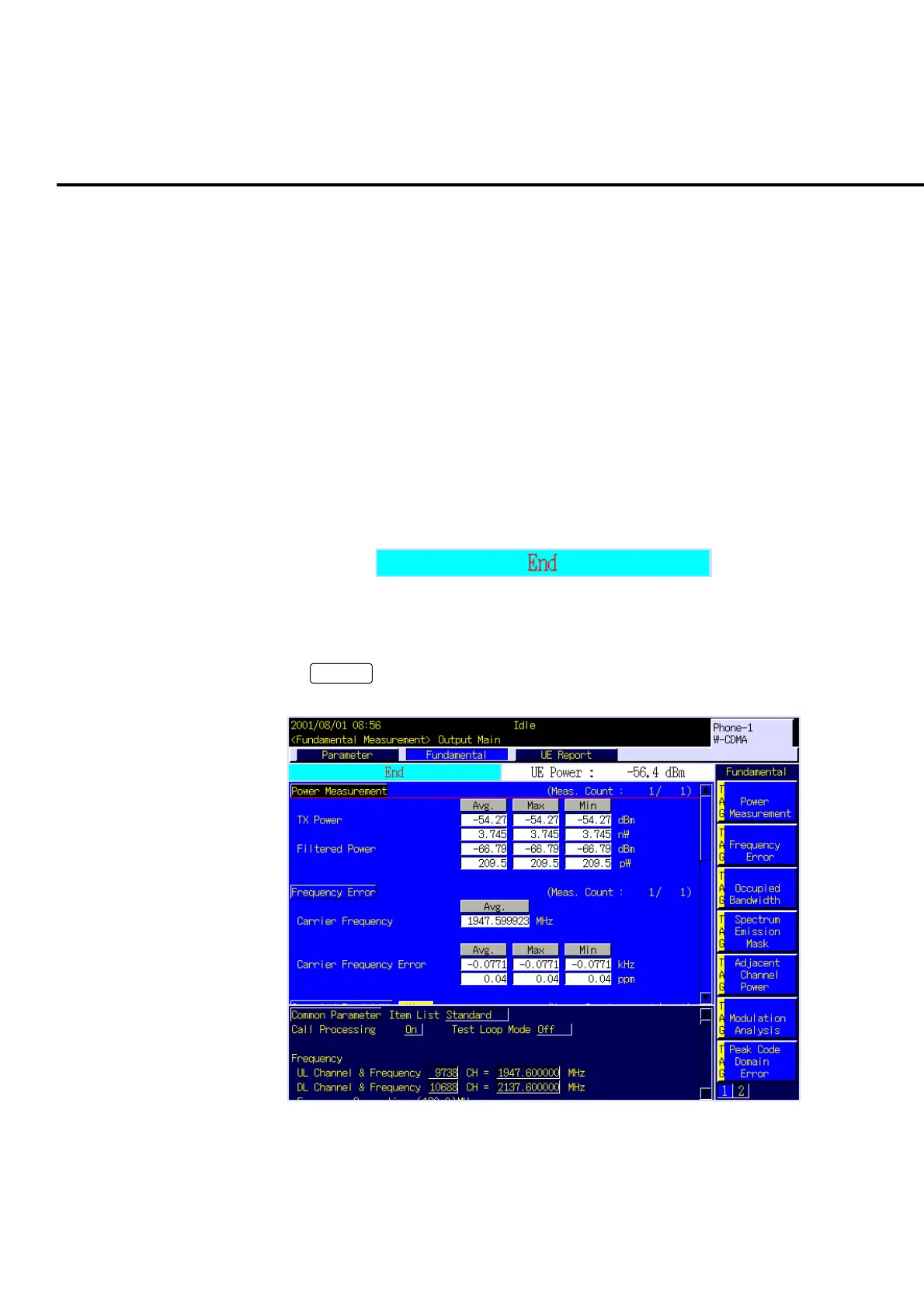
3. Measurement result window is displayed on the upper part of the screen. Press
Focus
to activate the measurement result window (Fundamental. Meas.
Window). Then, the cursor is displayed on the measurement result window.
Fig. 3-8-2 Activating the measurement result window













 To Next Page