6.3 Saving Parameters
6-21
6.3.6 Opening the Parameter Save screen
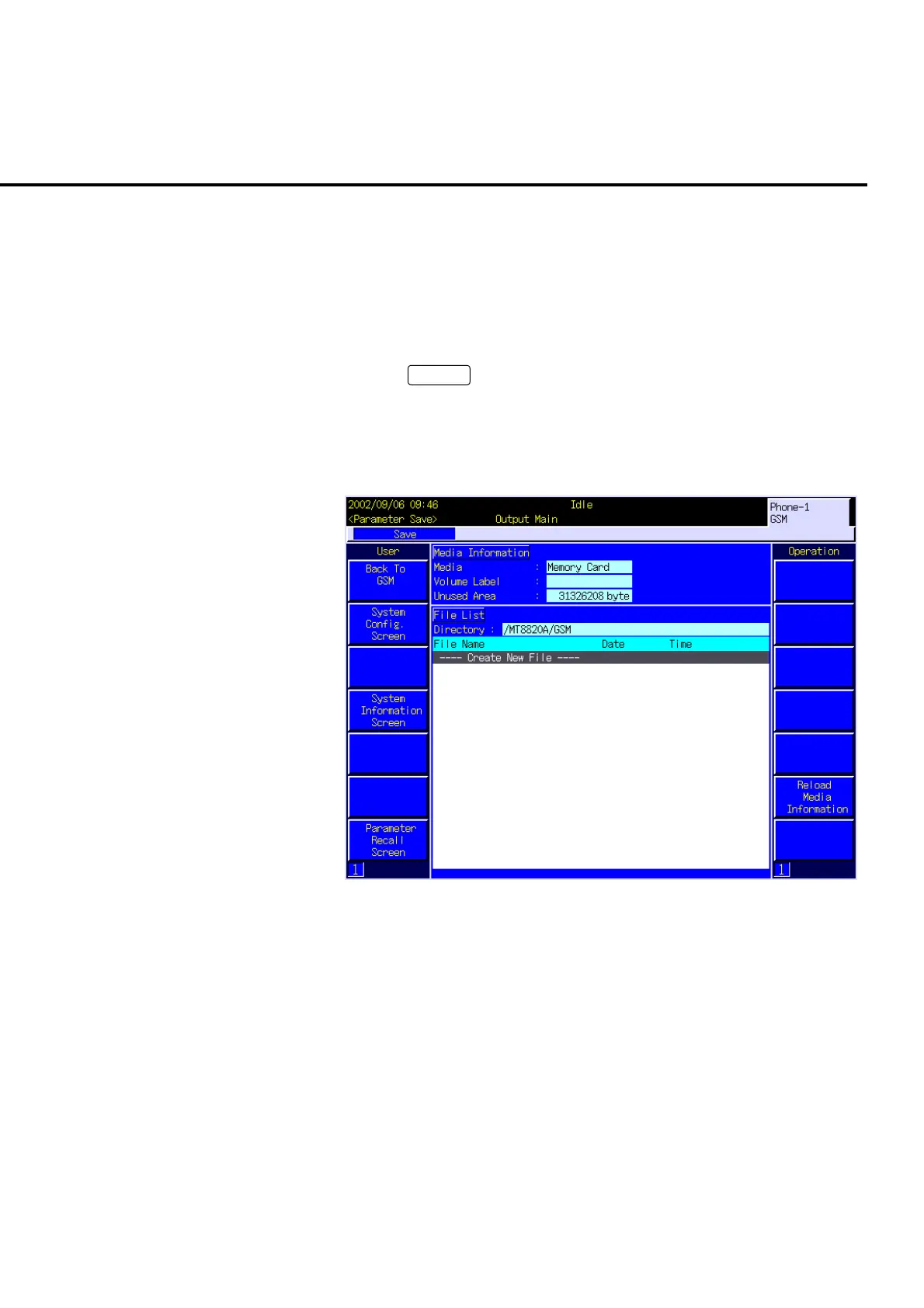
Use the Parameter Save screen to save the parameter setting by specifying any file
name.
Method for opening the Parameter Save screen is as follows.
[Procedure]
1. Press
Screen
to open the Screen Select popup window.
2. Turn the encoder to move the cursor onto “Parameter Save”.
3. Press the encoder to open the Parameter Save screen.
6.3.7 Viewing the Parameter Save screen
Fig. 6-3-7-1 The Parameter Save screen
(1) Media Information
1. Media
Storage media type for the parameter file saving destination.
2. Volume Label
Volume label for a storage medium.
3. Unused Area
Unused area capacity of a storage medium is displayed in the byte unit.













 To Next Page