Section 4 Basic Operation
4-28
4.7.3 Parameter setting procedures
Manual parameter setting is performed by procedures below regardless of a parame-
ter type.
[Procedure]
1. Move the cursor onto the parameter to be set.
2. Start entry.
3. Select parameter or enter numeric values or character strings.
4. Determine the entered value.
During remote control, values are directory changed by sending a programming
command. All parameters can be set in any screen satisfying setting conditions.
4.7.4 Setting a list selection type parameter
The procedure for setting a list-selection-type parameter is as follows:
[Procedure]
1. Turn the encoder and move the cursor onto the parameter to be set.
2. Start entry by one of the following operations.
• Press the encoder
• Press
Set
• Press
Enter
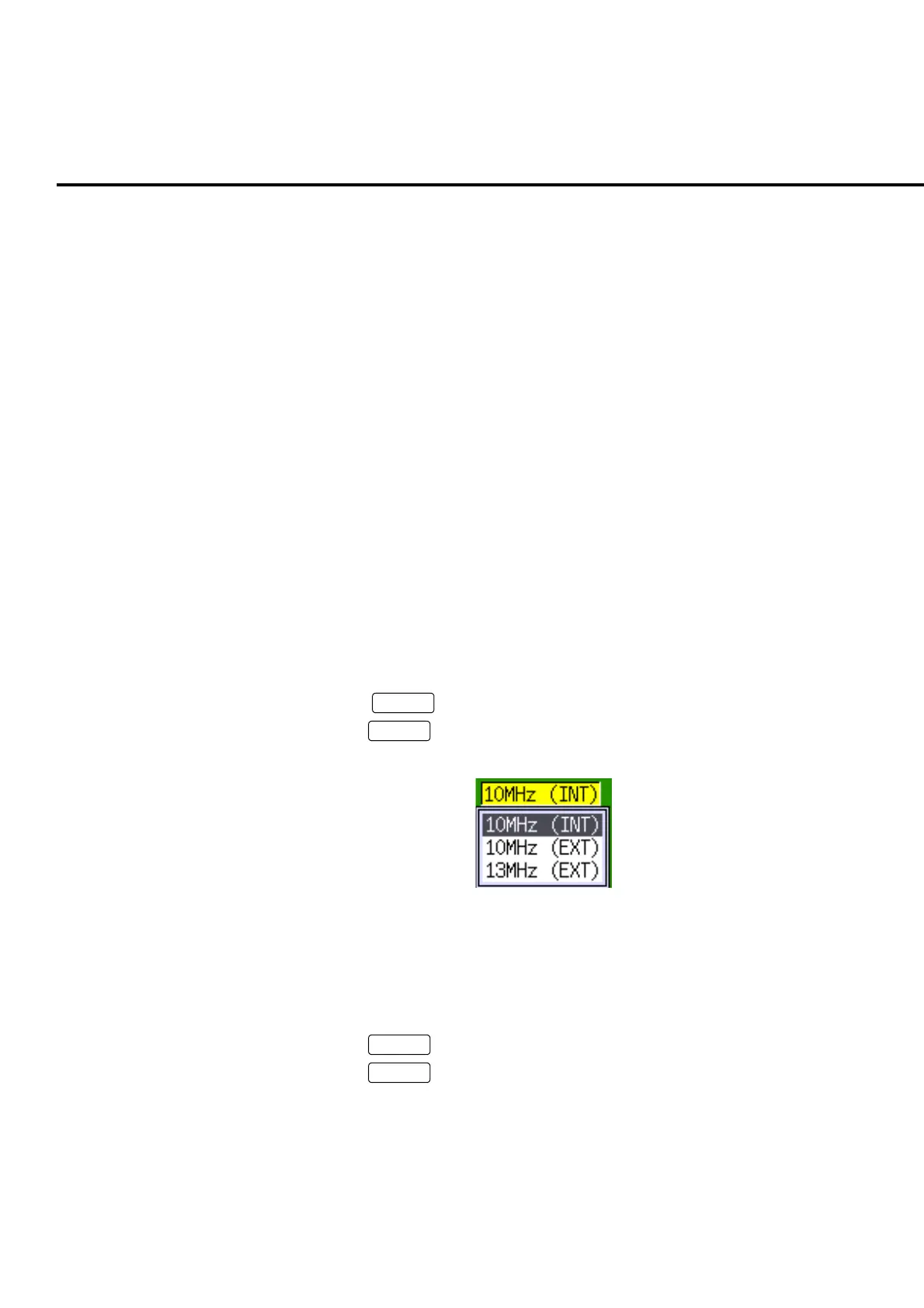
3. When starting entry, selection list popup window is displayed.
Fig. 4-7-4-1 Example of a selection list
4. Turn the encoder and move the cursor onto the value to be set.
5. Determine the value by one of the following operations.
• Press the encoder
• Press
Set
• Press
Enter
6. Popup window is closed and entered value is displayed.













 To Next Page