Section 5 Using Common Functions
5-4
5.2 Calibration
Calibration flattens the frequency characteristics of level accuracy against input and
output levels and adjusts the level accuracy changes caused by internal temperature
change. Calibration is performed after power is turned on or a terminal to be tested
is changed.
Band Calibration and Full Calibration can be performed by a single MT8820A unit.
Band Calibration performs calibration within the band of the communication system
supported by the measurement software. Full Calibration performs calibration for
RF input/output bands for MT8820A.
To perform calibration, execute Band Calibration or Full Calibration in the function
menu. Calibration can be performed from any measurement screen or window with
the same kind of operation. Calibration cannot be performed on a common screen.
5.2.1 Calibrating the communication system band
Band Calibration performs calibration within the band of the communication system
supported by the measurement software. For example, calibration is performed at
the W-CDMA band (Uplink: 1920 to 1980 MHz, Downlink: 2110 to 2170 MHz) for
the W-CDMA measurement software. Band Calibration takes less time than Full
Calibration.
Perform Band Calibration after changing the tested phone, and other occasions.
[Procedure]
1. Press
Screen
to select the desired measurement screen.
2. Press
Next
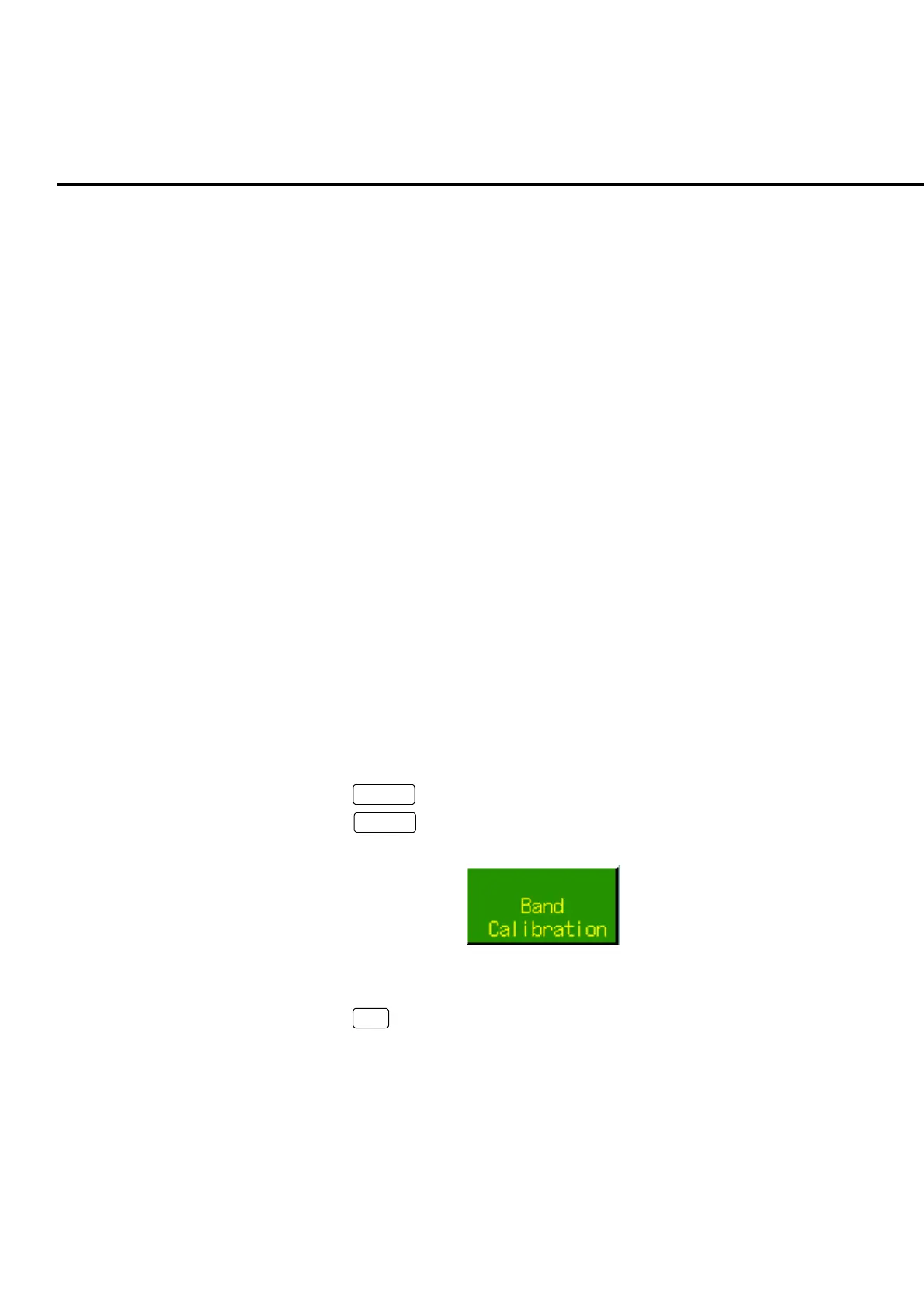
to switch from the function menu page and display the Band
Calibration menu.
Fig. 5-2-1-1 Band Calibration menu
3. Press
F5
: Band Calibration to perform calibration.













 To Next Page