6.1 Setting Systems and Interfaces
6-3
6.1 Setting Systems and Interfaces
This clause explains setting method for MT8820A systems such as reference fre-
quency, date and time, and interfaces such as GPIB. Systems and interfaces are set
on the System Configuration screen.
6.1.1 Opening the System Configuration screen
[Procedure]
1. Press
Config
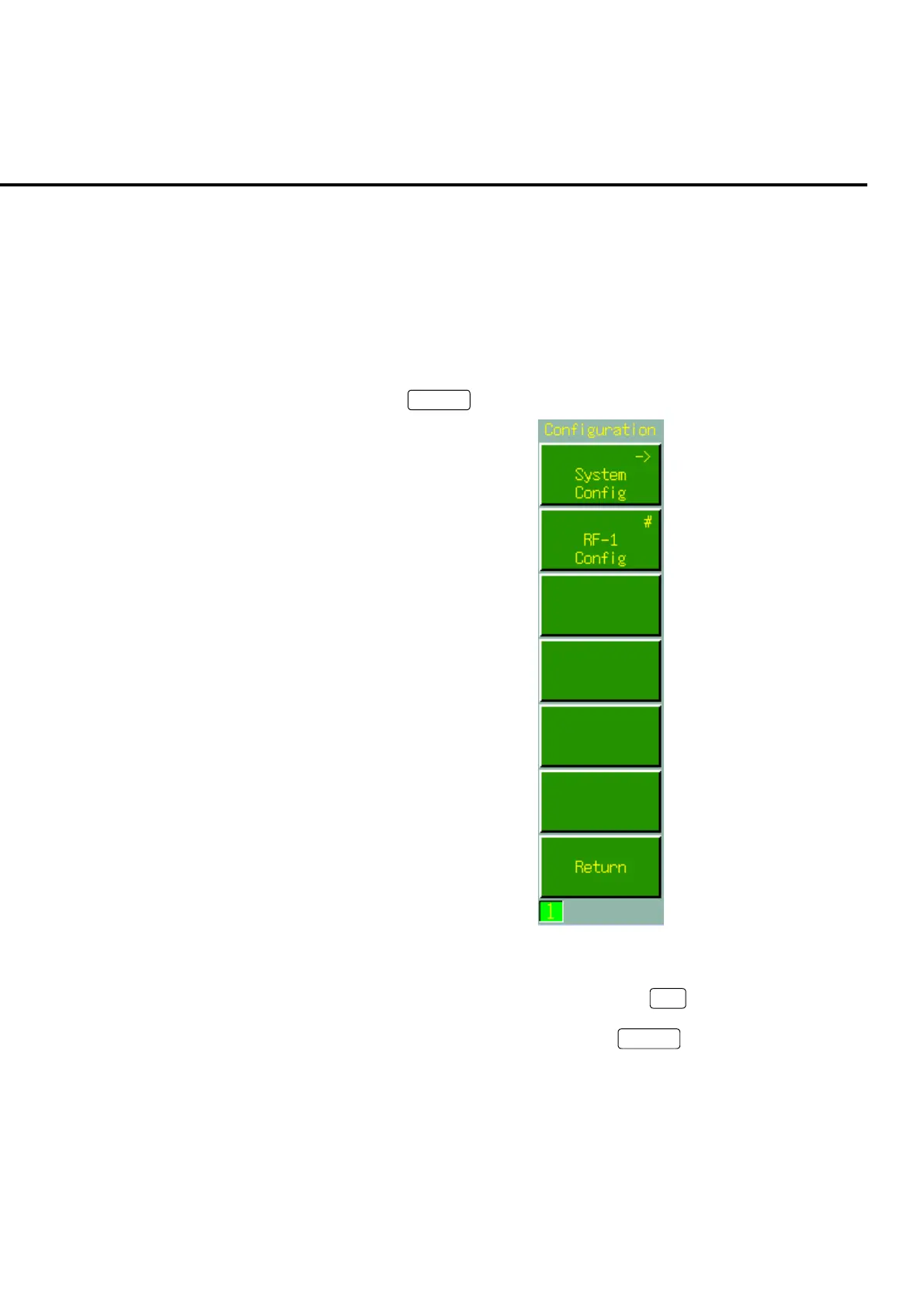
to open the Configuration menu.
Fig. 6-1-1-1 Configuration menu
2. System Configuration is opened by pressing
F1
: System Config.
The screen can also be opened by pressing
Screen
to select the screen or using
user menu screen switching function













 To Next Page