Section 4 Basic Operation
4-12
4.3.3 Scrolling a screen
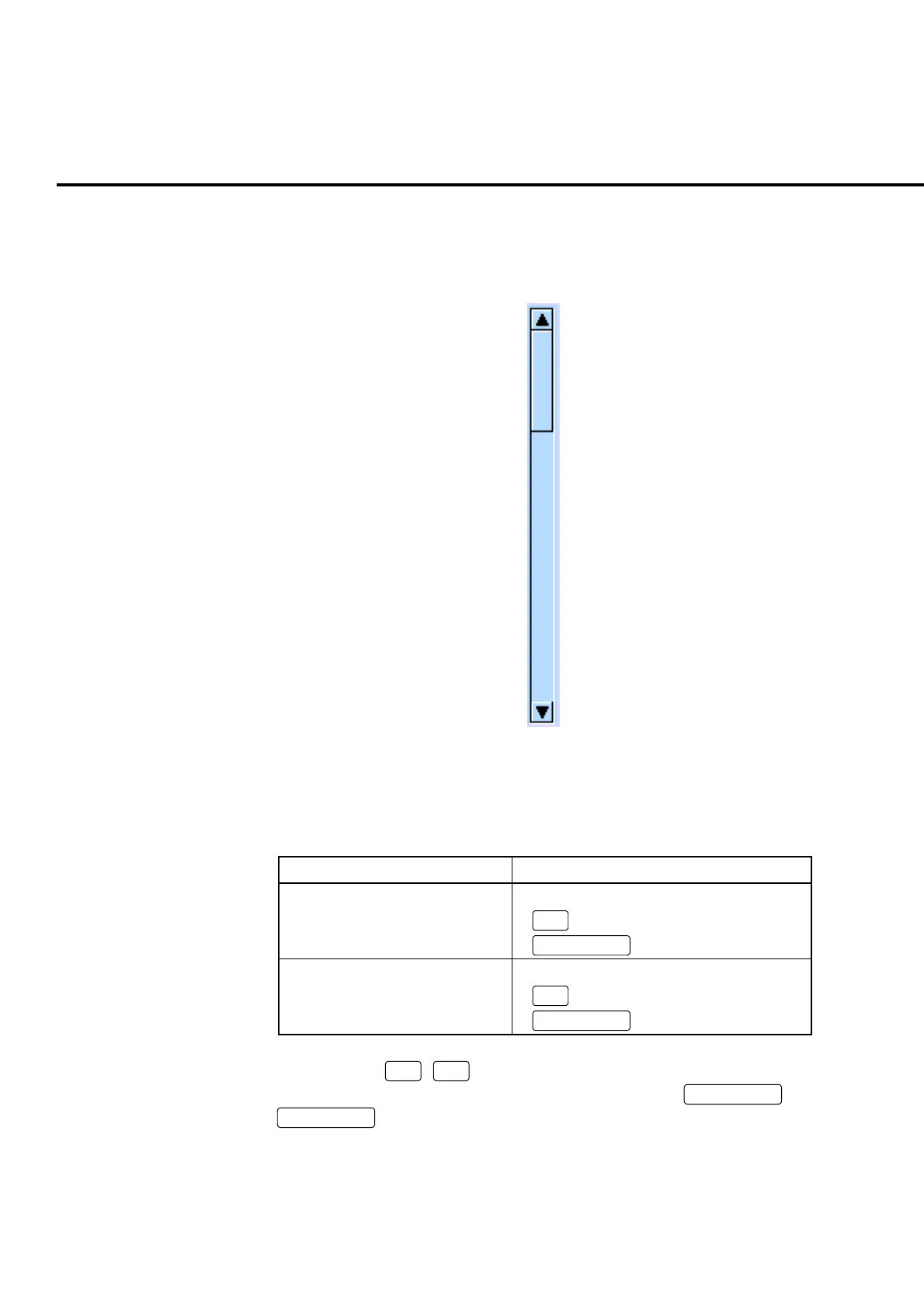
When the scroll bar is displayed at the right edge of the screen (on the left of the
function menu), scrolling enables the items that have remained to be displayed.
Fig. 4-3-3-1 Scroll bar
The screen is scrolled by one of the following ways:
Table. 4-3-3-1 Scrolling a screen
Scrolling the screen Operation
Scrolling upward • Turn the encoder to the left
•
∧
•
Scroll Up
Scrolling downward • Turn the encoder to the right
•
∨
•
Scroll Down
When operating
∧
,
∨
or encoder, the screen is scrolled together with an up-
and-down movement of the cursor. When pressing
Scroll Up
or
Scroll Down
, the screen is scrolled by the window width.













 To Next Page