4.3 Operating a Screen
4-11
(2) Executing the screen select function of the user menu
A screen can be opened by executing the screen select function of the user menu.
Screen name such as System Information Screen are displayed in the user menu.
Example:
To open System Information screen from System Configuration screen
System Information screen is opened by pressing
U4
: System Information Screen
in the System Configuration screen.
(3) Execute the screen select function in the function menu
A screen can be opened by executing the screen select function of the function menu.
However, selectable screens in the function menu are limited for some screens. The
screen name is displayed with -> mark in the function menu for screen select func-
tion.
Example:
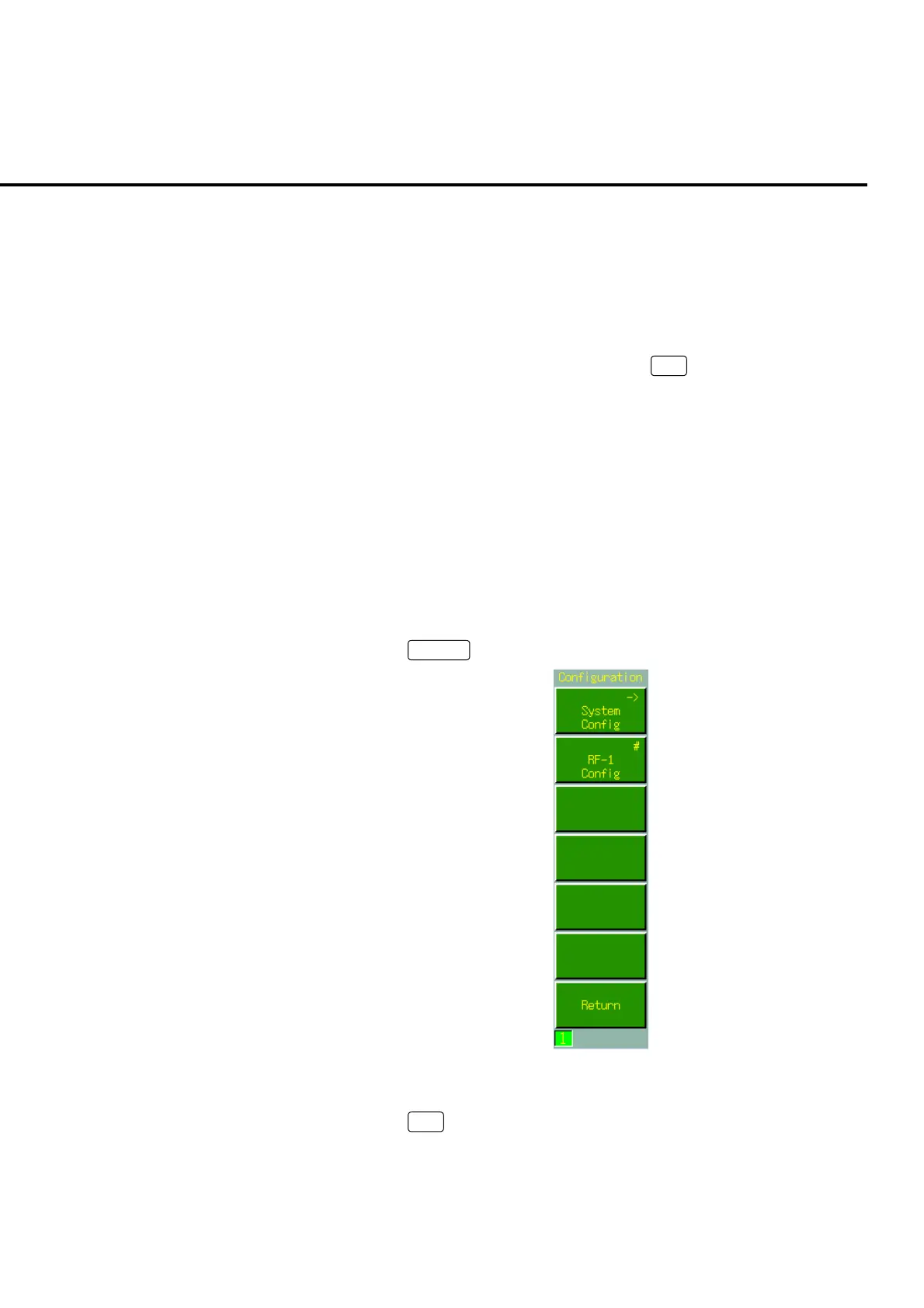
To open the System Configuration screen from the Configuration menu
[Procedure]
1. Press
Config
to open Configuration menu
Fig. 4-3-2-3 Configuration menu
2. Press
F1
: System Config. to open System Configuration screen.













 To Next Page