Section 4 Basic Operation
4-10
(1) Press
Screen
to open the screen selection list and select any screen
Normally, press
Screen
to select a screen. Select any screen from the Screen
Select popup window displayed by pressing
Screen
.
Example:
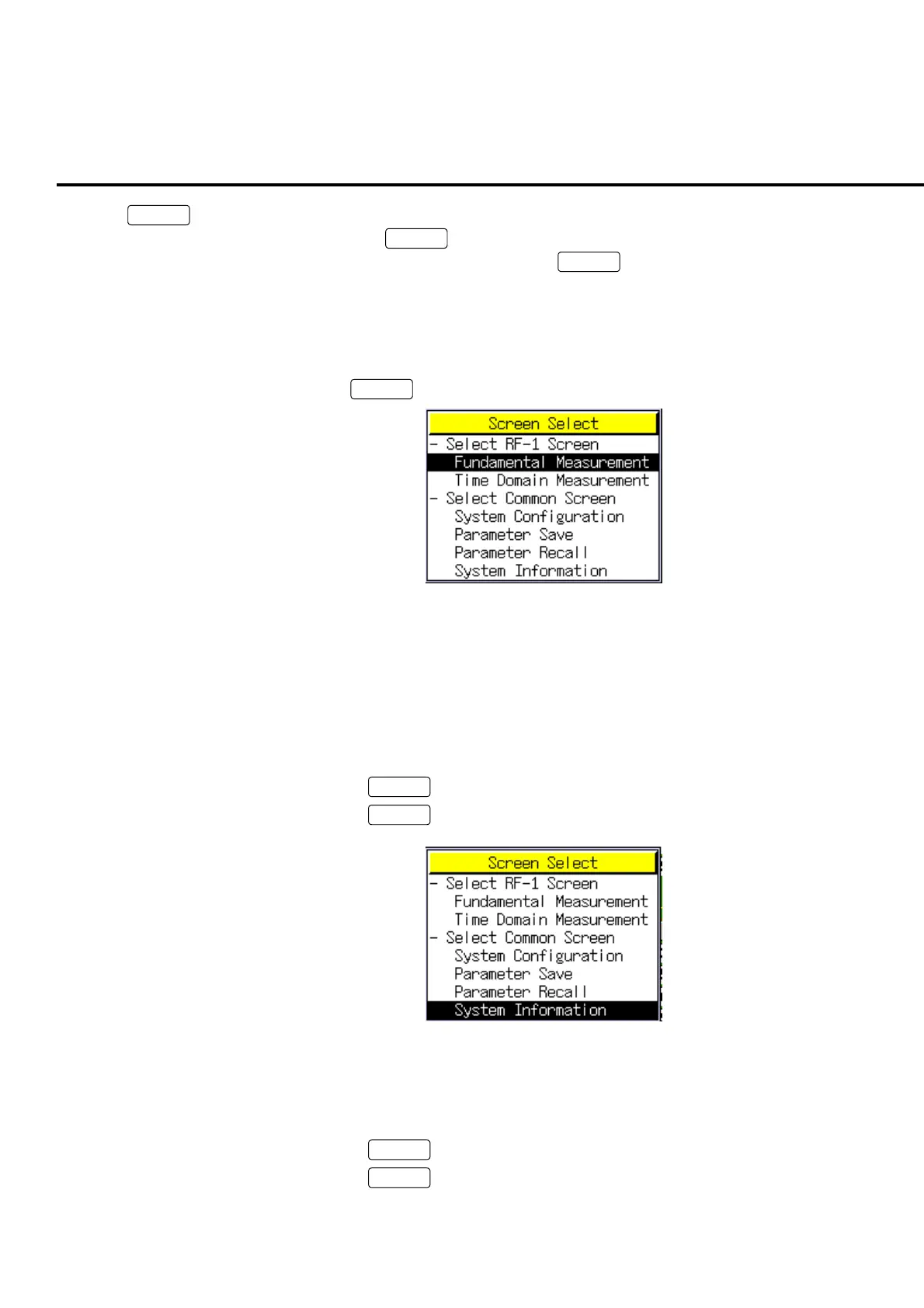
To select the System Information screen: (one of the common screen)
[Procedure]
1. Press
Screen
to display the Screen Select popup window.
Fig. 4-3-2-1 Screen Select
2. Turn the encoder to move the cursor onto “System Information.”
3. If “System Information” cannot be found, turn the encoder and move the cursor
onto the “Select Common Screen” and perform one of the following operations
to display the common screen list:
• Press the encoder
• Press
Set
• Press
Enter
Fig. 4-3-2-2 System Information selection
4. Perform one of the following operations to open the System Information screen:
• Press encoder
• Press
Set
• Press
Enter













 To Next Page