Section 4 Basic Operation
4-18
4.6 Operating a Function Menu
Function menu is displayed in each screen or window and executed by pressing the
function keys on the right of the menu to be executed.
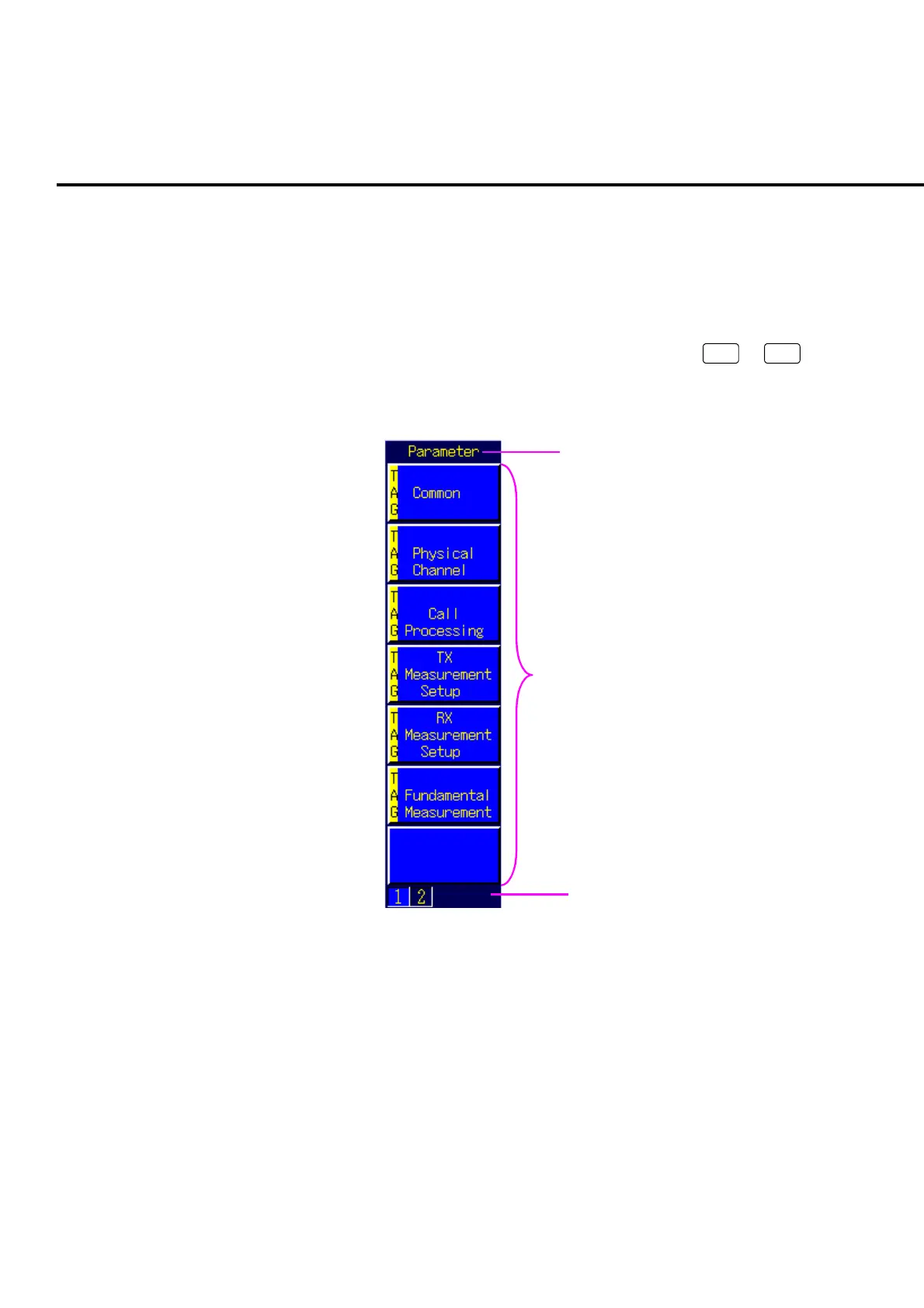
4.6.1 Viewing a function menu
The number of function menu items displayed on one screen is 7 (
F1
to
F7
).
The more functions that do not appear are displayed by switching the function menu
page number of the function menu.
Menu title
Menu list
Menu page
Fig. 4-6-1-1 Viewing the function menu
1. Menu title:
The title of the function menu is displayed.
2. Menu list:
The function to be executed is displayed.
3. Menu page:
The number of pages for the function menu and page number being selected is
displayed.













 To Next Page