3.6 Setting a Parameter
3-9
3.6 Setting a Parameter
Set parameters for measurement conditions on the screen setting (Parameter) window
to be measured.
To operate a window such as setting window, the window must be active. For de-
tails of window operations, refer to “4.4 Operating a window”.
Example:
Changing Reference Level from −10.0 dBm to −15.0 dBm in the setting win-
dow on the W-CDMA measurement software Fundamental Measurement
screen.
[Procedure]
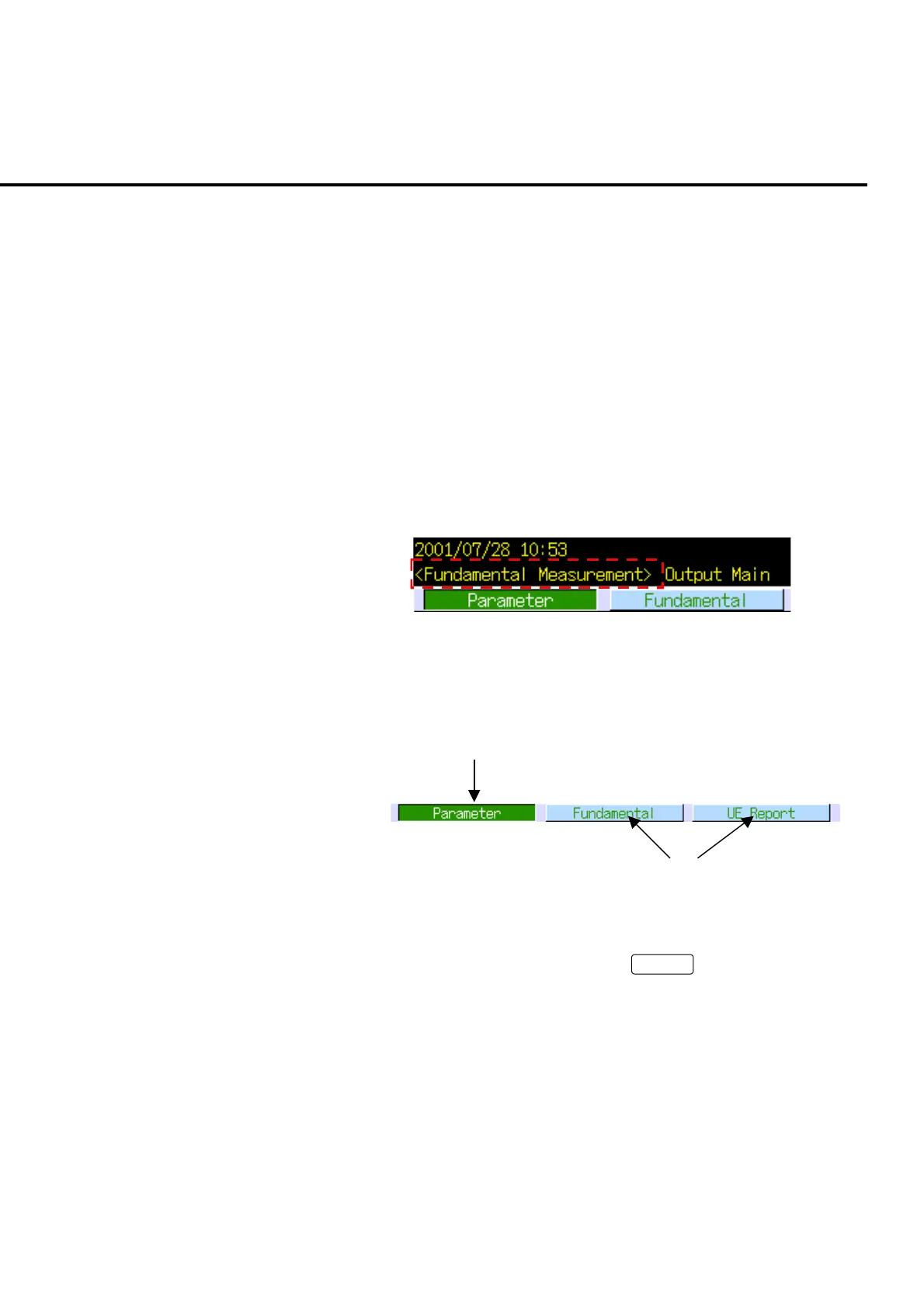
1. Check that Fundamental Measurement screen is open.
Fig. 3-6-1 Checking the screen
2. The setting window is displayed at the lower part of the screen. Check that the
Setting (Parameter) window is active at the window list bar.
The setting window is active.
Inactive windows
Fig. 3-5-2 Setting window
3. If the setting window is not active, press
Focus
to activate the setting win-
dow. The cursor is displayed when the setting window is activated.
4. Turn the encoder to move the cursor on “Input Level”.













 To Next Page