Section 4 Basic Operation
4-24
*:
For multiple entry items, the cursor selects one entry item. If an entry item is
on the right of the cursor, press encoder or
Enter
to determine the nu-
meric value of the current cursor position and move to the next item on the
right. If no item is on the right, the value for cursor position is determined.
4.6.7 Character string entry menu
A menu to enter a character string. Press function key of the character string entry
menu to open the popup window to enter character strings.
The character string entry menu is displayed with a # mark.
Operations in the popup window are described below
Table 4-6-7-1 Operations in character string entry popup window
Character strings entry Operation
Move the cursor in the Entry column to the
left
•
<
•
∧
Move the cursor in the Entry column to the
right
•
>
•
∨
Move the cursor to select the characters to
the left.
Turn the encoder to the left
Move the cursor to select the characters to
the right.
Turn the encoder to the right
Select characters (input to Entry column) • Press encoder
•
Enter
Determine character strings
Set
Chancel entry
Cancel
4.6.8 Item display menu
A menu to display item selection menu for displayed item. Press the function key
of item display menu to display the item selection menu.
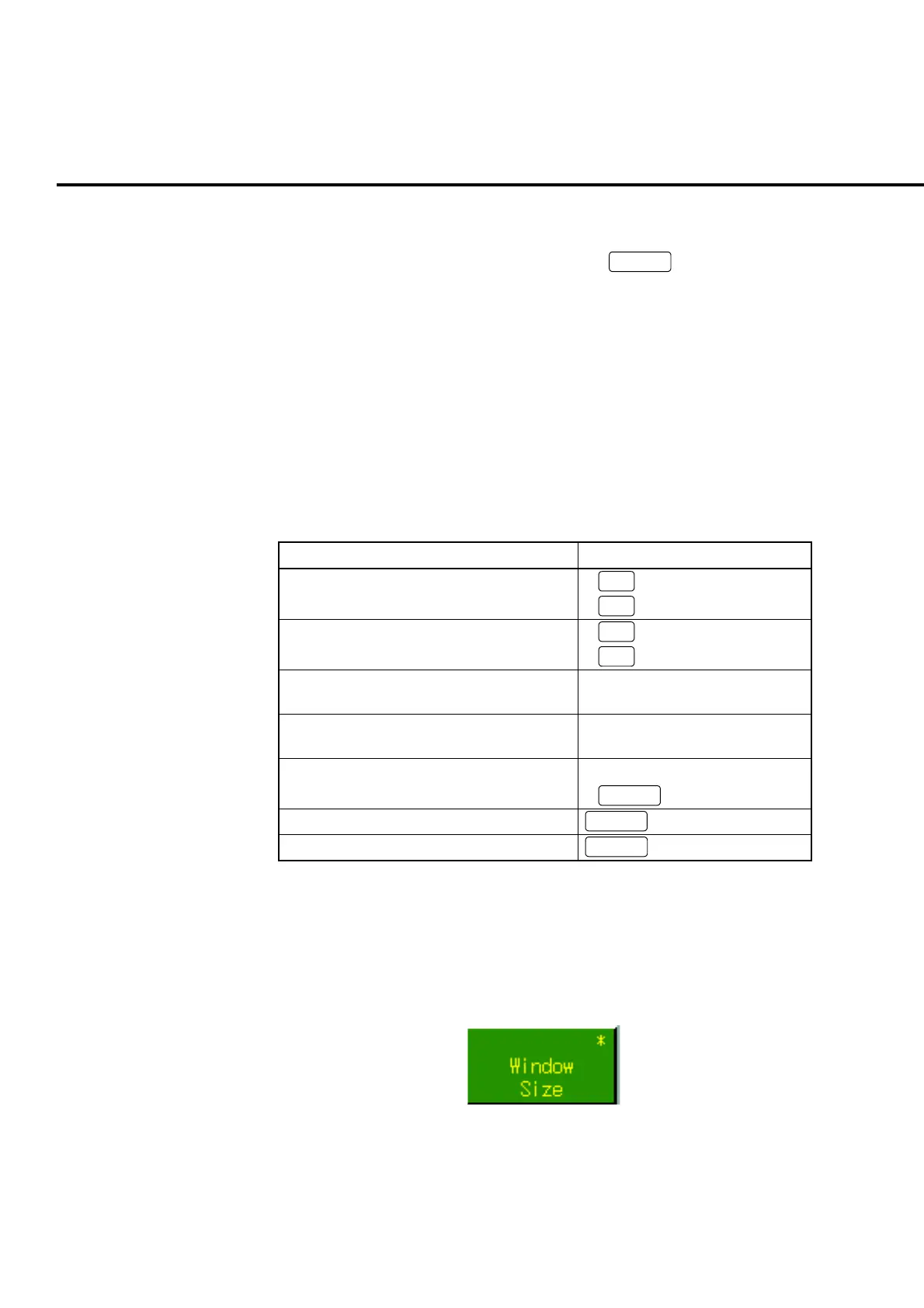
Item display menu is displayed with asterisk (*)
Fig. 4-6-8-1 Example of an item display menu













 To Next Page