3.7 Measurement
3-11
3.7 Measurement
Start measurement after all the parameters necessary for measurement have been
specified, the terminal to be tested has been prepared and the state of MT8820A has
been checked. For details, refer to “5.3 Starting a Measurement”.
[Procedure]
Press
Single
.
Note:
Measurement can be executed only on the measurement screen and cannot be
executed on the common screen. Measurement items differ depending on
the measurement screen.
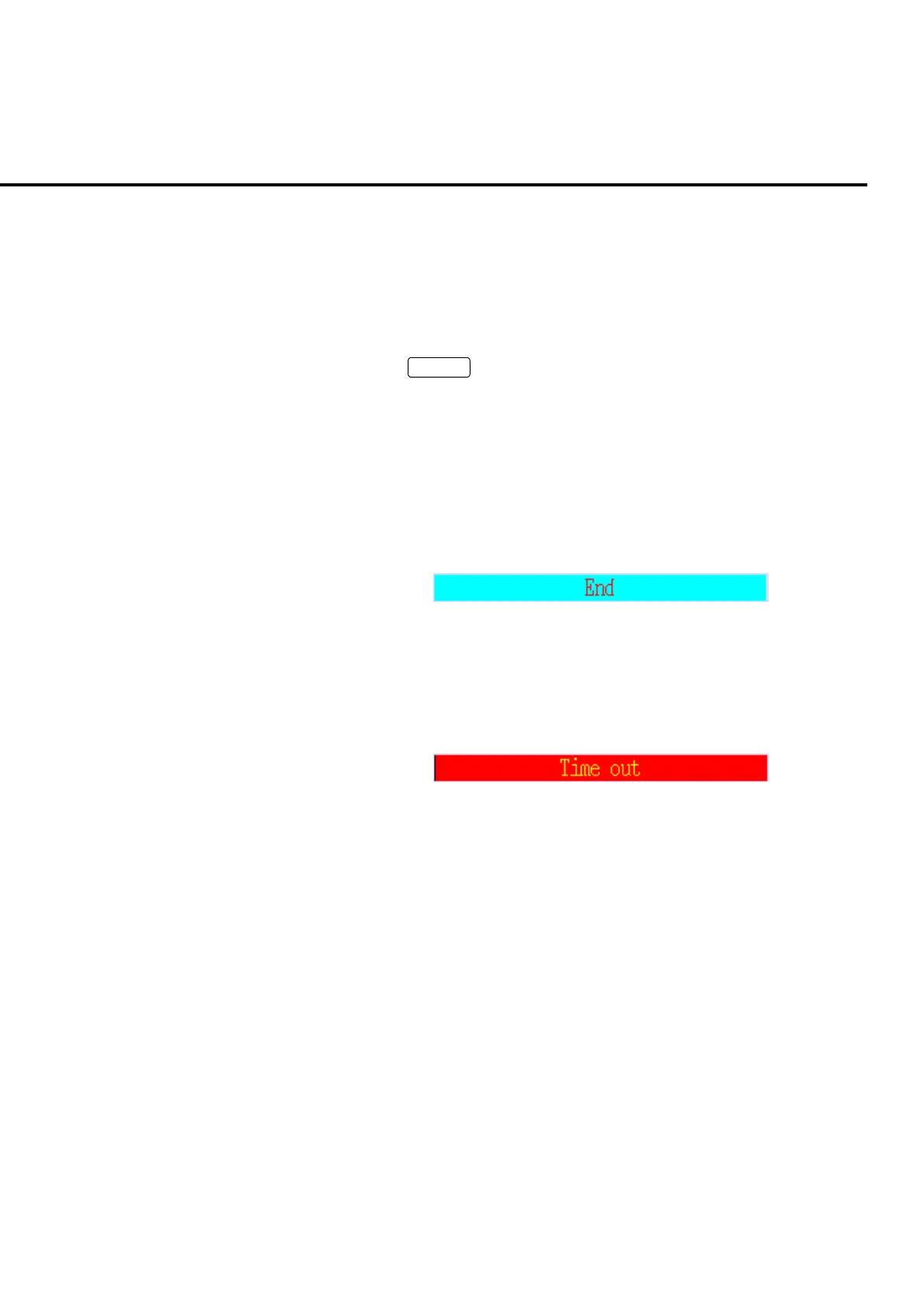
When measurement is completed normally, a message indicating completion of
measurement appears in the measurement indicator error status area.
Fig. 3-7-1 Message for measurement complete
An error message as shown in the figure below if an error occurs during the meas-
urement. Check the setting and measure again. Error messages differ depending
on the error type occurred.
Fig. 3-7-2 Error message













 To Next Page