Section 2 Setup
2-34.
2.4 Memory Card
Memory cards available to MT8820A are PC-card-type (Type II) memory cards.
Use a compactflash card with PC card adapter attached.
2.4.1 Precautions for use
Note the following points when using a memory card:
(1) Never remove a memory card while MT8820A is accessing the card. Other-
wise data saved on the card may be lost and besides the card itself may be dam-
aged.
(2) A memory card that has been magnetized or exposed to static electricity may no
longer work.
(3) Avoid high temperatures and humidity as well as direct sunlight when storing
the memory card.
(4) It is recommended to backup the data when saving data onto a memory card.
Anritsu Corporation will not be responsible for data loss in the memory card.
2.4.2 Inserting and removing the Memory card
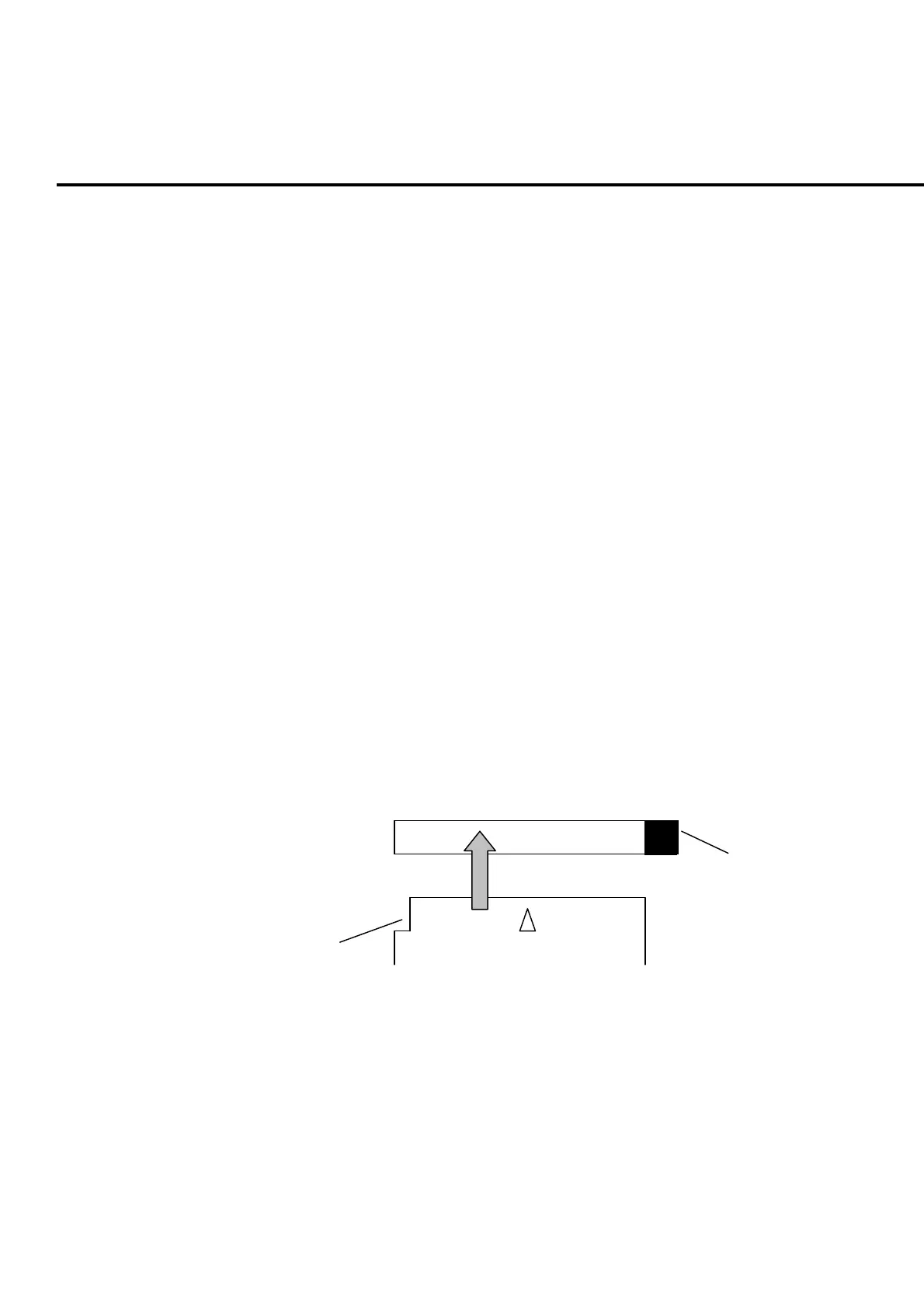
Insert a memory card into the memory card slot on the front panel.
Insert a memory card, with the notch for preventing incorrect insertion on the memo-
ry card (PC-card adapter) in the direction as shown in the figure below. You can in-
sert a single memory card at a time.
E
ect button
Memor
card
Memor
card slot
Notch
Insertion direction
Fig. 2-4-2-1 Inserting a memory card
Press the eject button on the right side of the memory card slot to remove the card.
2.4.3 Formatting a memory card
Format a memory card to be used in the MS-DOS format beforehand. An unfor-
matted memory card cannot be used. MT8820A is not equipped with the format
function.













 To Next Page