4.2 Operating a Cursor
4-7
4.2 Operating a Cursor
The cursor is used to scroll the screens and windows, select a desired parameter or
digit of numeric value, and activate a tag.
4.2.1 Cursor type
The cursor can be classified as follows according to their shapes and functions. In
this manual, the all the types are called “cursor” without making distinction except
for special reason.
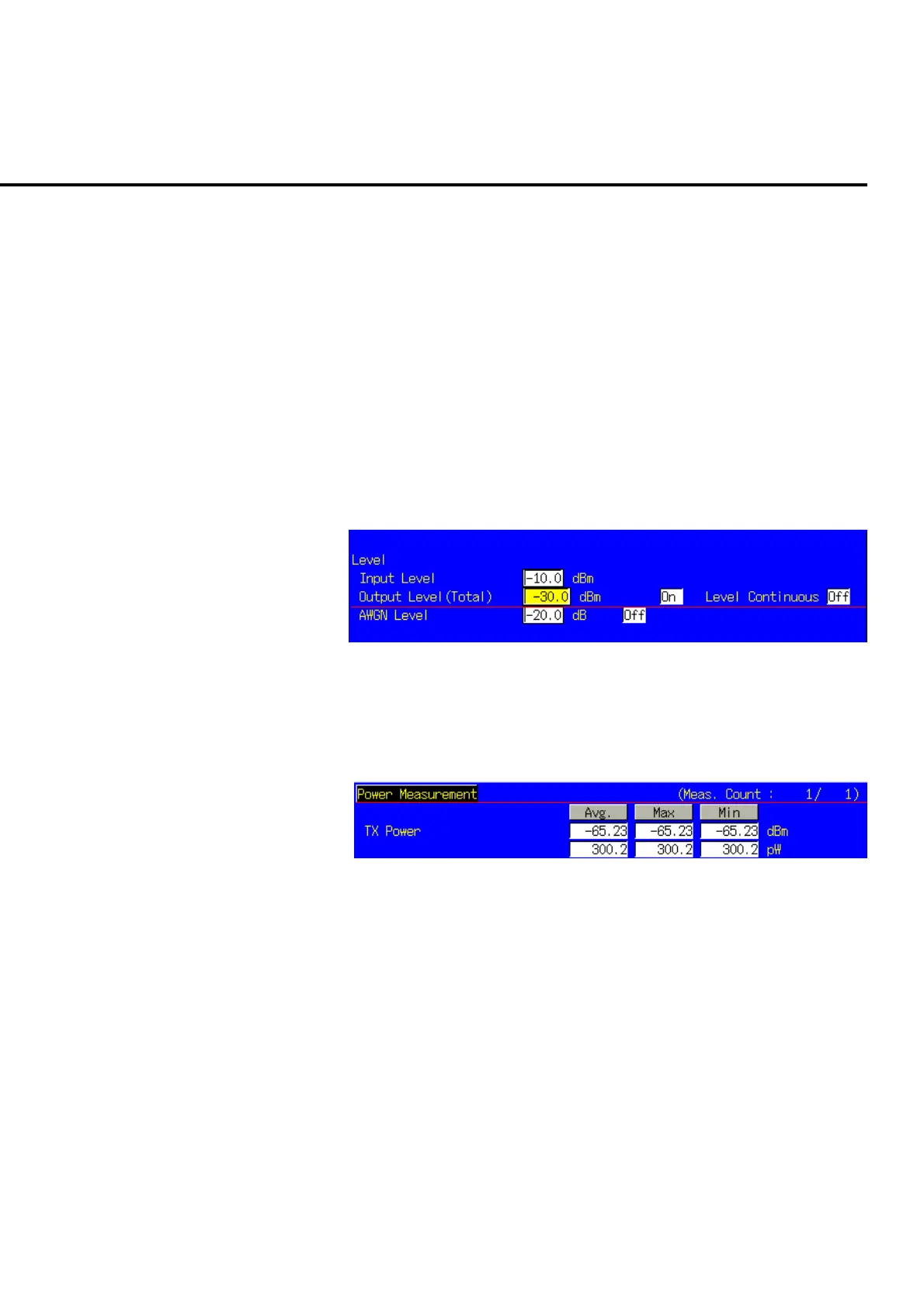
(1) Normal cursor
The cursor is used to select parameter and digit of numeric value. The
parameter or the numeric value of the digit at the cursor position can be
changed.
Fig. 4-2-1-1 Normal cursor
(2) Line cursor
The line cursor is displayed in the measurement result display window. The
tag in the area indicated with the line cursor enters the active state.
Fig. 4-2-1-2 Line cursor













 To Next Page