4.6 Operating a Function Menu
4-19
4.6.2 Switching a menu page
When a screen or window has seven or more functions, menus are displayed by
switching the pages.
Press
Next
to switch the menu page. Press
Next
to change the page.
Example:
To switch from page1 to 2 of the function menu.
[Procedure]
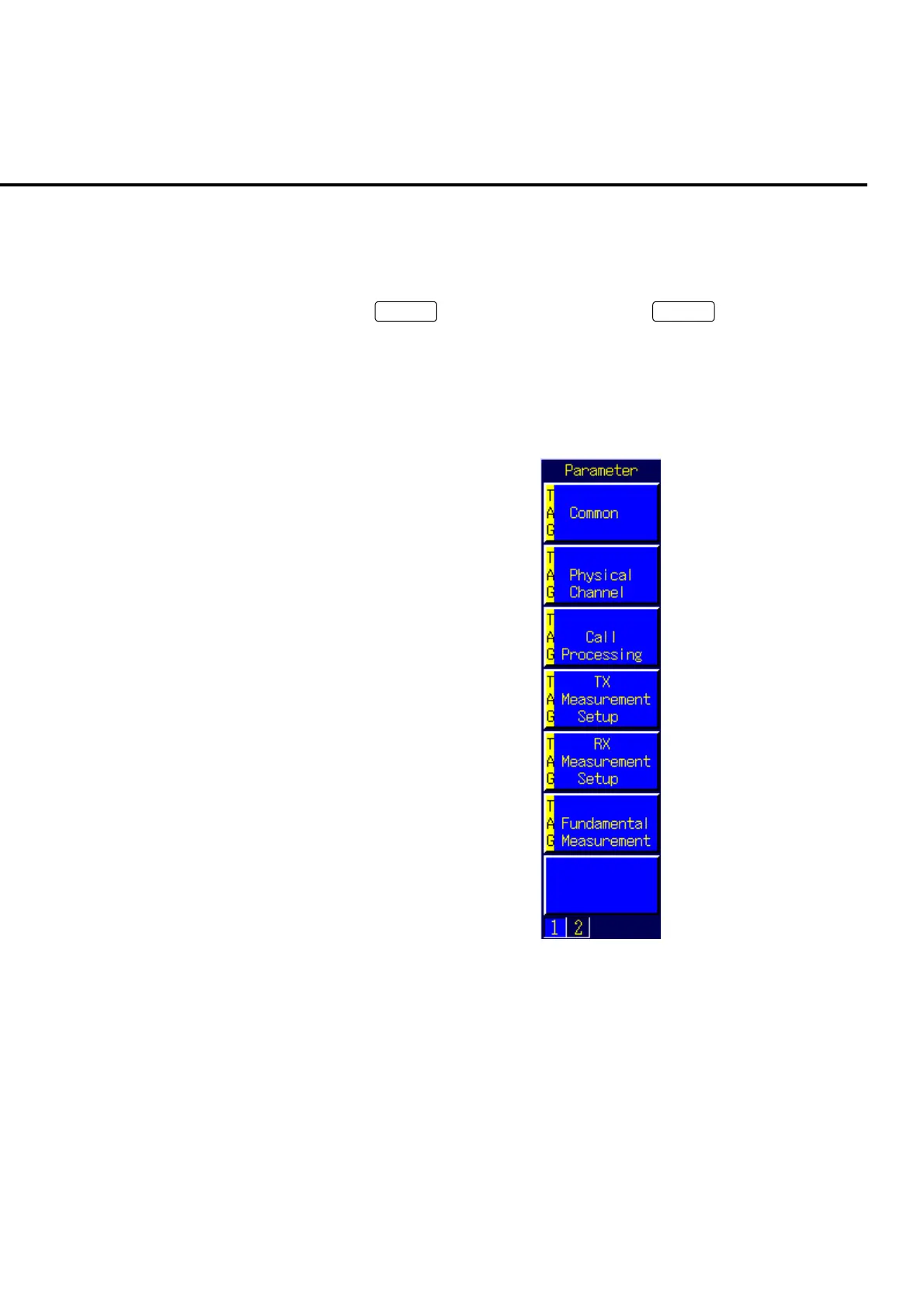
1. Page 1 of the function menu is displayed.
Fig 4-6-2-1 Page 1 of the function menu













 To Next Page