Section 6 Common Screen Functions
6-20
6.3.4 Quick saving
Quick saving means that any screen other than the Parameter Save screen is used to
save a parameter setting file. The file can be saved with easily without opening the
Parameter Save screen.
For quick saving, file name is made up of WCAPR and a file number. Only a file
number that identifies each file can be specified. The smallest unused number will
be used as the file number.
[Procedure]
1. Press
Shift
+
Recall
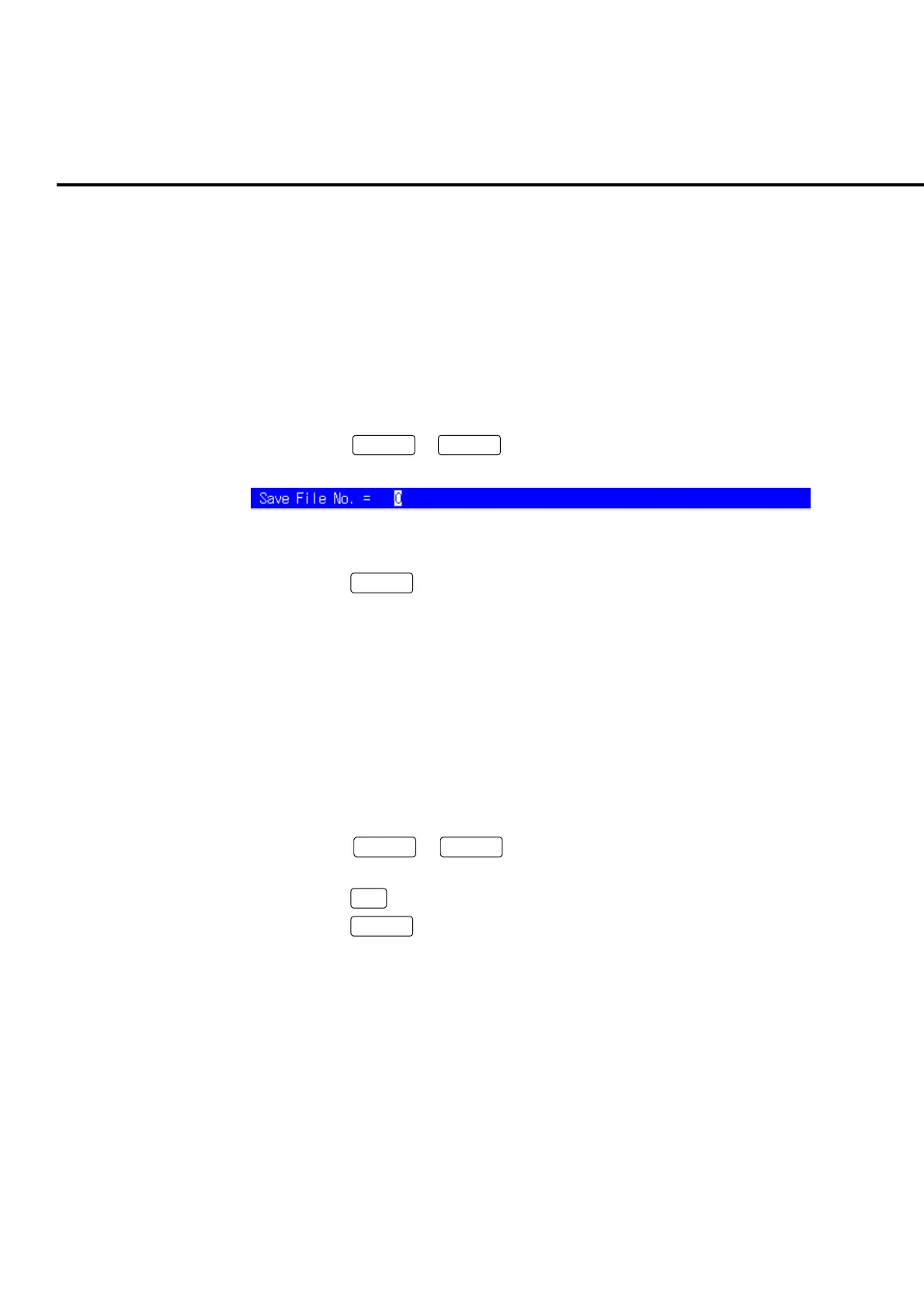
to display the entry area. the smallest unused
number is displayed in the entry area.
Fig. 6-3-4-1 Entry area for the Quick saving
2. Press
Set
to start saving.
Example of programming by remote control
PRMSAVE
6.3.5 Quick saving with a specified number
Any number can be specified for a file number in quick saving.
Example:
To save parameter file with file number 005.
[Procedure]
1. Press
Shift
+
Recall
to display the entry area. the smallest unused
number is displayed in the entry area.
2. Press
5
.
3. Press
Set
to start saving.
Example of programming by remote control
PRMSAVE 5
If a file of the same name exists, the overwrite confirmation popup window opens.
To overwrite, press “OK”. To change the file name, move the cursor onto “Cancel”
and press the encoder.
Note:
During remote control, overwrite confirmation and other operations are not
performed. To prevent important data from being overwritten, use the de-
fault file name for saving under remote control.













 To Next Page