4.3 Operating a Screen
4-13
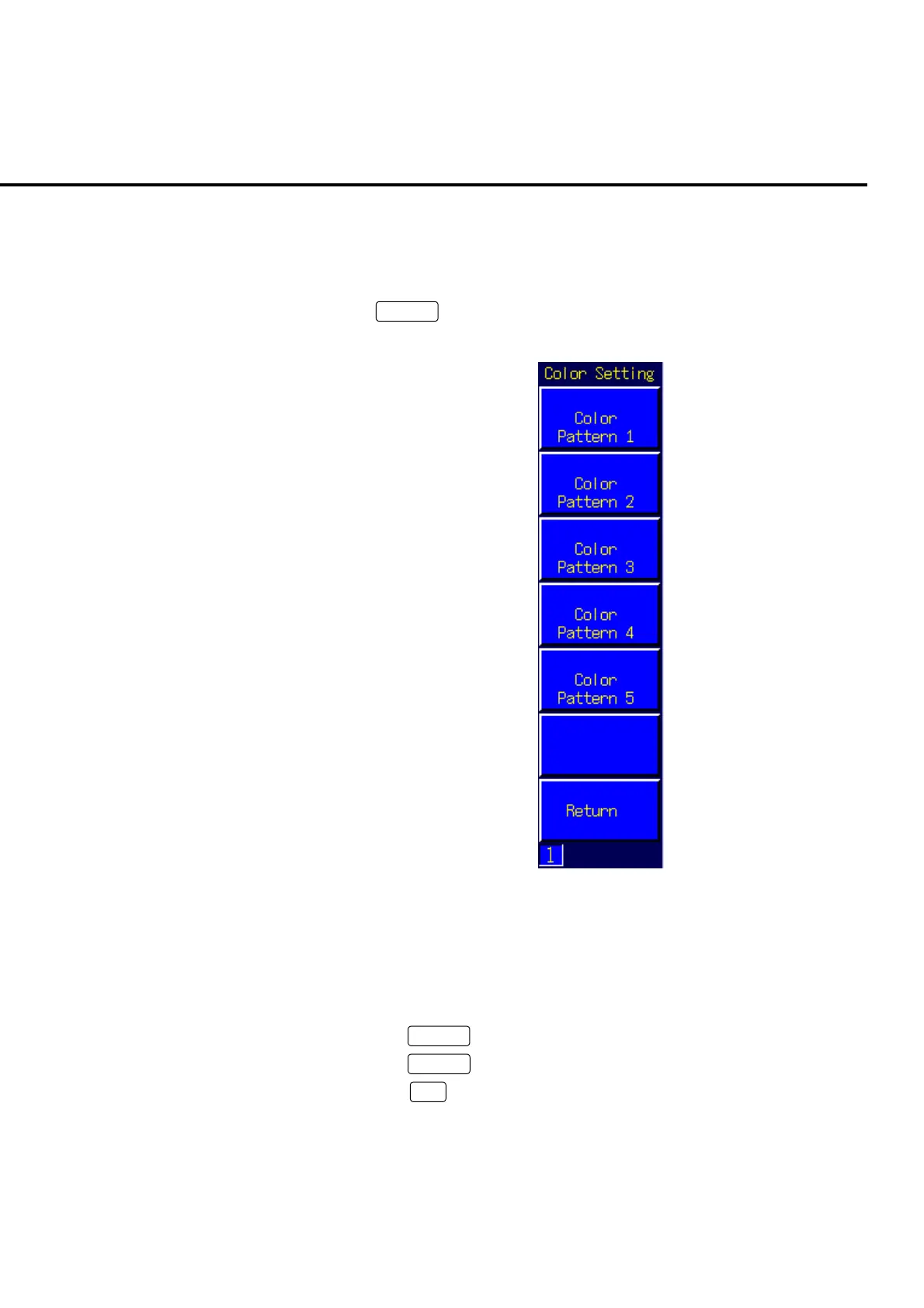
4.3.4 Change the screen color pattern
It is possible to change the color of the letters, background or other details shown on
the screen. There are five color patterns to choose from on the measurement screen.
Press
Next
to move to the Color Setting menu. Press the color Pattern func-
tion key fitting the color desired.
Fig. 4-3-4-1 Color Setting menu
Example:
To change the screen color pattern to Pattern 2
[Procedure]
1. Press
Screen
to open the desired measurement screen.
2. Press
Next
to display the Color Setting menu.
3. Press
F2
: Color Pattern 2 to set screen color pattern to Pattern 2.













 To Next Page