4.8 Tag Operation
4-35
4.8 Tag Operation
Tag is generic name for parameters and display items, which is displayed on the left
side of a screen or a window. Each parameter and measurement result belonging to
Tag is displayed under the tag. By tracing a tag, parameters and display items can
be found speedily.
4.8.1 Tag status
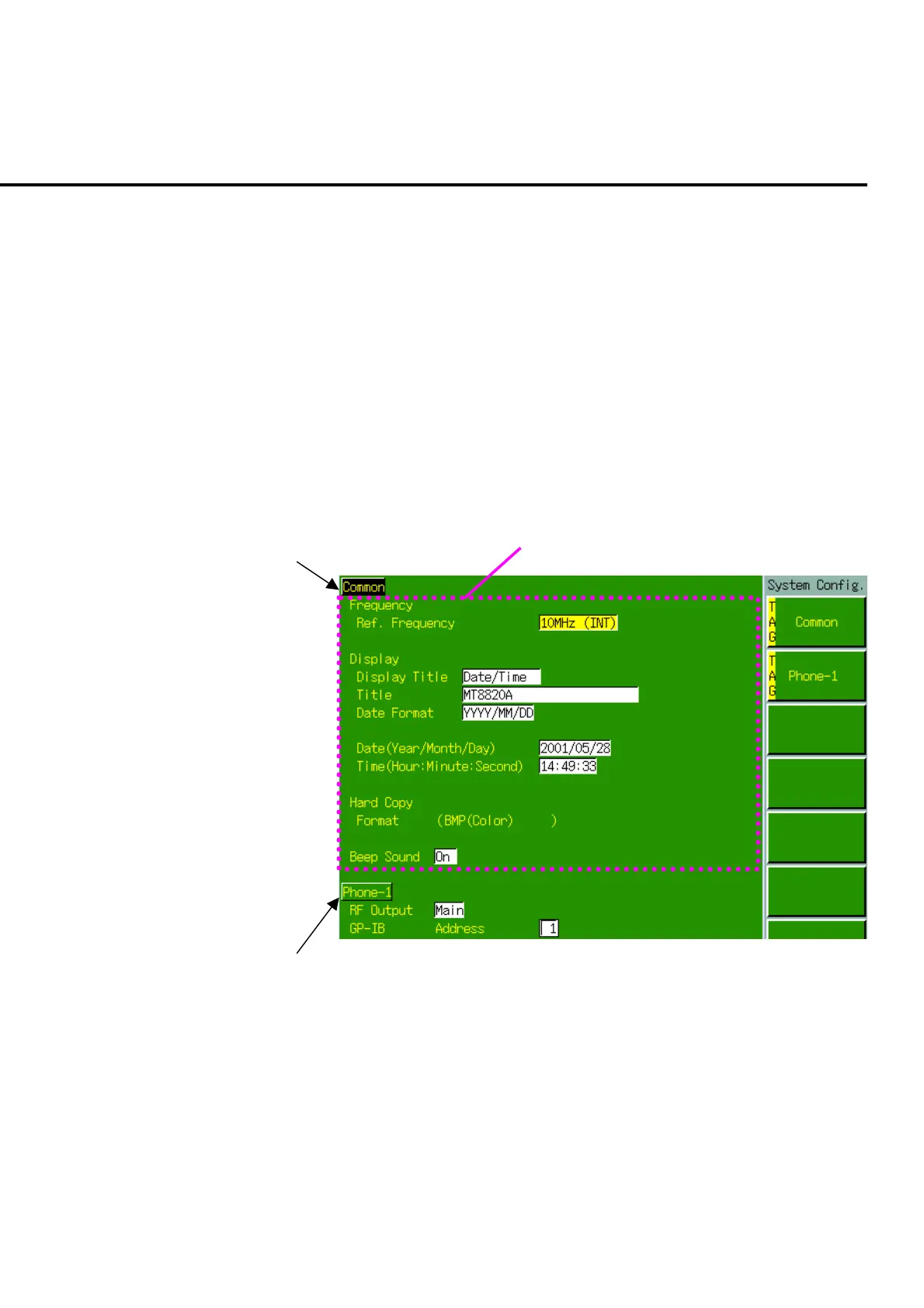
A tag can be active or non-active. Only one tag can be active for one screen or
window and other tags are all non-active.
To open a view window or template, a tag for which a view window or template be-
longs must be active.
Acrive tag
Inactive tag
Parameters under the active tag
Fig. 4-8-1-1 Tag status













 To Next Page