Section 4 Basic Operation
4-14
4.4 Operating a Window
The window is a field to set the measurement condition parameter and display the
measurement result. The window is displayed only in the measurement screen,
which is unique for each screen.
4.4.1 Window type
Windows can be classified as follows.
(1) Setting window
A window is for setting the parameter. It is displayed in the lower part of the
window area in default.
(2) Measurement result window
A window to display the measurement result. It is displayed in the lower part
of the window area in default.
(3) Screen specific window
Windows other than setting or measurement result window that are specific for
the measurement screen.
Two windows for setting and measurement result are already opened when measure-
ment screens open and they cannot be closed. On the other hand, measurement
screen specific windows may require some operations to open and they can be
closed.
4.4.2 Window status
Multiple windows can be opened in a screen. A window must be active to operate
the window such as changing the window size and setting parameters in the window.
One window can be activated in one screen.
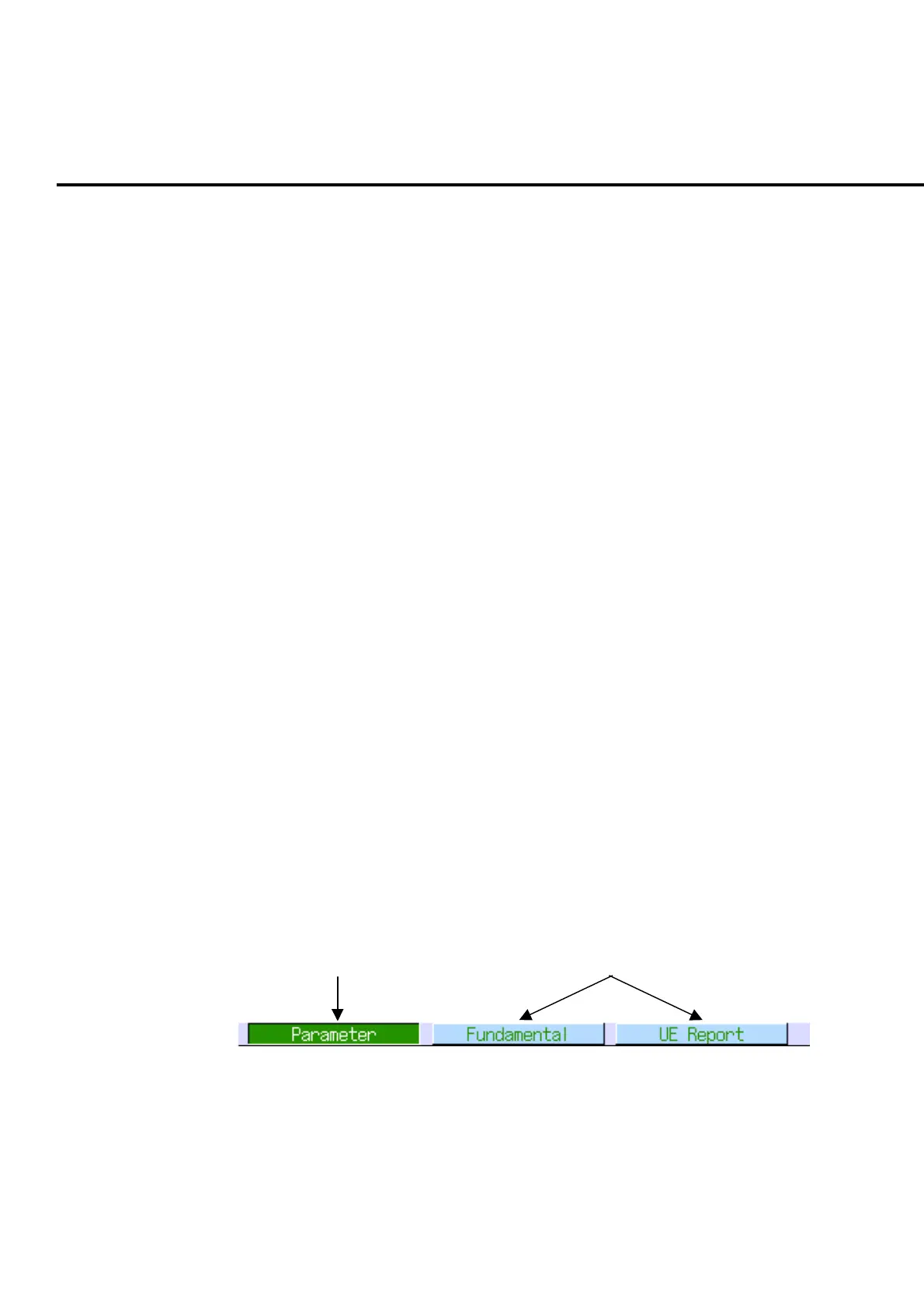
Window list bar indicates the window type being opened and active/non-active
status.
Active window Inactive windows
Fig. 4-4-2-1 Window list bar
Cursor is displayed on the activated window when the windows for Measurement re-
sult and setting are displayed.













 To Next Page