2.3 Connection
2-25
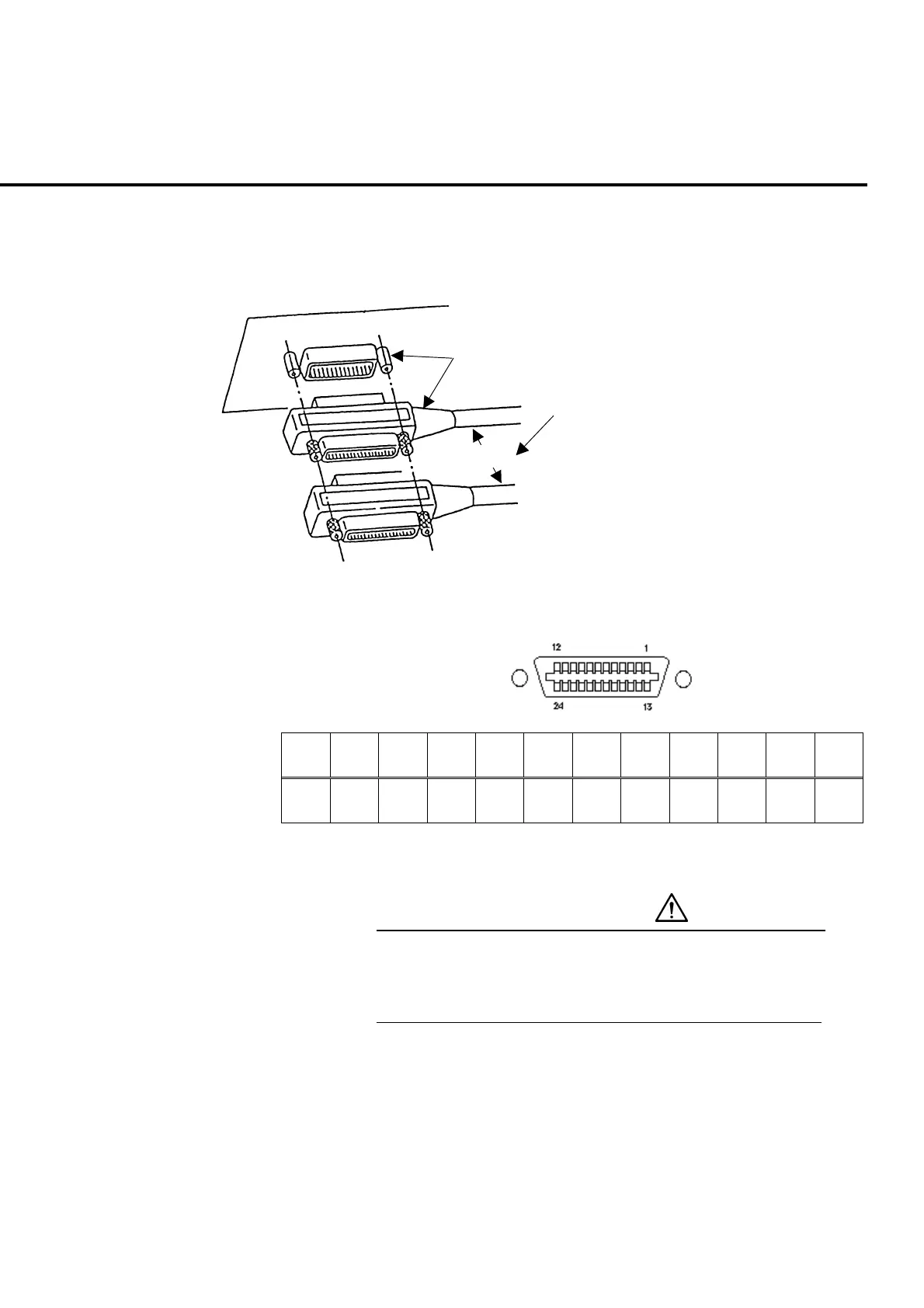
2.3.5 Connecting a GPIB cable
MT8820A is provided with GPIB connector as remote control interface. Connect
the connector of the GPIB cable to
GPIB-1
on the rear panel.
GPIB
GPIB connector
GPIB cable
Total cable length ≤20 m
Cable length between devices ≤4 m
Number of devices to be connected ≤15
Fig. 2-3-5-1 Stack connection of GPIB connector
121110987654321
GND ATN SRQ IFC NADC NRFD DAV EOI DIO4 DIO3 DIO2 DIO1
24 23 22 21 20 19 18 17 16 15 14 13
GND GND GND GND GND GND GND REN DIO8 DIO7 DIO6 DIO5
Table. 2-3-5-2 Signal assignment of GPIB connector
CAUTION
Connect a GPIB cable before turning MT8820A on.
Otherwise the internal circuit parts in the interface unit may
be damaged.













 To Next Page