Section 4 Basic Operation
4-8
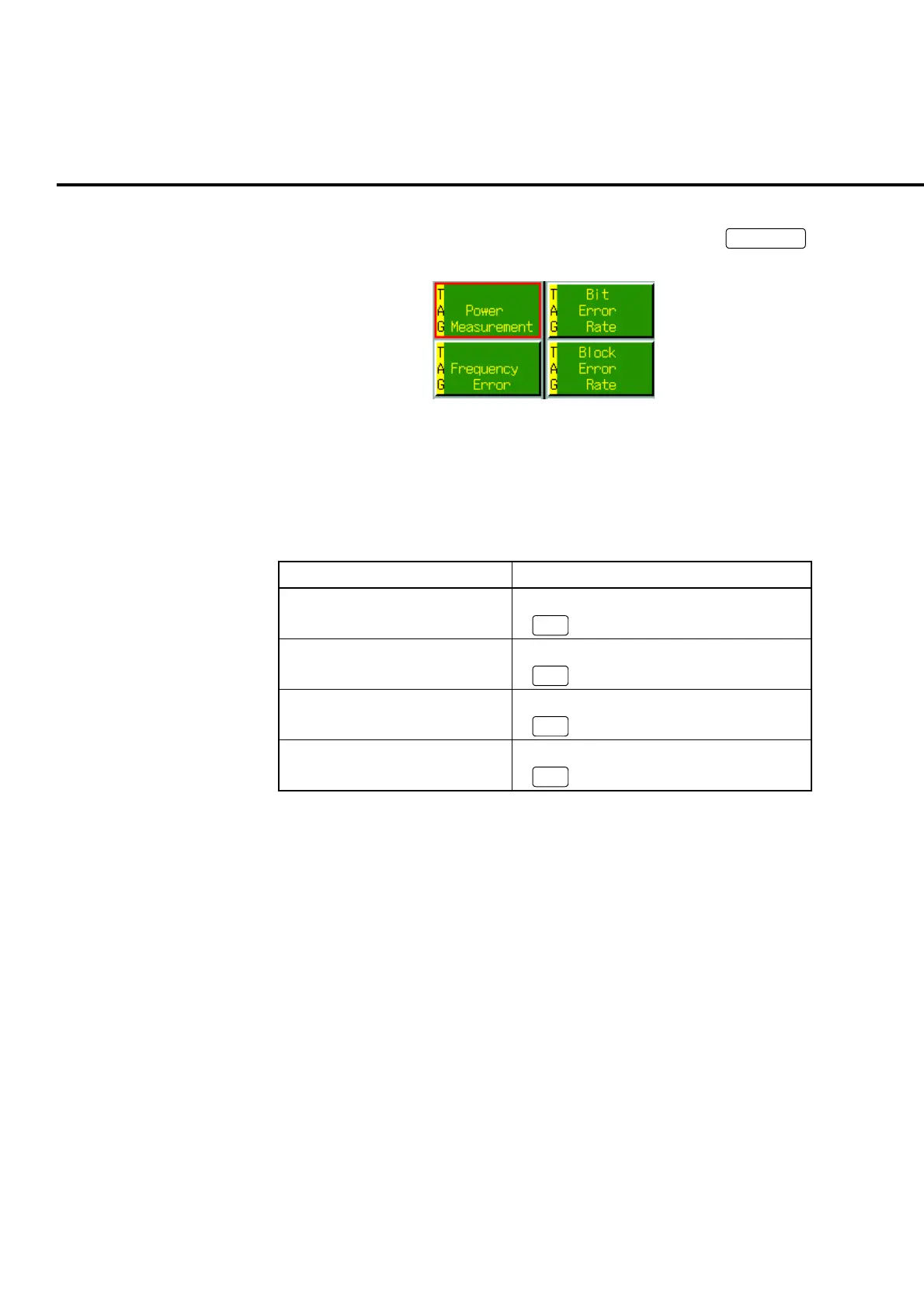
(3) Menu cursor
Cursor displayed in the popup windows for all menus by pressing
Functions
.
It selects a function menu.
Fig. 4-2-1-3 Menu cursor
4.2.2 Moving a cursor
The cursor is moved in the following ways:
Table 4-2-2-1 Operating a cursor
Cursor Operation
Moving upward • Turn the encoder to the left.
•
∧
Moving downward • Turn the encoder to the right.
•
∨
Moving to the left • Turn the encoder to the left.
•
<
Moving to the right • Turn the encoder to the right.
•
>
Note:
Even if an attempt is made to move the line cursor when the window can be
scrolled up or down, the window is scrolled and the line cursor remains dis-
played in the center of the window. When the displayed window section is
at the upper or lower end of scroll, the line cursor can be moved up or down.













 To Next Page