4.7 Setting Parameters
4-27
4.7 Setting Parameters
Setting status and measurement conditions are called parameter. In this section,
procedures for setting parameters are explained for each parameter type.
4.7.1 Settable parameters
Parameters displayed on the setting window can be classified into two types: one that
can be changed the value and one that is only for display and no value can be
changed. Parameter values may be changed or may not be able to be set because of
one parameter value since multiple parameter relate with each other.
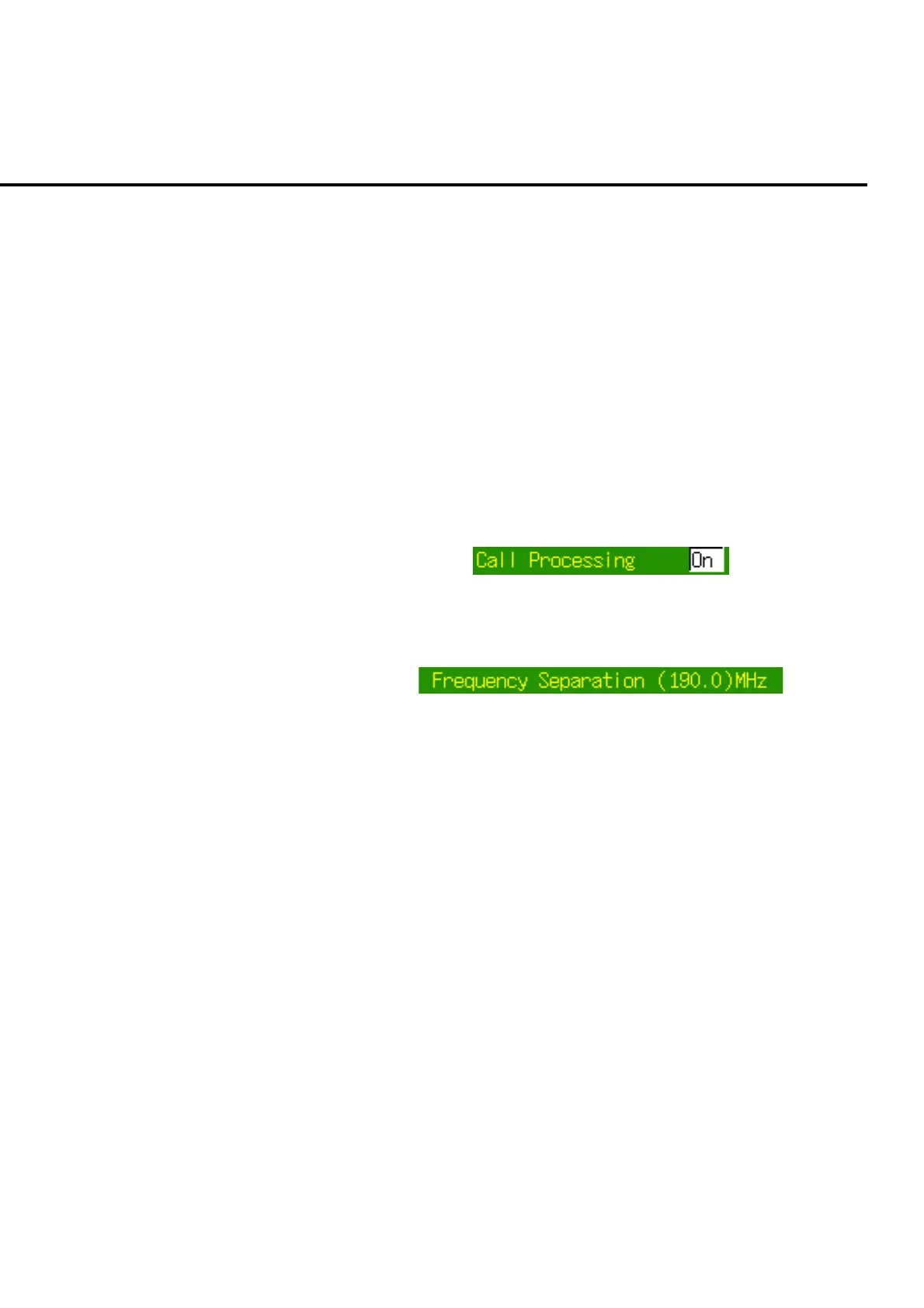
Cursor can be moved onto the settable parameter but cannot be move onto the unset-
table parameter. Unsettable parameters are closed with parenthesis.
(1) Settable parameter
Fig. 4-7-1-1 Settable parameter
(2) Unsettable parameter
Fig. 4-7-1-2 Unsettable parameter (for display only)
4.7.2 Parameter type
Parameter can be classified into the following types according to their format and
entry methods:
(1) List selection type
This parameter is used to select an item such as date format from a list of
choices.
(2) Numeric value type
This parameter is used to enter numeric values such as channel number and fre-
quency.
(3) Numeric value group type
This type of parameter is a set of several numeric value-type parameters. Date
and time are of this type.
(4) Character string type
This parameter is configured of character string to be displayed in a file name
and a title.













 To Next Page