Section 4 Basic Operation
4-32
4.7.7 Setting a character string parameter
The procedure for setting a character-string-type parameter is as follows:
[Procedure]
1. Turn the encoder to move the cursor onto the parameter to be set.
2. Perform one of the following operations to start entry.
• Press the encoder
• Press
Set
• Press
Enter
3. When starting entry, the popup window to enter the character string is opened.
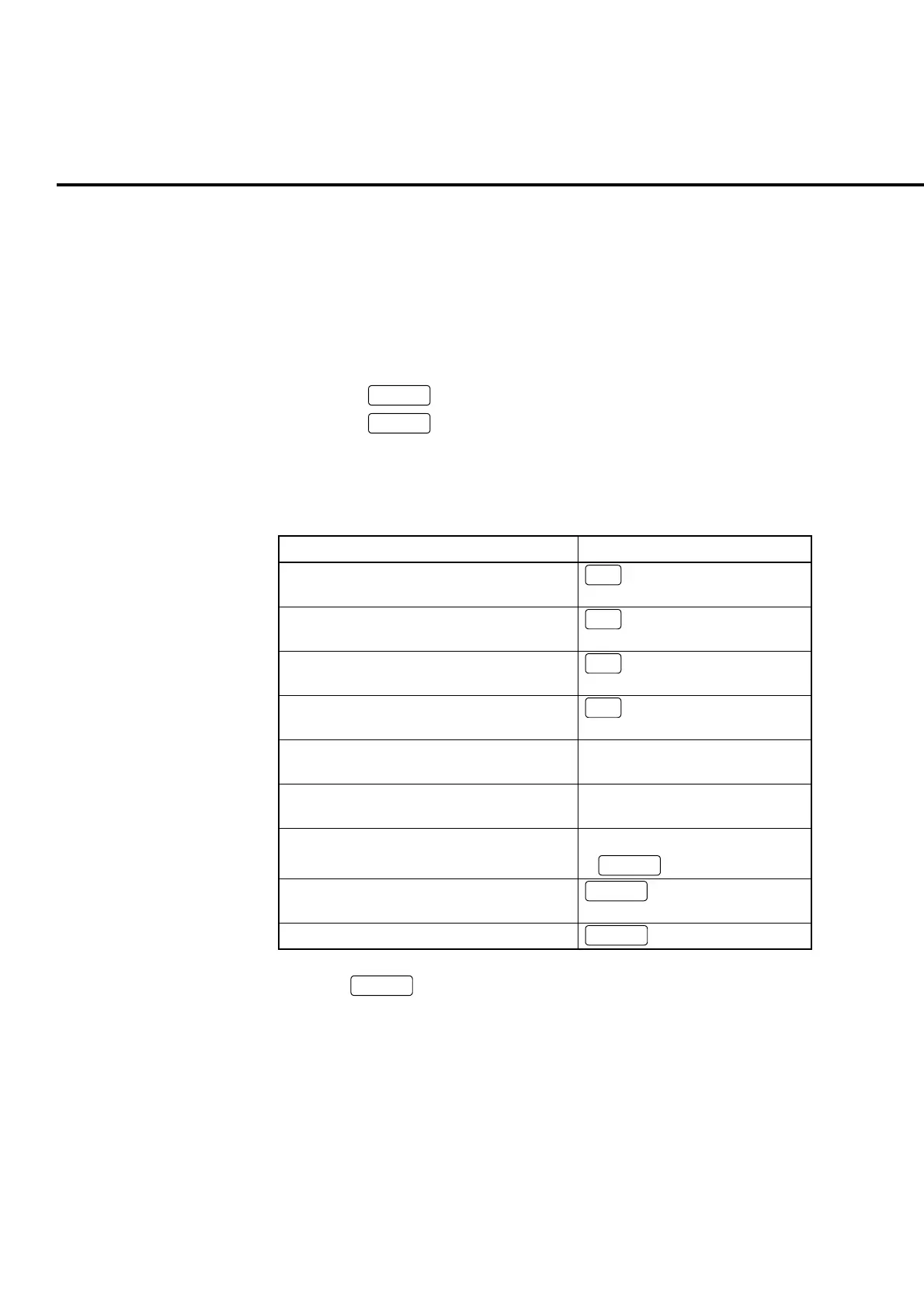
4. Perform the operations in Table 4-7-7-1 to enter the character string.
Table 4-7-7-1 Operations in character string entry popup window
Character string entry Operation
Move the cursor in the Entry column to the
left
<
Move the cursor to the character at right most
in the Entry column
∧
Move the cursor in the Entry column to the
right
>
Move the cursor to the character at left most
in the Entry column
∨
Move the cursor to select the characters to
the left.
Turn the encoder to the left
Move the cursor to select the characters to
the right.
Turn the encoder to the right
Enter selected characters to the Entry column • Press encoder
•
Enter
Delete a character just before the cursor in
the Entry column
BS
Chancel the entry
Cancel
5. Press
Set
to determine the character string in the Entry column.
6. Finish entry and close the popup window.













 To Next Page