4.1 Display Area
4-5
5. Measurement mode
The current measurement mode is displayed. This is displayed only during
measurement.
Table 4-1-2-2 Measurement mode
Display Measurement mode
Single Single measurement mode
Continuous Continuous measurement mode
6. Window list bar
The types and active/inactive status of the opened windows are displayed.
7. Phone under measurement and measurement software
The phone under measurement and the software type are displayed.
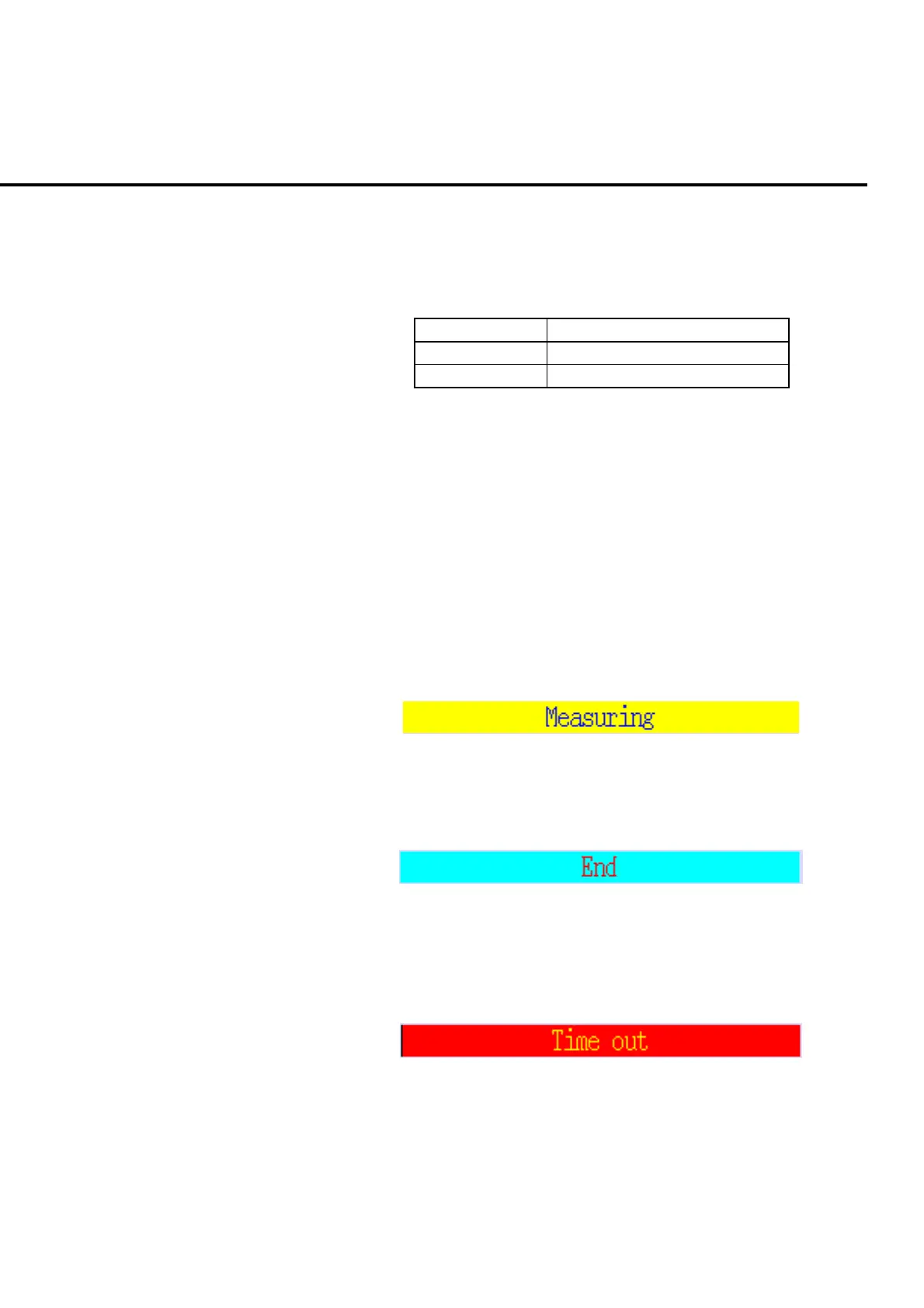
4.1.3 Measurement-indicator/error-status area
The measurement-indicator/error-status area displays the measurement progress sta-
tus and an occurred error type on the measurement screen. They are not displayed
on the common screen.
(1) Display under measurement
Display during the measurement.
Fig. 4-1-3-1 Under measurement
(2) Display for normal measurement completion
Display for normal measurement completion.
Fig. 4-1-3-2 Normal completion of measurement
(3) Display for error message
A message indicating the error type is displayed when an error occurs during
the measurement.
Fig. 4-1-3-3 Error message













 To Next Page