3.3 Selecting a Screen
3-5
3.3 Selecting a Screen
Select a screen corresponding to the items to be set after initialization. Functions and
operation status of MT8820A depends on the screen.
Select measurement screen (RF-1 Screen) to set or measure a parameter. Measure-
ment screen is the general name for screens in which measurements are performed.
Several screens are prepared for measurement and they differ depending on the
measurement software.
Select Common Screen to display system settings and information. Common
Screen can be selected in any software.
For details of the screen operation, refer to “4.3 Operating a Screen.”
Example:
Selecting Fundamental Measurement screen for measurement screen in W-
CDMA measurement software.
Note:
MX882000B W-CDMA measurement software must be loaded.
[Procedure]
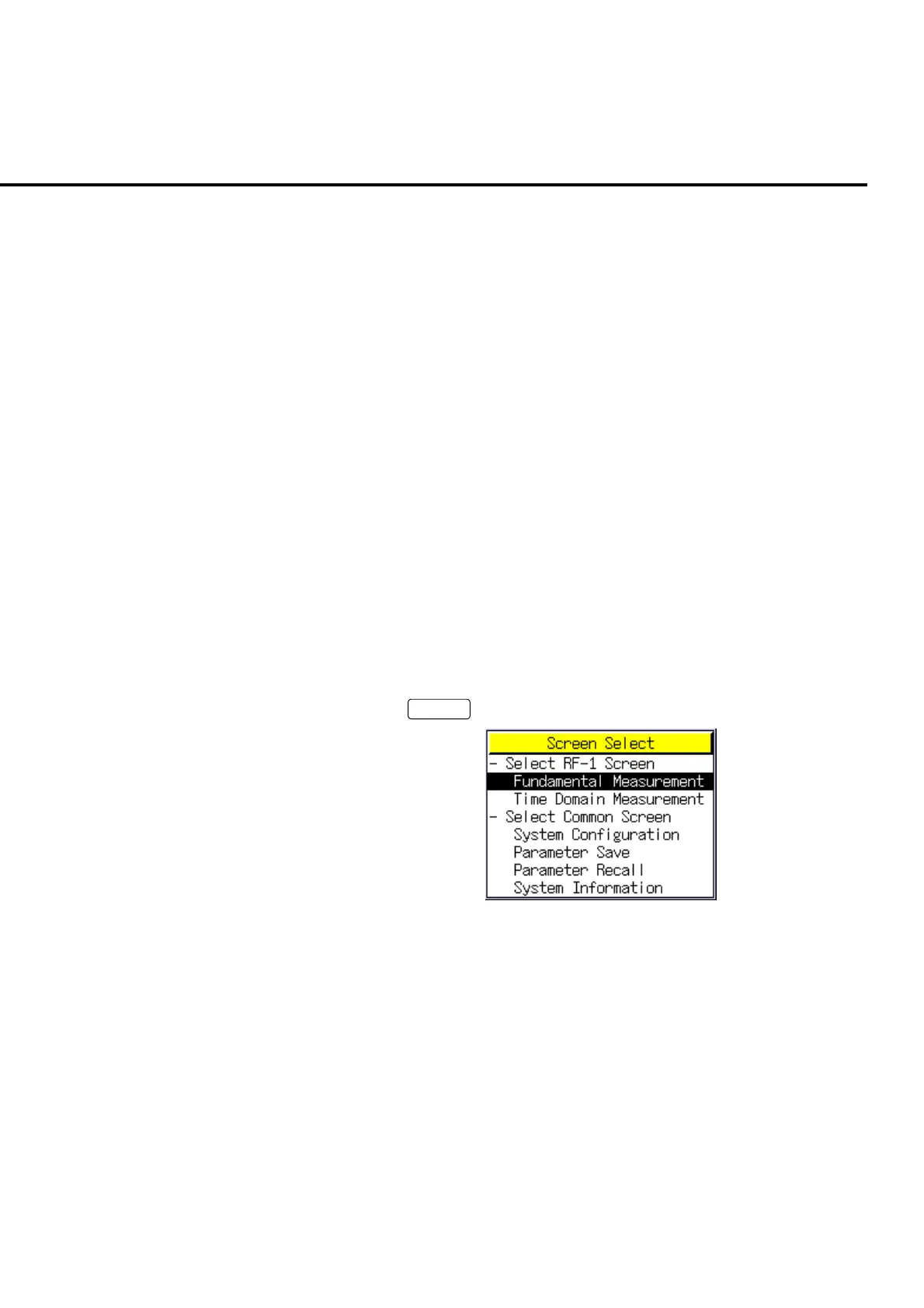
1. Press
Screen
to display Screen Select pop up window.
Fig. 3-3-1 Screen Select
2. Turn the encoder to move the cursor on “Fundamental Measurement” under the
“Select RF-1 Screen” tree.
3. Press the encoder to open the Fundamental Measurement screen.













 To Next Page