Section 4 Basic Operation
4-38
4.9 Operating a Template
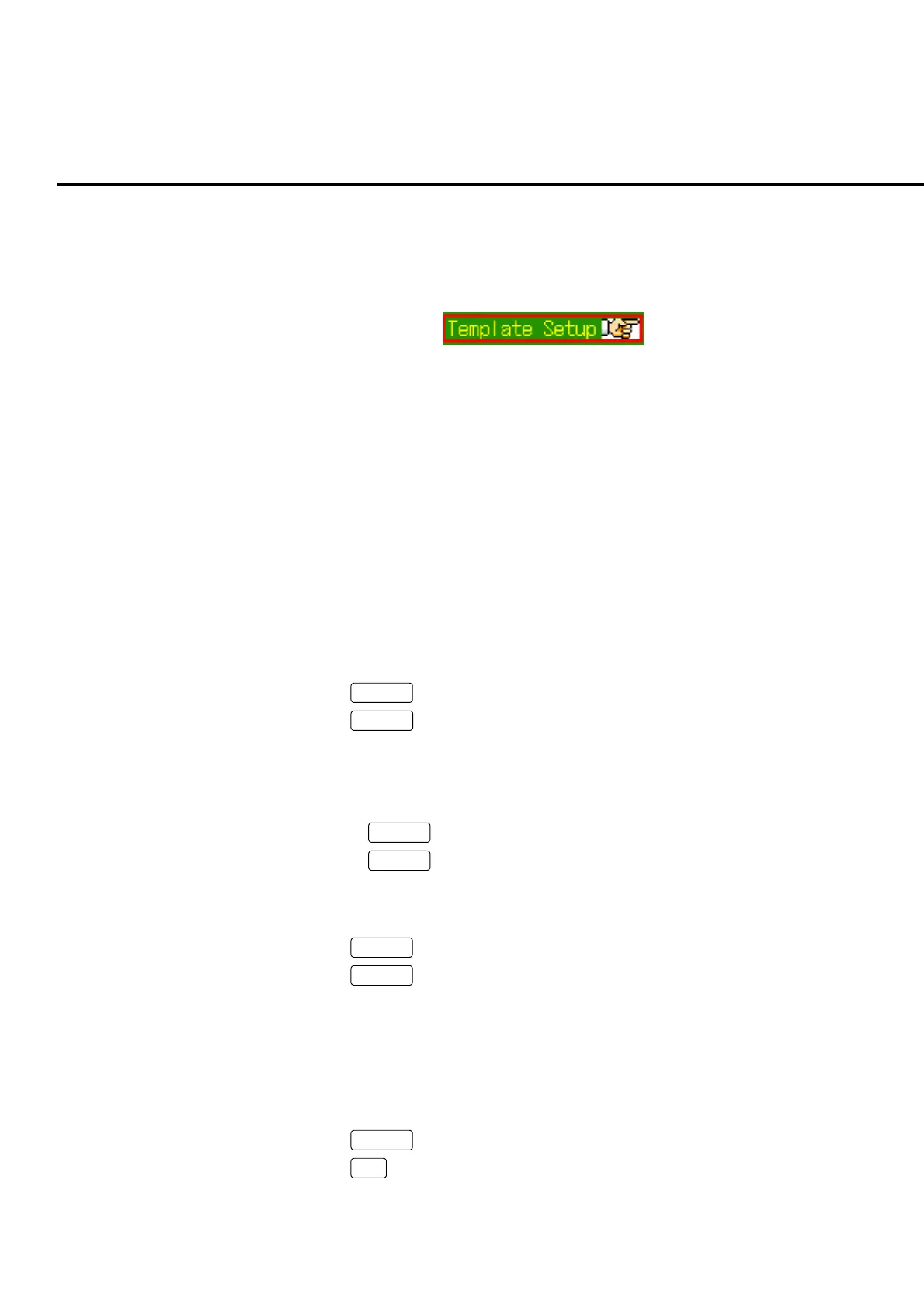
Template is to judge the measurement result waveform. A template can be opened
when a mark as shown in the figure below is displayed in the setting window.
Fig. 4-9-1 Template mark
Note:
The screen cannot be switched to another measurement screen when a tem-
plate is opened. Close the template to switch to other screen.
4.9.1 Opening a template
A template can be opened by the following two methods.
(1) Open from the setting window.
(2) Open from the function menu on the view window.
(1) Open from the setting window
[Procedure]
1. Press
Screen
to open the measurement screen.
2. Press
Focus
to activate the setting window.
3. Turn the encoder to move the cursor onto the template mark.
4. Press one of the following keys to open the template.
• Press encoder
• Press
Set
• Press
Enter
(2) Open from the function menu on the view window.
[Procedure]
1. Press
View
to open the view window.
2. Press
Next
to display the “Template” menu.
3. Open the template by pressing the “Template” function key.
4.9.2 Closing a template
Execute “Close” in the function menu to close the template.
[Procedure]
1. Press
Next
to display the first page of the function menu.
2. Press
F7
: Close to close the template.













 To Next Page