4.5 Operating a User Menu
4-17
4.5 Operating a User Menu
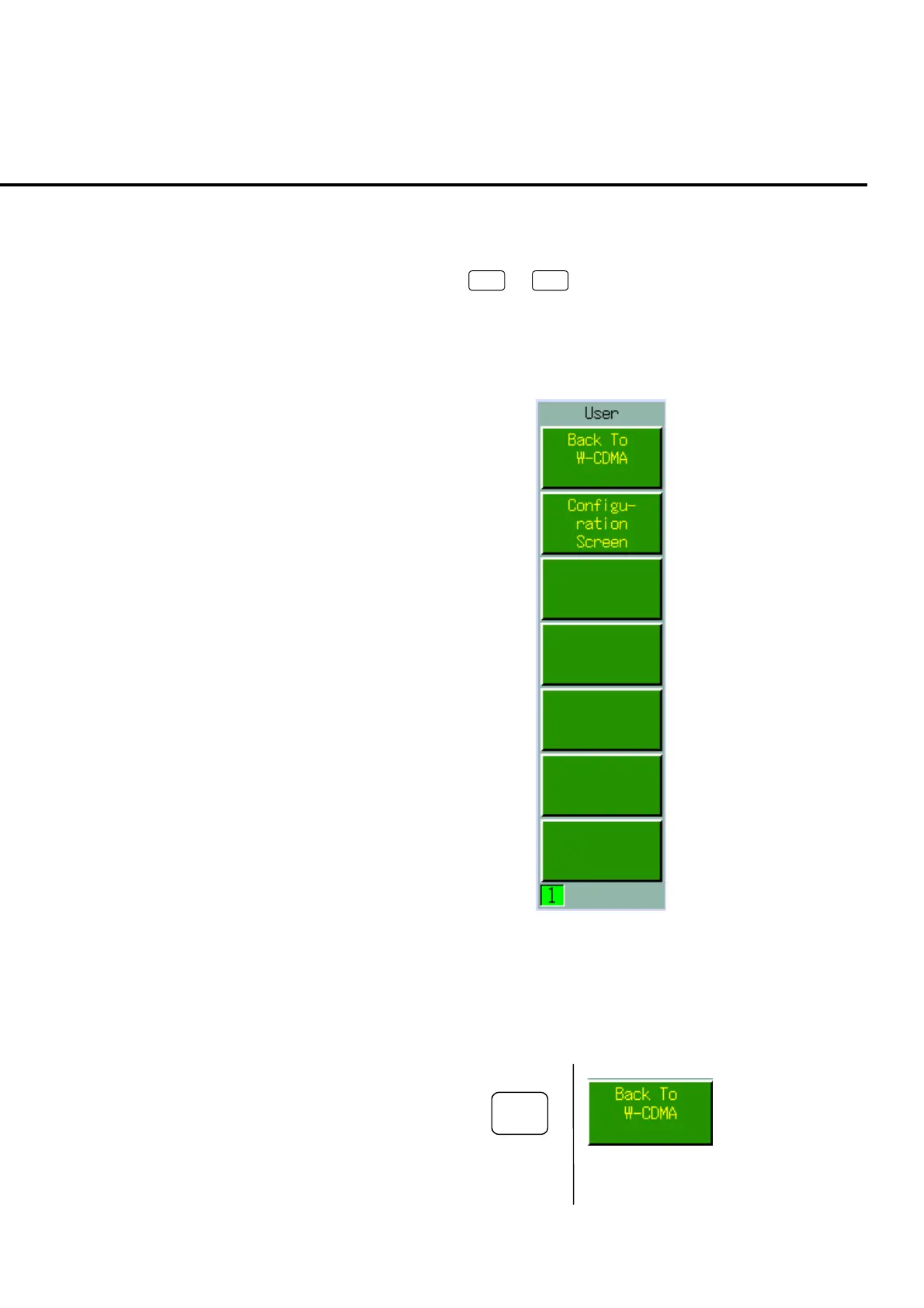
User menu is the executable function list displayed in each screen or window. Up
to seven functions:
U1
to
U7
are displayed and user menu is executed by
pressing the corresponding user function keys.
User menus are displayed only on the common screen and are all screen select func-
tion menus.
Fig. 4-5-1 User menu
4.5.1 Executing a user menu
To execute the user menu, Press user function keys on the left of menu to be exe-
cuted.
U1
Fig. 4-5-1-1 Executing user menu













 To Next Page